AI TOOL PROFILE
Audext: Audio to Text Transcription Service

- Productivity
- Voice AI
- Journalists
- Researchers
- Business Managers
- Students
Pricing
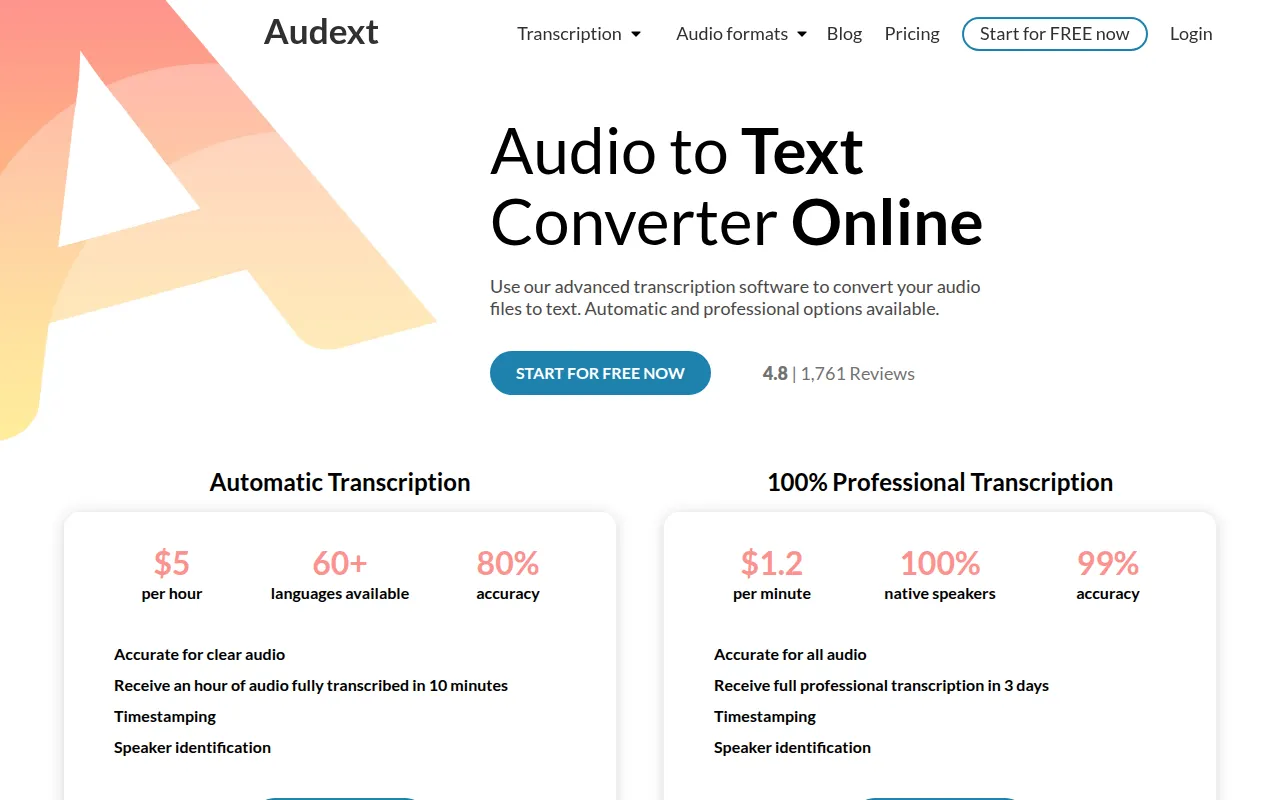
Automatic transcription starts at $5 per hour for subscribers; one-time purchases for automatic transcription are $12 per hour. Manual transcription is $1.20 per minute. A free trial of 30 minutes is available.
At a glance
- Best for
- Journalists, Researchers, Business Managers, Students
- Key use cases
- Business Meeting Documentation, Journalistic Interview Transcripts, Academic Research, Podcast Content Creation
- Integrations
- DOCX export, TXT export
- Official website
- Visit audext official website
How AI is used
Audext is a browser-based transcription tool designed to convert audio and video files into text. It provides two service levels: an AI-driven automatic process for speed and a manual process for higher accuracy.
The software is designed for journalists, researchers, and business managers who need to turn voice recordings into usable documents. It supports various common file formats and includes a built-in editor to refine text after conversion.
Buyers should confirm their accuracy requirements; the automatic service is faster but provides lower accuracy compared to the professional manual service. Final transcripts can be exported in standard text formats.
Key Features
Automatic Transcription
Uses AI to convert speech to text, supporting over 60 languages.
Professional Manual Transcription
Human-led transcription by native speakers designed for higher accuracy.
Speaker Identification
Supports identifying different speakers within a recording to help organize the transcript.
In-built Text Editor
Includes tools for word highlighting, find and replace, and playback speed controls.
Multi-format Support
Supports audio and video formats including MP3, M4A, WAV, OGG, WMA, and MP4.
Text Export
Supports saving completed transcriptions in DOCX or TXT formats.
Use Cases
Business Meeting Documentation
Converting recorded corporate meetings or business conversations into text files.
Journalistic Interview Transcripts
Turning field interview recordings into text to support article writing.
Academic Research
Transcribing qualitative research interviews or lecture recordings for analysis.
Podcast Content Creation
Generating text versions of podcast episodes to support searchability or blog posts.
Integrations
- DOCX export
- TXT export
FAQ
How accurate is Audext automatic transcription?
- The automatic transcription service provides approximately 80% accuracy, which is intended for clear audio.
What is the difference between automatic and professional transcription?
- Automatic transcription is faster and less expensive with lower accuracy, while professional manual transcription targets 99% accuracy and takes 1-3 business days.
Which file formats does Audext support?
- Audext supports several common formats, including MP3, M4A, WAV, OGG, WMA, and MP4.
Does Audext offer a free trial?
- Yes, Audext provides a free trial of 30 minutes for new users.
Source category: Productivity
Source subcategory: Voice AI
More tools in Productivity
Other published listings in the Productivity category.


More tools in the Voice AI software type
Related listings that share the same software type for comparison and shortlisting.





