AI TOOL PROFILE
AlertOps: Incident Response Orchestration Software
- Operations
- Incident Response
- IT Operations teams
- DevOps engineers
- Managed Service Providers (MSPs)
- Enterprise IT departments
Pricing
Pricing starts with a free Starter plan for up to 5 users. Paid tiers include Standard ($8/user/month), Premium ($18/user/month), and Enterprise ($28/user/month).
At a glance
- Best for
- IT Operations teams, DevOps engineers, Managed Service Providers (MSPs), Enterprise IT departments
- Key use cases
- IT Operations Monitoring, Major Incident Management, MSP Client Management, DevOps Response
- Integrations
- Slack, Microsoft Teams, Office 365, ServiceNow
- Official website
- Visit alertops official website
How AI is used
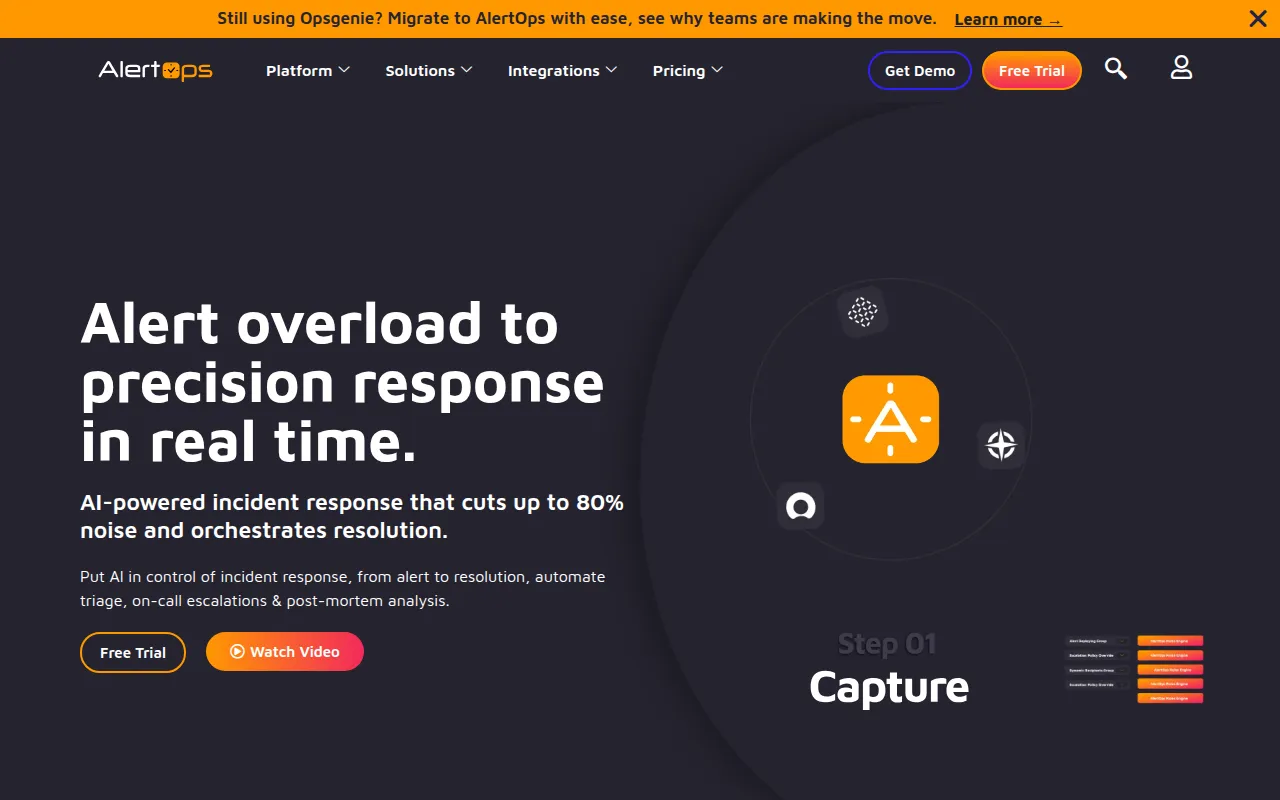
AlertOps is an incident orchestration platform that helps teams identify, prioritize, and resolve IT incidents. It focuses on managing the alert lifecycle by automating notification timing and recipient routing.
The tool is designed for IT operations, DevOps teams, and Managed Service Providers (MSPs) who need to maintain high availability. It provides a system for on-call scheduling and escalation policies to help ensure critical issues are handled by the appropriate personnel.
Key capabilities include AI-driven noise reduction to group related alerts, live call routing, and integrations with monitoring and ticketing tools. These features may reduce the manual effort required to assemble a response team during a major incident.
Buyers should confirm if the specific notification volumes in their environment fit within the plan limits, particularly for SMS and voice notifications on the lower-priced tiers.
Key Features
On-Call Schedule Management
Supports the creation of on-call rotations and schedules, including vacation handling and rotation management.
Automated Escalation Policies
Customizable rules that determine how alerts are escalated via text, email, or push notifications based on schedules.
OpsIQ AI Intelligence
An AI core designed to filter alert noise, detect root causes, and summarize alerts.
Live Call Routing
Provides a phone number that routes inbound calls to personnel based on real time on-call schedules.
Alert Deduplication
Groups and consolidates similar alerts to help teams identify high-priority issues.
Custom Workflow Automation
A no-code engine used to automate notification actions based on time-based or SLA triggers.
Use Cases
IT Operations Monitoring
Connecting monitoring tools to automate the notification of the current on-call engineer.
Major Incident Management
Coordinating response for business-critical outages using communication templates and stakeholder updates.
MSP Client Management
Managing on-call schedules and SLA requirements for multiple external clients.
DevOps Response
Integrating with ChatOps tools to manage alerts and response actions within team chat channels.
Integrations
- Slack
- Microsoft Teams
- Office 365
- ServiceNow
FAQ
What is the difference between the AlertOps pricing plans?
- The Starter plan is free for up to 5 users. Standard is for small teams, Premium adds advanced automation, and Enterprise is designed for major incident management needs.
Does AlertOps provide a mobile app?
- Yes, AlertOps has mobile applications available for both iOS and Android to manage alerts.
How does the AI feature work in AlertOps?
- The OpsIQ AI core is designed to filter alert noise, detect root causes, and provide summaries to help teams respond to incidents.
Source category: Operations
Source subcategory: Incident Response
More tools in Operations
Other published listings in the Operations category.


