AI TOOL PROFILE
WOXO Idea to Videos: AI Video Generation Software

- Marketing
- Video and Animation
- Faceless content creators
- Marketing agencies
- Small business owners
- Social media managers
Pricing
Paid plans start at $25 per month. A free plan with 50 credits is available for testing, and there is a 7-day refund guarantee for new users.
At a glance
- Best for
- Faceless content creators, Marketing agencies, Small business owners, Social media managers
- Key use cases
- Faceless YouTube Channels, Quick Content Production, Social Media Growth, Educational Storytelling
- Integrations
- YouTube, Zapier
- Official website
- Visit WOXO Idea to Videos official website
How AI is used
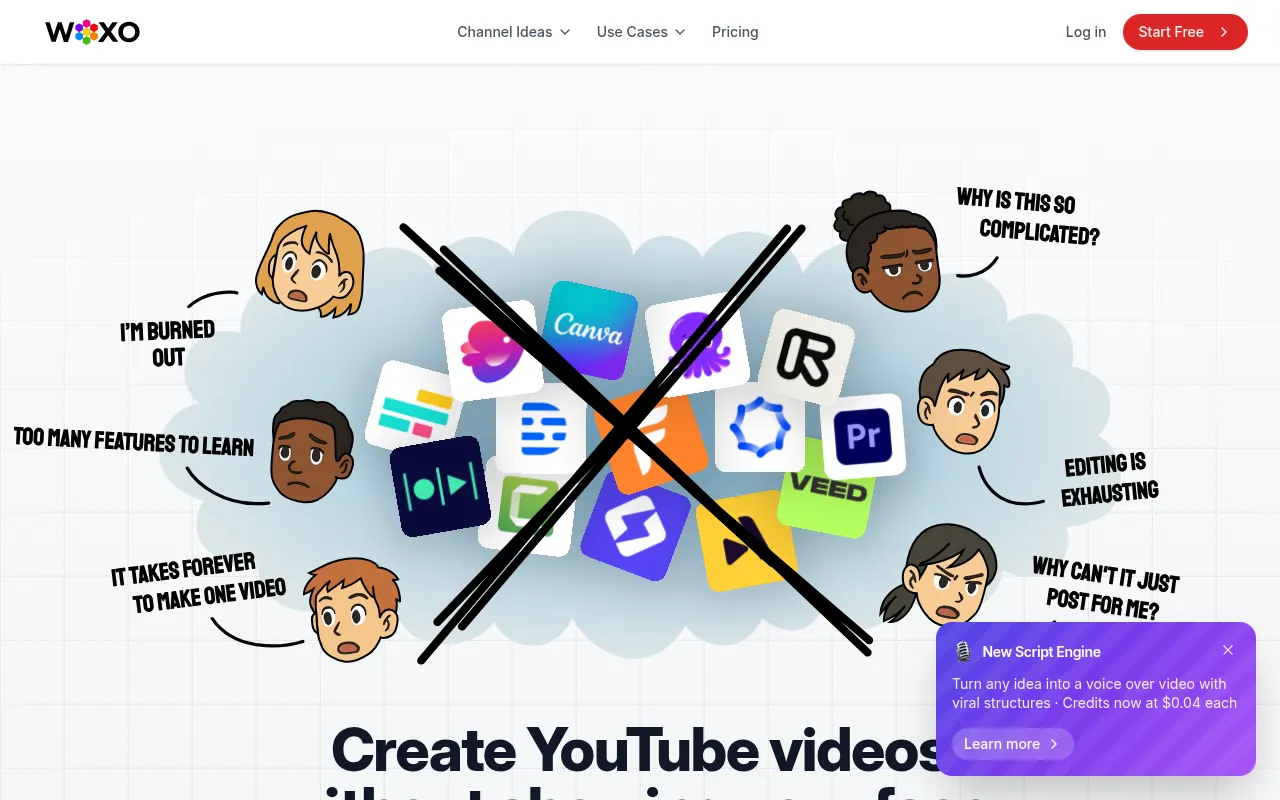
WOXO is an AI video generation tool designed for the creation of faceless YouTube Shorts. Users provide a text prompt, and the software generates the script, voiceover, and visual selection to produce a video.
The tool is designed for marketing agencies, content creators, and small business owners who want to establish a presence on YouTube without appearing on camera. It supports a prompt-to-video workflow that includes auto-captions and SEO-optimized titles and descriptions.
Buyers should note that the tool is optimized for the Shorts format. While it offers a free tier, features such as the YouTube Scheduler and watermark-free downloads are available in paid subscriptions.
Users can customize voice styles, visual themes, and scripts before publishing. The platform uses a credit-based system to manage video production volume.
Key Features
AI Script Generation
Creates video scripts from a text prompt, designed for viewer retention and SEO.
AI Voiceovers
Generates narration in multiple languages, reducing the need for manual recording.
Automated Visual Selection
Selects and places AI-generated visuals and B-roll matched to the topic.
Auto-Captions
Generates subtitles and captions automatically to support viewer engagement.
YouTube Scheduling
Supports scheduling and publishing videos directly to YouTube.
Batch Creation
Allows users to create multiple videos simultaneously to support a content calendar.
Use Cases
Faceless YouTube Channels
Creating educational or documentary-style Shorts without a presenter or camera.
Quick Content Production
Turning a business idea or a historical fact into a short-form video.
Social Media Growth
Maintaining a posting cadence on YouTube Shorts to support audience growth.
Educational Storytelling
Converting topics or historical events into narrated video clips.
Integrations
- YouTube
- Zapier
FAQ
Do I need video editing skills to use WOXO?
- No, the tool is designed to handle the script, visuals, and voiceover automatically, requiring no advanced editing experience.
What are the pricing options for WOXO?
- WOXO offers a free plan with 50 credits, a Starter plan at $25/month, and a Creator plan at $50/month.
Can I use these videos on YouTube without copyright issues?
- WOXO uses AI-generated visuals rather than stock libraries, which is designed to be copyright-safe for commercial use on platforms like YouTube.
Can I manage multiple YouTube channels with one account?
- No, WOXO is currently designed for managing a single YouTube channel per account.
Source category: Marketing
Source subcategory: Video & Animation
More tools in Marketing
Other published listings in the Marketing category.


More tools in the Video and Animation software type
Related listings that share the same software type for comparison and shortlisting.


