AI TOOL PROFILE
WinChilla: CRM and Marketing Automation Software

Pricing
Plans start at $47/month for the Starter tier. Other tiers include Essentials at $197/month and Professional at $297/month. Buyers should confirm current pricing on the vendor website.
At a glance
- Best for
- Small business owners, Solopreneurs, Franchise operators, Sales teams
- Key use cases
- Lead Generation and Management, Customer Communication, Automating Routine Outreach, Digital Storefront Management
- Integrations
- Google Calendar, Outlook, iCloud, Calendly, Google Meet
- Official website
- Visit WinChilla official website
How AI is used
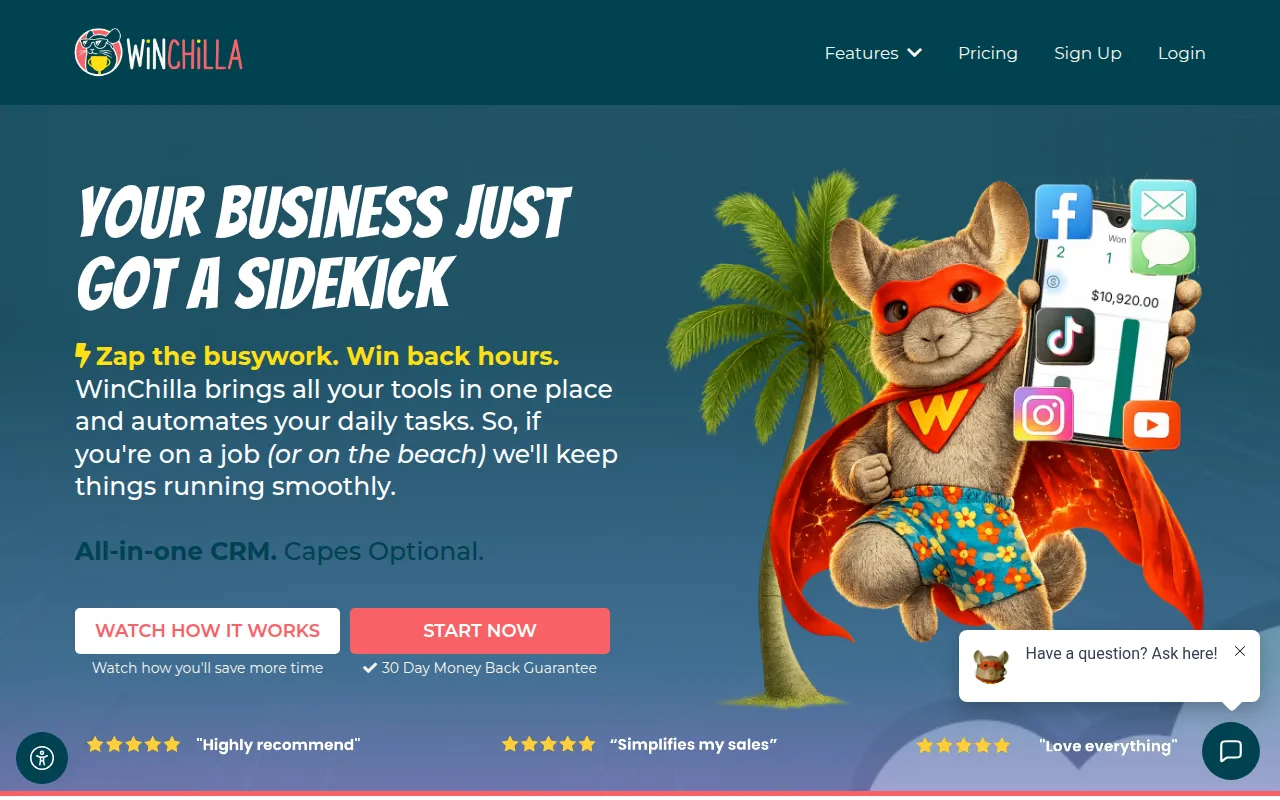
WinChilla is an all-in-one platform that integrates a CRM with marketing and operational tools. It is designed for small and medium-sized businesses, solopreneurs, and franchise owners who want to manage customer relationships and their online presence from a single dashboard.
The software supports several business functions, including lead capture via website builders and forms, as well as customer engagement through email and SMS marketing. It includes a unified conversations inbox to centralize messages from various social and chat channels.
Beyond marketing, the platform provides tools for invoicing, appointment booking, and e-commerce storefronts. AI-driven assistants are available to support customer interactions and task automation.
Buyers should confirm that while the monthly subscription provides platform access, certain actions like sending emails or SMS messages may incur additional usage-based fees via a credit system.
Key Features
Unified Conversations
A central inbox that brings together SMS, email, Facebook Messenger, and Instagram messages.
Marketing Automation
Tools for email campaigns, SMS marketing, and automated follow-up sequences.
Website & Funnel Builder
A drag-and-drop builder for creating responsive websites, sales funnels, and landing pages.
CRM & Pipeline Management
Tools to track customer interactions and manage sales progress through visual pipelines.
Employee AI Assistant
AI tools designed to help draft replies to customer conversations and support routine tasks.
Appointment Booking
A scheduling system that allows customers to book appointments online.
E-commerce Tools
Capabilities to sell digital and physical products with integrated payment gateways and abandoned cart recovery.
Use Cases
Lead Generation and Management
Using web forms, quizzes, and landing pages to capture leads and track them through a sales pipeline.
Customer Communication
Responding to inquiries from multiple social channels and email in one unified dashboard.
Automating Routine Outreach
Setting up missed call instant replies and automated email follow-up sequences.
Digital Storefront Management
Launching a shop for digital downloads or physical goods with subscription options.
Integrations
- Google Calendar
- Outlook
- iCloud
- Calendly
- Google Meet
- Zoom
- Microsoft Teams
- QuickBooks
- Wave
- Xero
- Stripe
- PayPal
- TikTok
- YouTube
- Google Business Profile
- Capterra
- Airbnb
- Booking.com
- Angie's List
- eBay
- TripAdvisor
- OpenTable
- Airtable
- Basecamp
- ClickUp
- Notion
- Google Contacts
- Typeform
- Zapier
FAQ
Is there a free trial for WinChilla?
- The provided evidence does not mention a free trial, but the vendor offers a 30-day money-back guarantee.
Are there costs beyond the monthly subscription?
- Yes, some functions such as SMS, email, and AI usage may have usage-based fees, though some plans include monthly free credits.
Does WinChilla offer onboarding assistance?
- Yes, onboarding calls are available to help set up the account for specific use cases, and are included in certain plans.
Source category: Sales
Source subcategory: CRM
More tools in Sales
Other published listings in the Sales category.


More tools in the CRM software type
Related listings that share the same software type for comparison and shortlisting.


