AI TOOL PROFILE
Vidio AI Video Editor

- Marketing
- Video and Animation
- Small business owners
- Social media managers
- Content creators
- Digital marketing teams
- Small production studios
Pricing
Vidio offers a freemium model. Paid plans start at $8/month for the Pro tier, with Business and Studio tiers available at $40/month and $160/month respectively.
At a glance
- Best for
- Small business owners, Social media managers, Content creators, Digital marketing teams, Small production studios
- Key use cases
- Social Media Content Creation, Automated Highlight Reels, Video Privacy Masking, Footage Quality Adjustment
- Integrations
- XML export
- Official website
- Visit Vidio official website
How AI is used
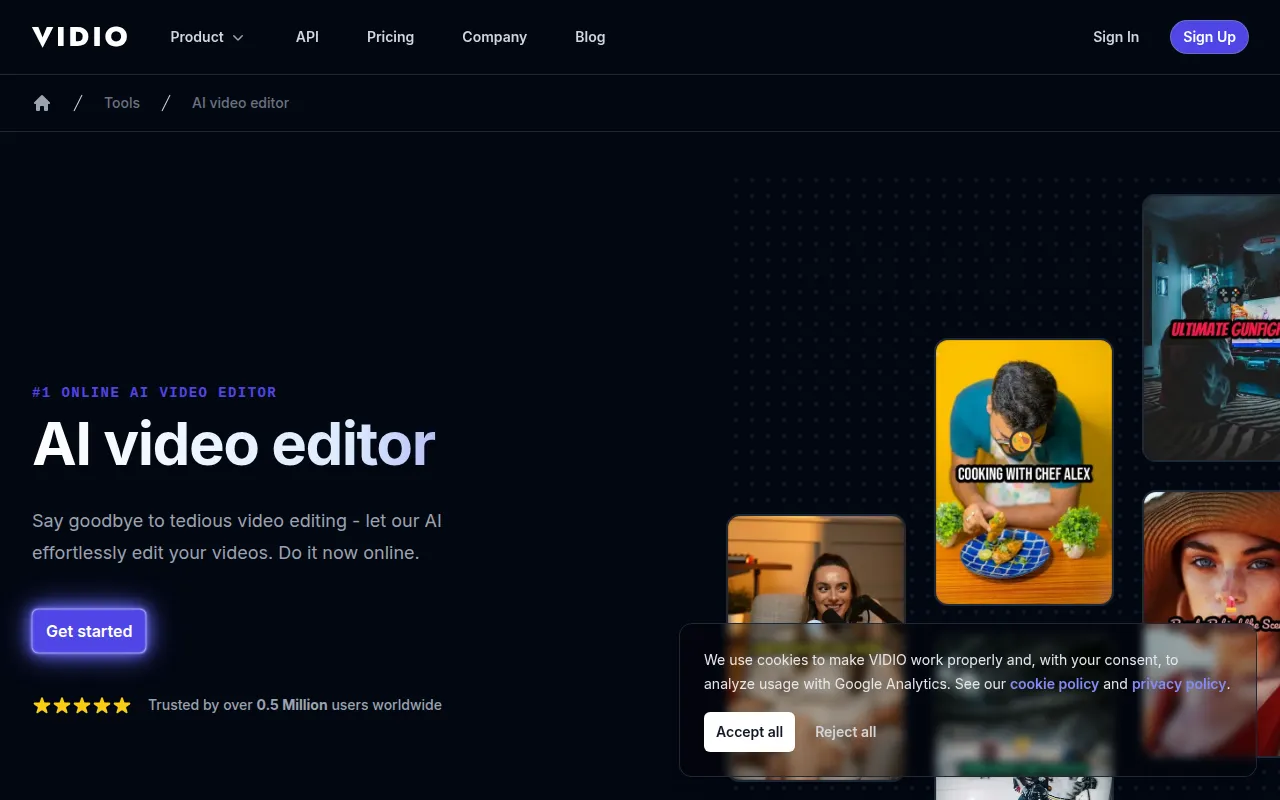
Vidio is a cloud-based video editing platform that uses AI algorithms to assist with the post-production process. Users upload files and select preferences to generate a finished video, which may reduce manual editing work.
The platform is designed for content creators, small business owners, and production studios who need to create social media content or highlight reels. It includes tools for enhancing video quality, blurring sensitive information, and removing backgrounds. It supports a variety of common formats, including MP4, MOV, and WEBM.
Buyers should confirm the credit-based system for processing and check the file size limits associated with different plans to ensure it meets their project requirements.
Key Features
AI-Powered Highlight Editing
Supports the creation of highlight reels using speech and visual summarization modes.
Background Removal and Modification
Includes tools to remove or replace video backgrounds and mask specific objects.
Video Enhancement Tools
Provides an upscaler to increase resolution up to 4K, and includes stabilization and sharpening tools.
Privacy Blurring
Supports the detection and blurring of faces, license plates, and private information.
Captioning and Audio Cleanup
Generates video captions and helps remove background noise from audio recordings.
Video Resizing
Supports resizing videos to fit the requirements of different social media platforms.
Use Cases
Social Media Content Creation
Generating short-form clips and reels from longer raw footage.
Automated Highlight Reels
Creating summaries of events, sports, or product demos using AI clip selection.
Video Privacy Masking
Using AI blurring to hide faces and license plates in corporate or public-facing footage.
Footage Quality Adjustment
Applying stabilization to shaky handheld footage or upscaling low-resolution clips.
Integrations
- XML export
FAQ
How does Vidio's AI editing work?
- Users upload video files and choose preferences, such as summarization mode (speech or visual) and output length. The AI then processes the footage to generate the final video.
What video formats are supported by Vidio?
- Vidio supports formats including MP4, MOV, MPG, WEBM, MPEG, and GIF, as well as JPG and PNG images.
Is there a free version of Vidio?
- Yes, there is a Basic free plan, which includes watermarked output and limited features.
What are the file size limits for Vidio?
- The free plan has a 1GB file size limit, while paid plans support limits up to 4GB (Pro), 8GB (Business), and 16GB (Studio).
Source category: Marketing
Source subcategory: Video & Animation
More tools in Marketing
Other published listings in the Marketing category.


More tools in the Video and Animation software type
Related listings that share the same software type for comparison and shortlisting.


