AI TOOL PROFILE
Todoist Task Management Software

- Productivity
- Task Management
- Small business owners
- Remote teams
- Department leads
- Individual professionals
Pricing
Todoist offers a free Beginner plan. Paid options include a Pro plan starting at $4-$5 per user/month and a Business plan with team-specific features.
At a glance
- Best for
- Small business owners, Remote teams, Department leads, Individual professionals
- Key use cases
- Team Task Assignment, Daily Planning, Standardizing Workflows, Managing Recurring Operations
- Integrations
- Google Calendar, Outlook Mail
- Official website
- Visit Todoist official website
How AI is used
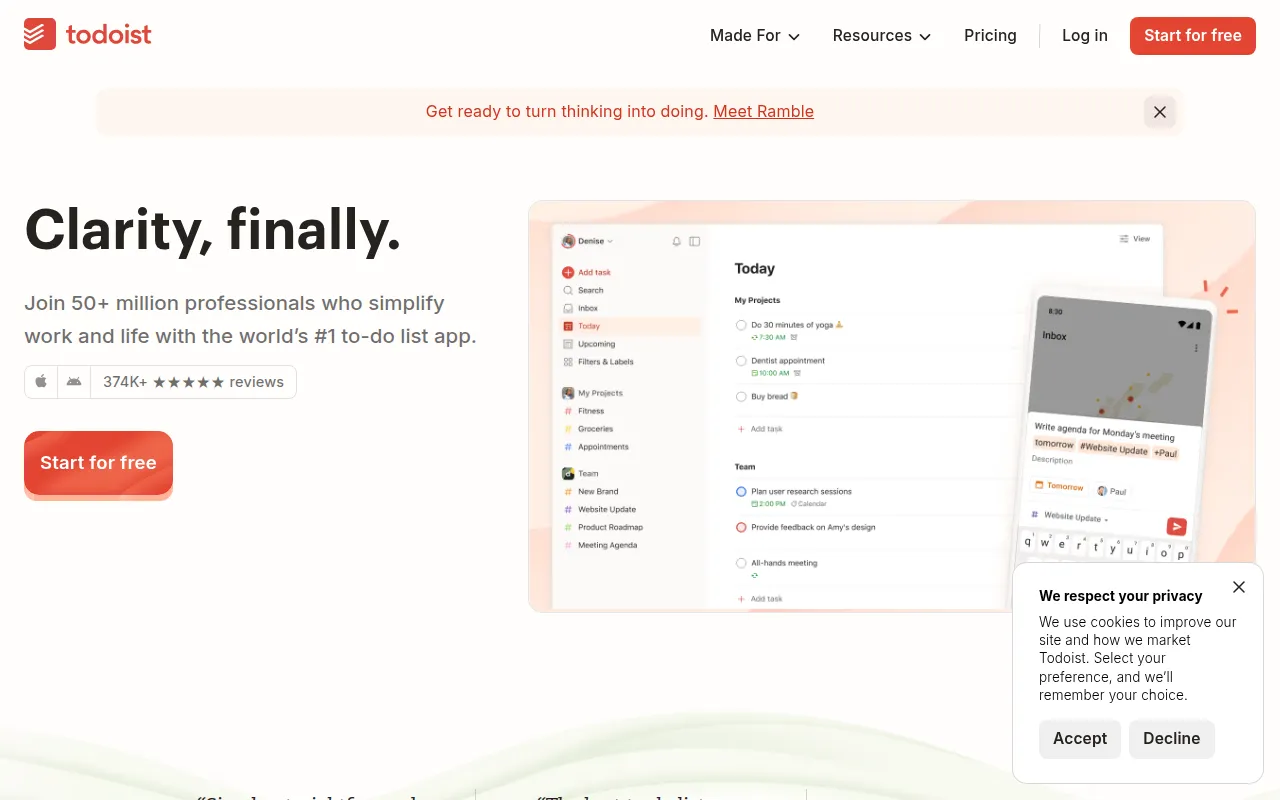
Todoist is a task management tool designed to help users capture and organize to-do lists. It uses a natural language input system, allowing users to type tasks and due dates in plain English to help reduce manual entry.
For business users, the software provides shared team workspaces that are separate from personal projects. This allows teams to assign tasks, share files, and track progress via list, board, or calendar views.
Buyers should confirm their specific collaboration needs, as certain features like task reminders and custom filters are available in paid plans. The Business plan includes team roles, permissions, and centralized billing.
Security is supported via SOC2 Type II certification, which may be an important consideration for companies with compliance requirements.
Key Features
Natural language Quick Add
Supports adding tasks and due dates using plain language.
Flexible Project Views
Provides list, board, and calendar layouts to track project progress.
Shared Team Workspaces
Provides a dedicated area for team collaboration separate from personal tasks.
Recurring Due Dates
Supports setting repeating deadlines for habits or recurring business tasks.
Todoist Assist AI
Includes tools to suggest sub-tasks, convert emails to tasks, and create filters from natural language.
Project Templates
Offers over 50 templates for workflows such as onboarding and meeting agendas.
Use Cases
Team Task Assignment
Using shared workspaces to assign deliverables to team members with specific deadlines.
Daily Planning
Organizing priorities using the Today and Upcoming views.
Standardizing Workflows
Using shared templates to implement processes for employee onboarding or content calendars.
Managing Recurring Operations
Setting up recurring tasks for accounting cycles or weekly reports.
Integrations
- Google Calendar
- Outlook Mail
FAQ
Does Todoist have a free version for businesses?
- Yes, there is a free Beginner plan, though it is limited to 5 personal projects and lacks task reminders.
Is Todoist secure for company data?
- Todoist is SOC2 Type II compliant and uses AWS servers with data encryption at rest and in transit.
What are the main differences in the Business plan?
- The Business plan includes shared team workspaces, up to 500 team projects, team roles, permissions, and centralized billing.
Source category: Productivity
Source subcategory: Task Management
More tools in Productivity
Other published listings in the Productivity category.


More tools in the Task Management software type
Related listings that share the same software type for comparison and shortlisting.

