AI TOOL PROFILE
TimeCamp: Automatic Time Tracking and Analytics

- Productivity
- Analytics and Reporting
- Freelancers
- Small business owners
- Project managers
- Consulting firms
- IT and software development teams
Pricing
TimeCamp offers a free forever plan and paid tiers starting at $3.99 per user per month (billed annually). Higher tiers include Premium ($6.99) and Ultimate ($9.99), with Enterprise pricing available upon request. A 14-day free trial is available.
At a glance
- Best for
- Freelancers, Small business owners, Project managers, Consulting firms, IT and software development teams
- Key use cases
- Client Billing, Payroll Support, Project Budgeting, Workforce Analysis
- Integrations
- Trello, Asana, ClickUp, monday.com, Notion
- Official website
- Visit TimeCamp official website
How AI is used
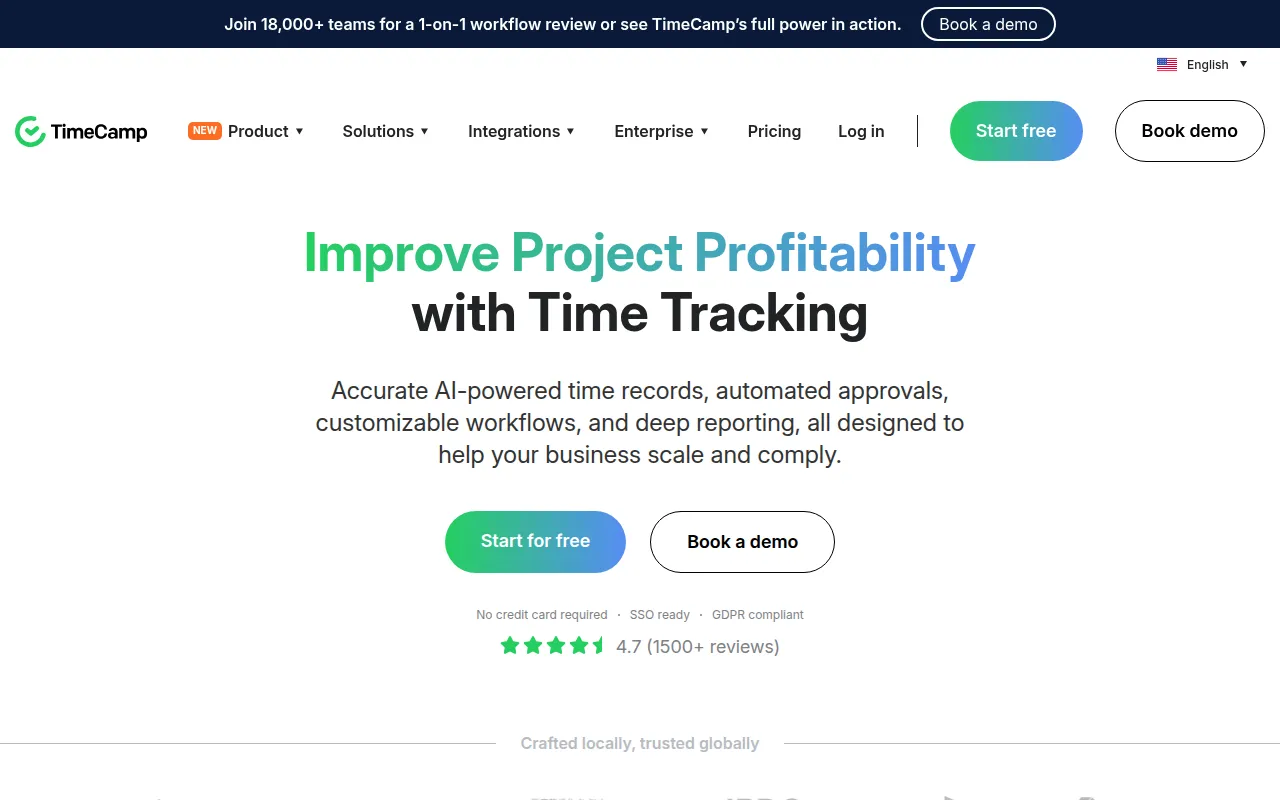
TimeCamp is a time tracking platform designed to record work hours through both automatic and manual methods. It serves a range of users, from solo freelancers to large enterprises, and provides tools to manage timesheets, track expenses, and analyze project costs.
The software helps businesses identify where time is spent and may help reduce manual data entry through AI-powered tracking agents and browser extensions. It also includes modules for attendance management, including tracking for overtime and sick leave.
Buyers should confirm which pricing tier fits their needs, as features such as timesheet approvals, labor cost tracking, and unlimited integrations are available in the Ultimate and Enterprise plans.
Key Features
AI-powered time tracking
Uses an AI agent to automatically categorize activities and fill timesheets in the background.
Automatic time capture
Tracks time spent on specific applications and websites using desktop apps and browser plugins.
Attendance management
Tracks work hours, overtime, and time-off requests for payroll processing.
Project profitability analysis
Provides reporting on billable time and labor costs to help evaluate project financial health.
Invoicing and billing
Supports the creation of invoices based on tracked billable hours.
Offline tracking
Desktop applications can record time without an internet connection and sync data once back online.
Use Cases
Client Billing
Tracking billable hours for projects to generate invoices for clients.
Payroll Support
Monitoring employee attendance, overtime, and leave to provide data for finance teams.
Project Budgeting
Comparing actual time spent against project estimates to monitor budget adherence.
Workforce Analysis
Identifying productivity patterns by reviewing time allocation across tasks.
Integrations
- Trello
- Asana
- ClickUp
- monday.com
- Notion
- Jira
- Azure DevOps
- Github
- Gitlab
- Quickbooks
- Xero
- Google Calendar
- Slack
- Salesforce
FAQ
Is there a free version of TimeCamp?
- Yes, TimeCamp offers a free forever plan that includes unlimited users and projects, as well as basic AI time tracking and timesheets.
Can TimeCamp track time offline?
- Yes, the desktop apps support offline time tracking and synchronize the data with the account once an internet connection is restored.
Does TimeCamp integrate with project management tools?
- Yes, it integrates with several tools including Jira, Trello, Asana, and Monday.com, and also offers browser plugins for Chrome and Edge.
Is the software compliant with data privacy regulations?
- TimeCamp is compliant with GDPR, HIPAA, and SOC2, and it holds ISO 27001 certification.
Source category: Productivity
Source subcategory: Analytics & Reporting
More tools in Productivity
Other published listings in the Productivity category.


More tools in the Analytics and Reporting software type
Related listings that share the same software type for comparison and shortlisting.


