AI TOOL PROFILE
TaskRay: Project Management and Customer Onboarding for Salesforce

- Operations
- Workflow Automation
- Salesforce CRM users
- Project Managers
- Onboarding and Implementation teams
- Salesforce Admins
- Professional Services organizations
Pricing
TaskRay offers three pricing tiers: Starter, Standard, and Premium. Pricing was not clearly available from the provided evidence. Buyers should confirm current pricing on the vendor website.
At a glance
- Best for
- Salesforce CRM users, Project Managers, Onboarding and Implementation teams, Salesforce Admins, Professional Services organizations
- Key use cases
- Customer Onboarding, Professional Services Delivery, Equipment and Device Installation, Franchise Store Development
- Integrations
- Formstack, FilePulse 360, Slack, Microsoft Teams, Gmail
- Official website
- Visit taskray official website
How AI is used
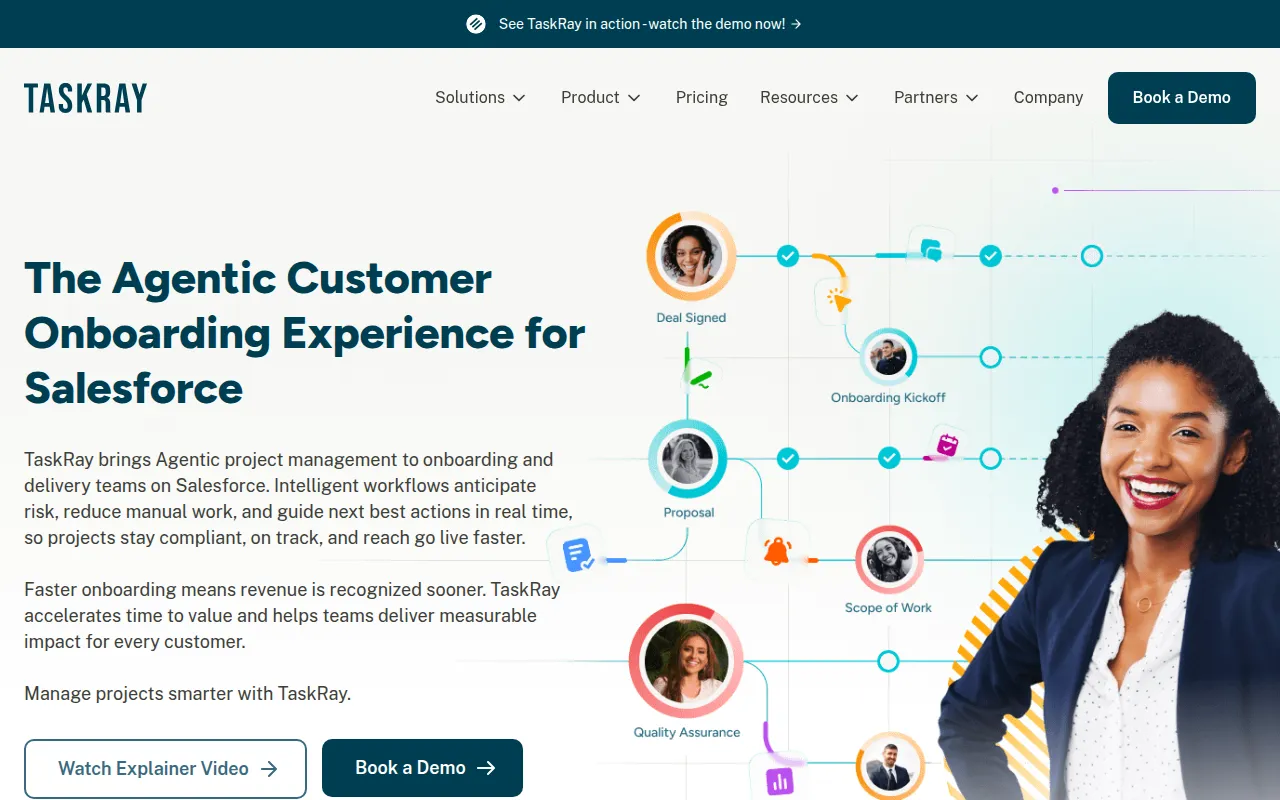
TaskRay is a project management tool built natively on the Salesforce platform. It is designed for businesses that manage customer-facing implementations or complex internal projects and wish to keep data within the Salesforce ecosystem.
The software supports multiple project views, including Kanban, Plan, Row, and Calendar, and provides tools for tracking milestones and task dependencies. It includes resource management features to help managers balance workloads and forecast capacity based on team availability.
For teams with repeatable workflows, the tool offers template builders and a stitching feature that can merge multiple templates into a single project. It also includes AI capabilities via Agentforce to help prioritize work and identify potential project risks.
Buyers should confirm whether their current processes align with a Salesforce-native structure and review the different pricing tiers to ensure they have the necessary resource planning and reporting tools.
Key Features
Salesforce-Native Architecture
Stores project data directly within Salesforce, which may reduce the need for external data syncing.
Template Stitching
Supports combining multiple templates or task groups to build custom projects.
Resource Planning
Includes tools for resource forecasting, capacity planning, and workload balancing.
Multiple Project Views
Supports Kanban, Plan, Row, and Calendar views for tracking project progress.
AI Integration
Uses TaskRay + Agentforce to prioritize work and flag project risks based on Salesforce data.
Task Management
Supports the use of milestones, task dependencies, and repeating tasks.
Use Cases
Customer Onboarding
Standardizing the journey from sales handoff to go-live using repeatable templates.
Professional Services Delivery
Managing project delivery across multiple departments.
Equipment and Device Installation
Coordinating installations involving external vendors and internal teams with compliance tracking.
Franchise Store Development
Managing the launch of new physical locations from site selection to opening.
Integrations
- Formstack
- FilePulse 360
- Slack
- Microsoft Teams
- Gmail
- Outlook
FAQ
Is TaskRay a standalone project management tool?
- No, TaskRay is Salesforce-native, meaning it operates directly inside the Salesforce platform.
What are the different TaskRay plans?
- TaskRay offers Starter, Standard, and Premium plans. The tiers differ by the level of reporting, resource management tools, and advanced progress controls provided.
Does TaskRay provide help with initial setup?
- Standard support plans provide guidance, but hands-on configuration is not included. TaskRay offers separate Onboarding Plans and suggests Salesforce consultants for full implementation.
Source category: Operations
Source subcategory: Workflow Automation
More tools in Operations
Other published listings in the Operations category.


More tools in the Workflow Automation software type
Related listings that share the same software type for comparison and shortlisting.


