AI TOOL PROFILE
SuperIntern: AI Assistant for Task Automation

- Productivity
- AI Assistant
- Small business owners
- Mid-market companies
- Teams using multiple collaboration tools
- Users who prefer in-app AI over standalone chatbots
Pricing
Offers a free tier with 100 daily credits. Paid plans include Starter at $16/month (2,000 credits) and Pro at $160/month (20,000 credits), with Enterprise options available.
At a glance
- Best for
- Small business owners, Mid-market companies, Teams using multiple collaboration tools, Users who prefer in-app AI over standalone chatbots
- Key use cases
- Email and Communication Management, Calendar Coordination, Knowledge Organization, Workspace Automation, Network Tracking
- Integrations
- Gmail, Google Calendar, Notion, Outlook, Slack
- Official website
- Visit SuperIntern official website
How AI is used
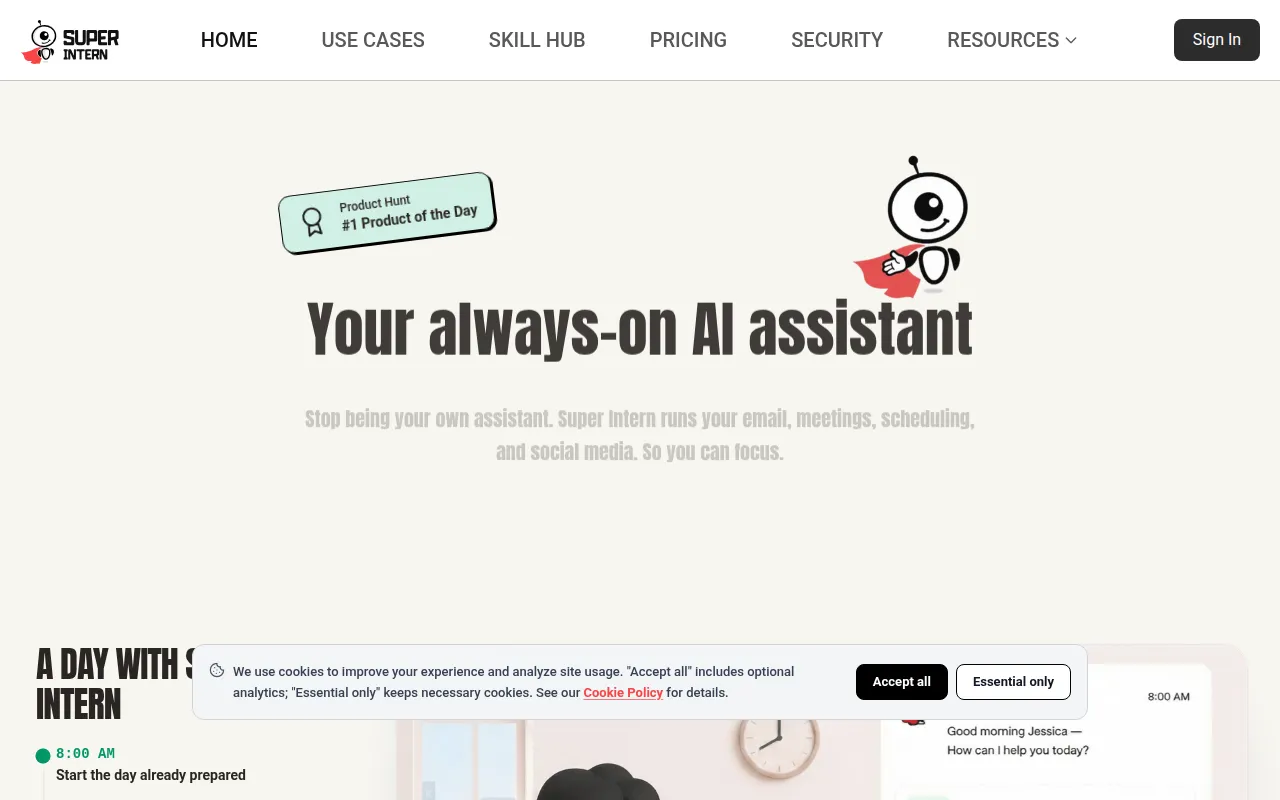
SuperIntern is an AI agent platform that handles repetitive tasks by integrating into the software tools businesses already use. It operates inside applications such as Gmail, Slack, and Google Calendar, which may help users execute tasks without switching windows.
The tool is designed for individuals and teams managing communications, scheduling, and research. It includes a Skill Hub where users can install domain-specific expertise or create custom skills through conversational training or document uploads.
For business buyers, the platform supports team collaboration via shared skills and a unified memory that persists across different platforms. Security features include end-to-end encryption and GDPR compliance, and the vendor states that user data is not used to train their models.
Buyers should note that the platform uses a credit-based system, meaning the volume of tasks performed determines the appropriate pricing tier.
Key Features
Skill Hub
A library of over 1,000 specialized skills that can be installed to provide the AI with domain-specific knowledge.
Unified Memory
Designed to maintain context and remember information across different integrated platforms.
Cross-Platform Access
The agent works within Gmail, Slack, Notion, Outlook, Telegram, and other workspace tools.
Custom Skill Creation
Supports creating new skills through conversational training or by uploading a knowledge base.
Team Collaboration
Supports sharing skills and accessing a unified context for company processes and onboarding.
Data Privacy Controls
Includes end-to-end encryption and GDPR compliance, with options to export or delete data.
Use Cases
Email and Communication Management
Drafting emails and managing inboxes within Gmail and Outlook.
Calendar Coordination
Scheduling meetings and managing time via Google Calendar.
Knowledge Organization
Capturing and updating information within Notion workspaces.
Workspace Automation
Using slash commands and mentions in Slack to search the web or set reminders.
Network Tracking
Recording contact information and tracking follow-ups through WeChat via the Super Claw tool.
Integrations
- Gmail
- Google Calendar
- Notion
- Outlook
- Slack
- Telegram
- GitHub
- X
- Discord
- Chrome
FAQ
How does SuperIntern differ from standard AI chatbots?
- SuperIntern integrates into existing apps and uses a unified memory, meaning it can remember context across different platforms like Slack and Gmail.
Can I create my own AI skills in SuperIntern?
- Yes, skills can be created by chatting with the agent to teach it preferences or by uploading knowledge documents.
Which pricing plan is right for my business?
- The free tier provides 100 daily credits for light use, while the Starter ($16/mo) and Pro ($160/mo) plans offer higher monthly credit limits for frequent use and team collaboration.
Source category: Productivity
Source subcategory: AI Assistant
More tools in Productivity
Other published listings in the Productivity category.


More tools in the AI Assistant software type
Related listings that share the same software type for comparison and shortlisting.


