AI TOOL PROFILE
ScriptRunner Review: Microsoft Ecosystem Automation Software

- Operations
- Workflow Automation
- IT Directors
- IT Administrators
- Enterprise IT teams
- Healthcare IT operations
- Public Sector IT departments
Pricing
Pricing was not clearly available from the provided evidence. Buyers should confirm current pricing on the vendor website.
At a glance
- Best for
- IT Directors, IT Administrators, Enterprise IT teams, Healthcare IT operations, Public Sector IT departments
- Key use cases
- User Onboarding and Offboarding, Configuration Management, Virtual Machine Deployment, Zero-Touch Provisioning
- Integrations
- ServiceNow, Jira, Azure AD, VMware, GitHub
- Official website
- Visit scriptrunner official website
How AI is used
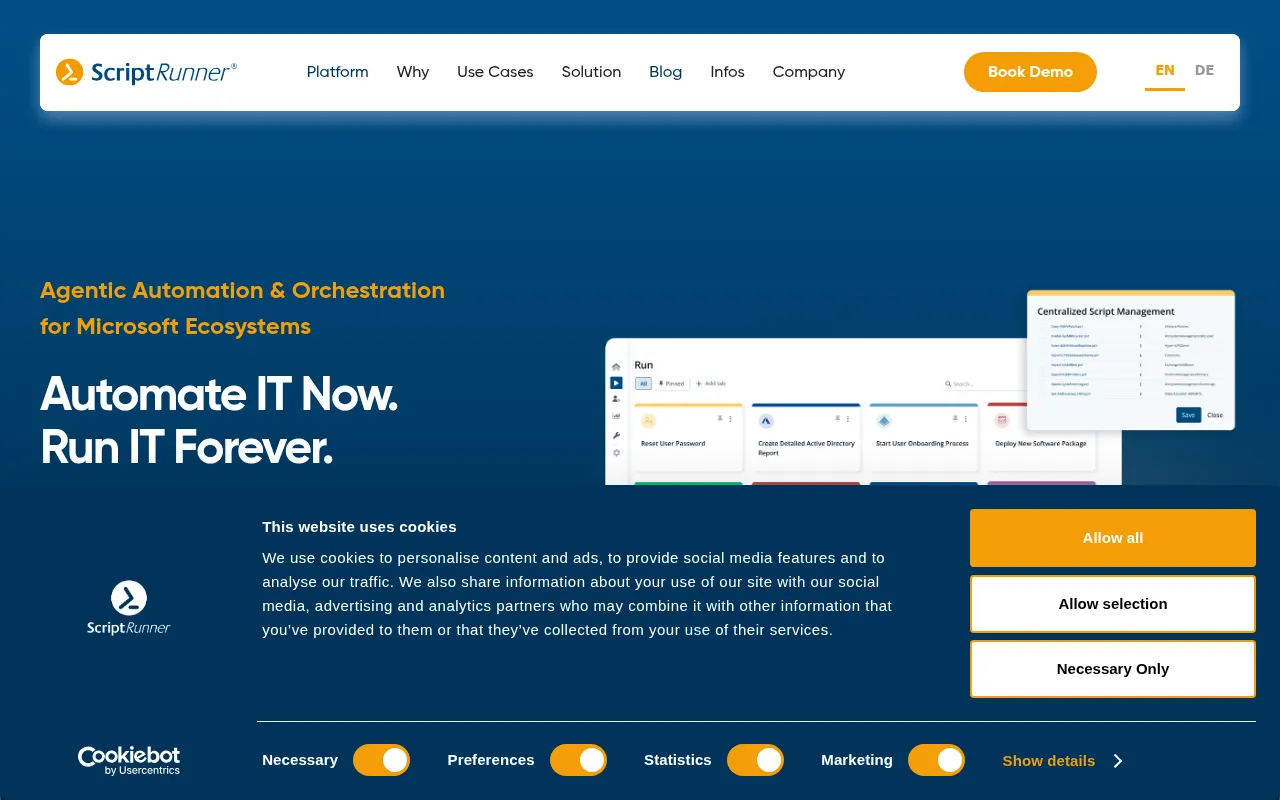
ScriptRunner is an automation and orchestration platform built for the Microsoft ecosystem. It focuses on centralizing PowerShell scripts, moving them from local storage into a governed environment where policies and permissions can be enforced.
The tool is designed for IT administrators and directors in enterprise settings, with applications in the healthcare and public sectors. It provides a layer of governance over automation, allowing teams to run scripts without providing end-users direct administrative access to critical systems.
By using a web-based interface and role-based access controls, the platform supports the delegation of routine IT tasks. This may reduce manual workload on senior IT staff and help maintain an audit trail for compliance purposes.
Buyers should confirm current pricing and how the guided trial process fits their implementation timeline on the vendor website.
Key Features
AI Powered Scripting
Includes AI capabilities to help create and manage automation scripts.
Secure Credential Vaulting
Stores authentication information in an encrypted vault, with support for external vaults such as 1Password, Bitwarden, and Azure.
Role-Based Access Control (RBAC)
Limits script execution and system access based on defined roles such as main admin, help desk, and end user.
Audit-Ready Logging
Maintains centralized logs and change history to support compliance frameworks including GDPR, HIPAA, and SOX.
Git Script Synchronization
Supports synchronization of scripts with remote Git providers such as GitHub, GitLab, and Bitbucket.
Approval Workflows
Provides a human-in-the-loop checkpoint for high-impact automations to be verified before execution.
Use Cases
User Onboarding and Offboarding
Automating the creation and removal of user accounts across Microsoft services.
Configuration Management
Supporting the detection and remediation of configuration drift across hybrid systems.
Virtual Machine Deployment
Orchestrating the setup and provisioning of virtual machines.
Zero-Touch Provisioning
Supporting automated system setups to reduce manual IT intervention.
Integrations
- ServiceNow
- Jira
- Azure AD
- VMware
- GitHub
- GitLab
- Bitbucket
FAQ
Do I need to know how to code to use ScriptRunner?
- No, the platform provides a web interface that allows users to manage automation tasks without coding, though advanced users can still use PowerShell.
What security standards does ScriptRunner follow?
- The platform aligns with ISO 27001 and supports compliance with GDPR, NIS2, FedRAMP, and HIPAA.
Can it integrate with existing ITSM tools?
- Yes, it includes connectors for systems such as ServiceNow and Jira.
Source category: Operations
Source subcategory: Workflow Automation
More tools in Operations
Other published listings in the Operations category.


More tools in the Workflow Automation software type
Related listings that share the same software type for comparison and shortlisting.


