AI TOOL PROFILE
SalesFirst: Sales Management and Analytics Software

- Sales
- Analytics and Reporting
- Sales Teams
- Companies with 20 or more users
- Businesses requiring KVKK compliance
Pricing
SalesFirst offers Free, Pro, Premium, and Enterprise plans. The Enterprise plan is for companies with a minimum of 20 users. Pricing was not clearly available from the provided evidence; buyers should confirm current pricing on the vendor website.
At a glance
- Best for
- Sales Teams, Companies with 20 or more users, Businesses requiring KVKK compliance
- Key use cases
- Performance Monitoring, Reporting Automation, Client Relationship Tracking, Billing and Invoicing
- Official website
- Visit salesfirst official website
How AI is used
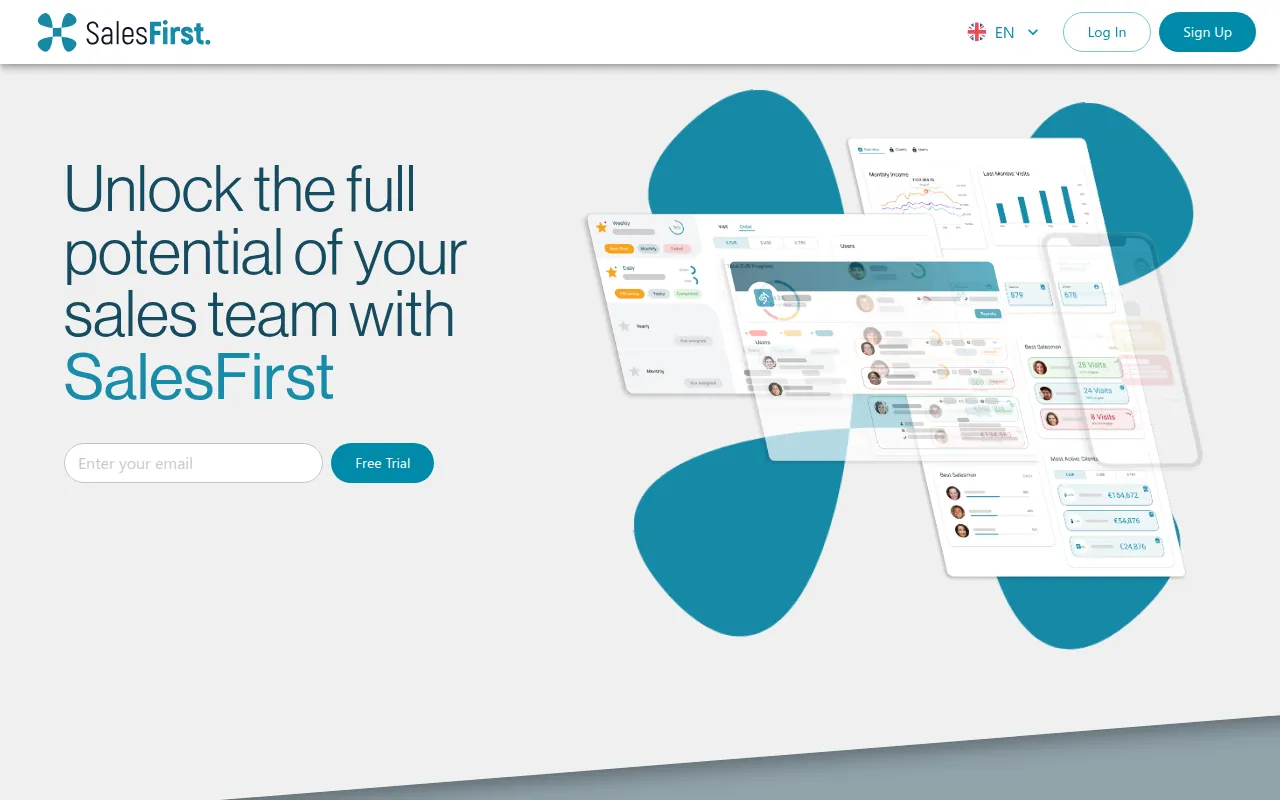
SalesFirst is a sales management tool designed to help teams track and analyze sales statistics, manage client contacts, and monitor progress against defined goals. The platform provides visibility into performance metrics such as revenue and conversion rates.
It is designed for sales teams of various sizes, including an Enterprise option for organizations with at least 20 users. The tool includes payment management and invoicing, allowing users to handle the financial aspects of a sale alongside relationship management.
Key capabilities include AI-supported insights and automatic data updates to help users maintain records of leads and interactions. Buyers should confirm how the integrated payment system fits their specific financial workflow and that KVKK compliance meets their regional data privacy requirements.
Key Features
Real-time Sales Tracking
Monitors sales statistics, revenue, and conversion rates in real time.
Automatic Daily Reports
Generates daily performance reports that can be exported for review.
Client and Contact Management
Stores client information and interaction history, and supports reminders and notes for follow-ups.
Integrated Payment System
Supports tracking of meeting proposals, sales, and payments, including the generation of invoices and receipts.
AI-Supported Sales Insights
Provides AI-driven analysis to help users identify sales trends.
KVKK-Compliant Storage
Supports data storage in accordance with KVKK data privacy standards.
Use Cases
Performance Monitoring
Tracking revenue and conversion rates in real time to evaluate performance against set goals.
Reporting Automation
Using automatic daily report generation to provide regular updates to management.
Client Relationship Tracking
Managing contact details and interaction notes to support lead follow-ups.
Billing and Invoicing
Generating receipts and invoices through the integrated payment system.
FAQ
What is SalesFirst used for?
- SalesFirst is used to track sales statistics, manage client contacts, set sales goals, and generate automated daily reports.
Does SalesFirst have a free version?
- Yes, SalesFirst offers a free plan in addition to its Pro, Premium, and Enterprise paid tiers.
Is SalesFirst suitable for large companies?
- Yes, it offers an Enterprise plan for companies with 20 or more users, which includes company branding and premium support.
How does SalesFirst handle data privacy?
- SalesFirst is designed to store data in compliance with KVKK standards.
Source category: Sales
Source subcategory: Analytics & Reporting
More tools in Sales
Other published listings in the Sales category.


More tools in the Analytics and Reporting software type
Related listings that share the same software type for comparison and shortlisting.


