AI TOOL PROFILE
Rokoko Vision: AI Motion Capture Tool

- Software Development
- Video and Animation
- Indie creators
- Animation studios
- Game developers
- VFX artists
- Hobbyists
Pricing
Rokoko offers a freemium model with a free Starter tier. Paid plans include Basic starting at $10/month (billed annually), Plus at $20/month (billed annually), and Pro at $50/month (billed annually).
At a glance
- Best for
- Indie creators, Animation studios, Game developers, VFX artists, Hobbyists
- Key use cases
- Animation Pre-visualization, Game Development, VFX and Film Production, AR/VR Project Development, Academic and Robotics Research
- Integrations
- Blender, Unreal Engine, Unity, Maya, Cinema 4D
- Official website
- Visit Rokoko official website
How AI is used
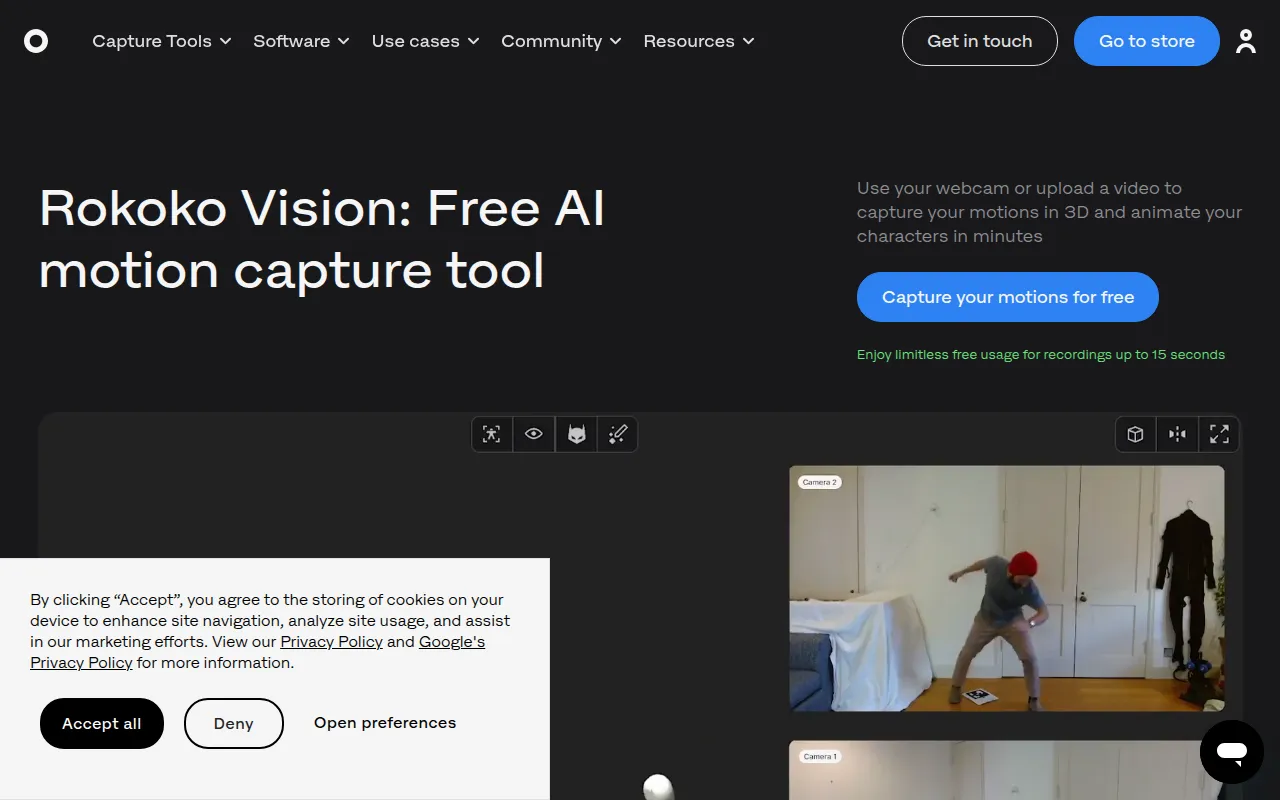
Rokoko Vision is a video-based motion capture tool that uses AI to turn human movement from video files or webcams into 3D animation data. It is designed for users ranging from individual creators and hobbyists to professional VFX and game studios.
The tool supports a workflow where users record or upload footage, process the data via AI, and use Rokoko Studio to clean up the animation with filters. The system is intended to make motion capture more accessible for single-performer captures.
Buyers should note that for complex motions or high-fidelity requirements, the company's hardware suits may be necessary. Additionally, users should confirm that their lighting and environment meet the software's requirements to support tracking.
Key Features
AI Video Capture
Captures 3D movement from uploaded video files or direct webcam input.
Single-Camera Tracking
A basic setup that supports free motion capture for recordings up to 15 seconds.
Dual-Camera Tracking
Uses two synchronized viewpoints to help reduce occlusion and support depth perception.
Rokoko Studio Integration
Companion software used to view, clean up, and retarget mocap data onto custom characters.
Animation Export
Supports exporting animation data in .FBX and .BVH formats.
Foot Locking Filters
Tools within the Studio software designed to help clean up motion data and correct foot placement.
Use Cases
Animation Pre-visualization
Sketching out character movements to test ideas before final production.
Game Development
Creating character animations for games using video sources.
VFX and Film Production
Capturing human motion for 3D models to support visual effects creation.
AR/VR Project Development
Generating motion data for virtual or augmented reality experiences.
Academic and Robotics Research
Capturing human movement for educational purposes or robotics study.
Integrations
- Blender
- Unreal Engine
- Unity
- Maya
- Cinema 4D
- Houdini
- MotionBuilder
- iClone
- Cartoon Animator 4
FAQ
How does Rokoko Vision work?
- It uses AI to analyze video recorded from a webcam or uploaded file to estimate a human skeleton's position and convert it into 3D animation data.
Is Rokoko Vision free?
- There is a free Starter plan that allows for recordings up to 15 seconds using a single-camera setup.
What is the difference between single-cam and dual-cam tracking?
- Dual-camera tracking uses two synchronized views to better estimate depth and reduce occlusion; this feature requires a Plus subscription after a 14-day trial.
Which 3D software does it integrate with?
- Rokoko Studio integrates in real time with Blender, Unreal Engine, Unity, Maya, Cinema 4D, MotionBuilder, Houdini, and iClone.
Source category: Software Development
Source subcategory: Video & Animation
More tools in Software Development
Other published listings in the Software Development category.


More tools in the Video and Animation software type
Related listings that share the same software type for comparison and shortlisting.


