AI TOOL PROFILE
Riverside: Remote Podcast & Video Recording Software

- Marketing
- Video and Animation
- Marketing Agencies
- Content Creators
- Media Companies
- Podcasters
- Corporate Communications Teams
Pricing
Paid plans start at $29/month. A free version is available with limited multi-track recording and watermarked exports.
At a glance
- Best for
- Marketing Agencies, Content Creators, Media Companies, Podcasters, Corporate Communications Teams
- Key use cases
- Remote Podcast Production, Webinar Hosting, Customer Testimonial Collection, Internal Corporate Communications, Social Media Content Repurposing
- Integrations
- HubSpot integration, Salesforce integration, YouTube publishing, Spotify publishing, Apple Podcasts publishing
- Official website
- Visit riverside official website
How AI is used
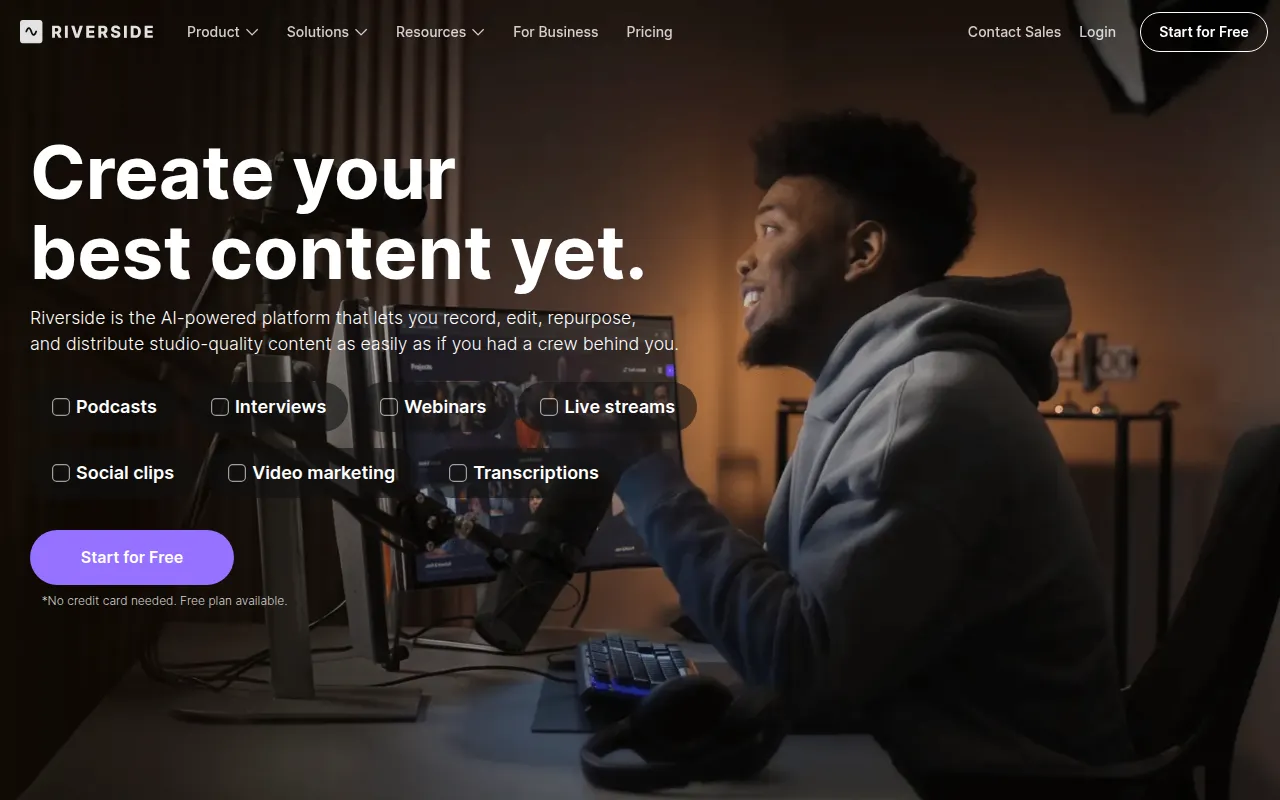
Riverside is a browser-based recording platform designed to capture high-definition video and audio from remote participants. It uses local recording, where files are saved on the participant's device and uploaded to the cloud in the background to help prevent quality loss from internet connection issues.
The tool is designed for podcasters, marketing agencies, and media companies. It supports a workflow from recording and AI-assisted editing to publishing and hosting, which may reduce the need for separate post-production software.
Buyers should confirm if they need team collaboration tools or enterprise-grade security, as these features, along with async recording and XML exports, are available on the Business plan. Buyers should also verify if the monthly recording hour limits on specific tiers fit their production volume.
Key Features
Local 4K Recording
Captures video up to 4K and uncompressed audio on the participant's local device to help avoid quality drops caused by connection lag.
Text-Based Editing
Allows users to edit video by deleting or moving text within an automatically generated transcript.
Magic Clips
An AI tool that identifies moments in a recording to help create short-form clips for social media.
Full HD Live Streaming
Supports streaming in 1080p to multiple platforms simultaneously, including LinkedIn, YouTube, and Facebook.
Separate Audio and Video Tracks
Records each participant on their own track, which supports layout changes and noise cleanup during editing.
AI Audio Cleanup
Designed to remove background noise, filler words, and silences from recordings.
Use Cases
Remote Podcast Production
Recording high-fidelity interviews with remote guests and publishing to podcast directories.
Webinar Hosting
Running branded live events with registration and lead capture for up to 100 registrants on standard plans.
Customer Testimonial Collection
Using async recording to let customers record feedback on their own schedule.
Internal Corporate Communications
Creating video announcements or training content for employees.
Social Media Content Repurposing
Converting long-form interviews into short clips and captions for platforms like TikTok and Instagram.
Integrations
- HubSpot integration
- Salesforce integration
- YouTube publishing
- Spotify publishing
- Apple Podcasts publishing
FAQ
What does 'locally recorded' mean in Riverside?
- Audio and video are recorded directly on the participant's device and uploaded in the background, which helps maintain quality if the internet connection is unstable.
Do guests need an account to be recorded?
- No, guests can join a recording session by clicking a link provided by the host; no sign-up or software installation is required.
Which plan is best for teams needing advanced collaboration?
- The Business plan is designed for teams, offering shared workspaces, role-based permissions, and async recording workflows.
Source category: Marketing
Source subcategory: Video & Animation
More tools in Marketing
Other published listings in the Marketing category.


More tools in the Video and Animation software type
Related listings that share the same software type for comparison and shortlisting.


