AI TOOL PROFILE
rekk: Call Recording and Transcription Software

- Sales
- Analytics and Reporting
- MacOS users recording IM calls
- Users requiring cloud-based call access
- Business owners needing basic call documentation
Pricing
Pricing was not clearly available from the provided evidence. Buyers should confirm current pricing on the vendor website.
At a glance
- Best for
- MacOS users recording IM calls, Users requiring cloud-based call access, Business owners needing basic call documentation
- Key use cases
- Documenting Client Calls, Converting Audio to Text, Recording Virtual Meetings, Managing Spam Calls
- Integrations
- Dropbox export, Evernote export, Google Drive export
- Official website
- Visit rekk official website
How AI is used
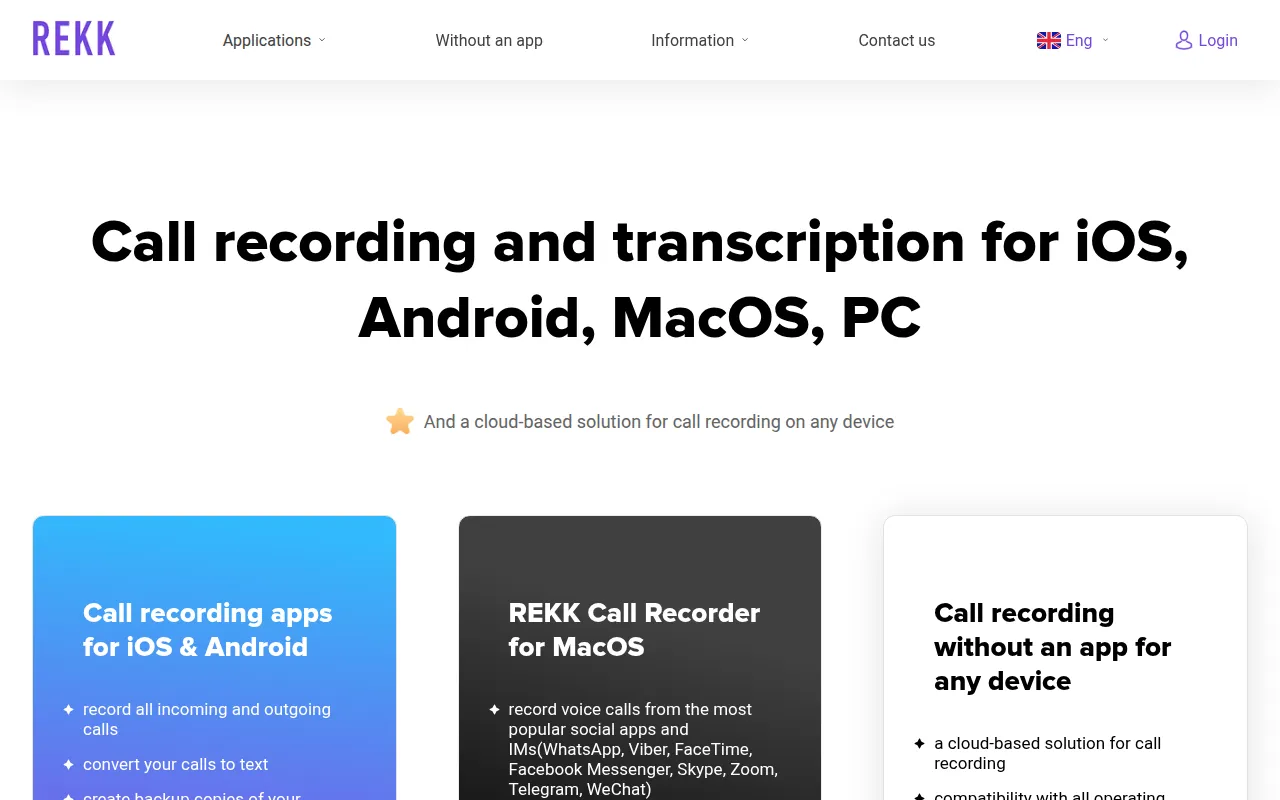
rekk is a call recording and transcription tool available across multiple platforms, including mobile apps and a cloud-based service. It allows users to capture incoming and outgoing calls, which can be converted to text using speech recognition.
The software is designed for users who need to document phone conversations. Beyond standard phone calls, the MacOS version supports recording voice and video calls from messengers such as Zoom, Skype, and WhatsApp.
Buyers should confirm that their mobile carrier supports 3-way conference calling, as the mobile application relies on this feature to function.
Because it offers a cloud-based option, users can access their recordings from any device with an internet connection, which supports workflows across different operating systems.
Key Features
Call Recording
Captures incoming and outgoing phone calls and saves them as audio files.
Automatic Transcription
Converts recorded audio calls into text using speech recognition.
Video Call Recording
The MacOS version supports recording video and voice calls from apps such as Zoom, Skype, and FaceTime.
Cloud-Based Access
Allows users to record and listen to calls from any device via an online account.
Call Blocking
Includes a database of over 4 million numbers to identify and block spam calls and messages.
Note Taking
Supports adding written notes directly to specific call recordings.
Use Cases
Documenting Client Calls
Recording incoming and outgoing phone calls to keep a record of agreements and discussions.
Converting Audio to Text
Using automatic transcription to turn recorded conversations into text.
Recording Virtual Meetings
Capturing voice and video sessions from messengers like Zoom or WhatsApp on MacOS.
Managing Spam Calls
Using the caller identification and blocking database to identify unwanted numbers.
Integrations
- Dropbox export
- Evernote export
- Google Drive export
FAQ
How does rekk record calls on mobile devices?
- rekk uses the 3-way conference calling feature provided by the mobile carrier to record both sides of a conversation.
Can rekk transcribe calls automatically?
- Yes, the software is designed to automatically convert recorded calls to text, though speech recognition is specifically noted for macOS 10.15 and later.
Which platforms does rekk support?
- rekk is available for iOS, Android, MacOS, PC, and as a cloud-based solution accessed via a web browser.
Can I record calls from apps like Zoom or WhatsApp?
- Yes, the rekk Call Recorder for MacOS supports recording voice and video calls from Zoom, WhatsApp, Skype, and other popular messengers.
Source category: Sales
Source subcategory: Analytics & Reporting
More tools in Sales
Other published listings in the Sales category.


More tools in the Analytics and Reporting software type
Related listings that share the same software type for comparison and shortlisting.


