AI TOOL PROFILE
RapidRow: AI Batch Invoice Processing for Construction CPAs

- Finance and Accounting
- Billing and Invoicing
- Construction CPAs
- Construction accounting firms
- Bookkeepers managing job-costing
Pricing
The Construction CPA Pro plan is $297 per month, which covers up to 10,000 invoices monthly and unlimited team members. Enterprise options are available for volumes exceeding 10,000 invoices.
At a glance
- Best for
- Construction CPAs, Construction accounting firms, Bookkeepers managing job-costing
- Key use cases
- Subcontractor Invoice Conversion, Job-Site Receipt Processing, GL Code Categorization, Batch Data Export
- Integrations
- QuickBooks Online export, Xero export, CSV export
- Official website
- Visit RapidRow official website
How AI is used
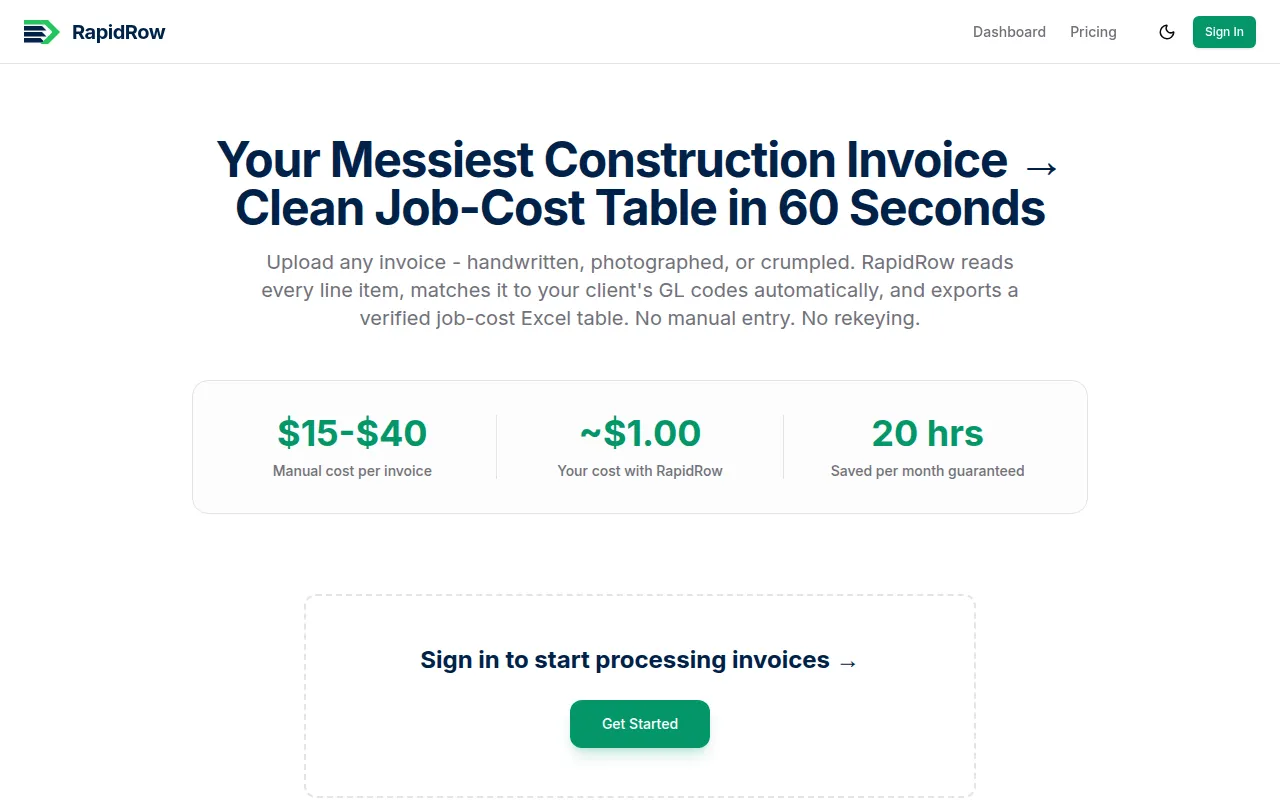
RapidRow is an AI tool designed for construction accounting. It converts subcontractor and vendor invoices—including PDF and image files—into structured data for job-costing purposes.
The software is designed for construction CPAs and firms managing volumes of vendor and subcontractor receipts. It supports bulk uploading and is designed to extract information from documents that are handwritten or physically damaged.
Users may upload their own General Ledger (GL) codes to help the AI categorize materials, labor, and small tools. The output is provided as a CSV export for use in other accounting software.
Buyers should confirm if their invoice volume aligns with the monthly plan and verify that the CSV export format fits their existing job-costing workflow.
Key Features
Bulk Drag-and-Drop Upload
Supports uploading multiple files, including PDF, PNG, and JPG formats.
Custom Chart of Accounts (COA) Mapping
Supports the upload of specific GL codes to help the AI categorize materials, labor, and tools.
Handwritten Receipt Extraction
Designed to extract data from damaged or handwritten job-site receipts.
Batch Folder Processing
Processes multiple files and exports the data into a single CSV file.
QBO/Xero Export
Provides data exports designed for use in QuickBooks Online or Xero.
Use Cases
Subcontractor Invoice Conversion
Converting subcontractor invoices into Excel job-cost tables.
Job-Site Receipt Processing
Extracting data from handwritten or damaged receipts from hardware and building supply stores.
GL Code Categorization
Assigning materials and labor to specific General Ledger codes based on provided mapping.
Batch Data Export
Consolidating separate invoice files into one CSV for accounting software import.
Integrations
- QuickBooks Online export
- Xero export
- CSV export
FAQ
What files does RapidRow support?
- RapidRow supports PDF, PNG, and JPG files, including handwritten or damaged documents.
How does RapidRow handle accounting categories?
- Users can upload their firm's specific GL codes, and the AI uses this mapping to help categorize materials, labor, and small tools.
How much does RapidRow cost?
- The Construction CPA Pro plan is $297 per month for up to 10,000 invoices and unlimited team members.
Can RapidRow export data to accounting software?
- Yes, it supports CSV exports designed for use with QuickBooks Online and Xero.
Source category: Finance & Accounting
Source subcategory: Billing & Invoicing
More tools in Finance & Accounting
Other published listings in the Finance & Accounting category.


More tools in the Billing and Invoicing software type
Related listings that share the same software type for comparison and shortlisting.


