AI TOOL PROFILE
Quickbuzz: WhatsApp Automation Software

- Marketing
- Marketing Automation
- Small and medium-sized businesses
- Marketing teams
- Customer support teams
Pricing
Quickbuzz offers a free trial and states there are no setup fees. Pricing was not clearly available from the provided evidence. Buyers should confirm current pricing on the vendor website.
At a glance
- Best for
- Small and medium-sized businesses, Marketing teams, Customer support teams
- Key use cases
- Bulk Outreach, Automated Customer Support, Campaign Tracking, Contact Segmentation
- Official website
- Visit Quickbuzz official website
How AI is used
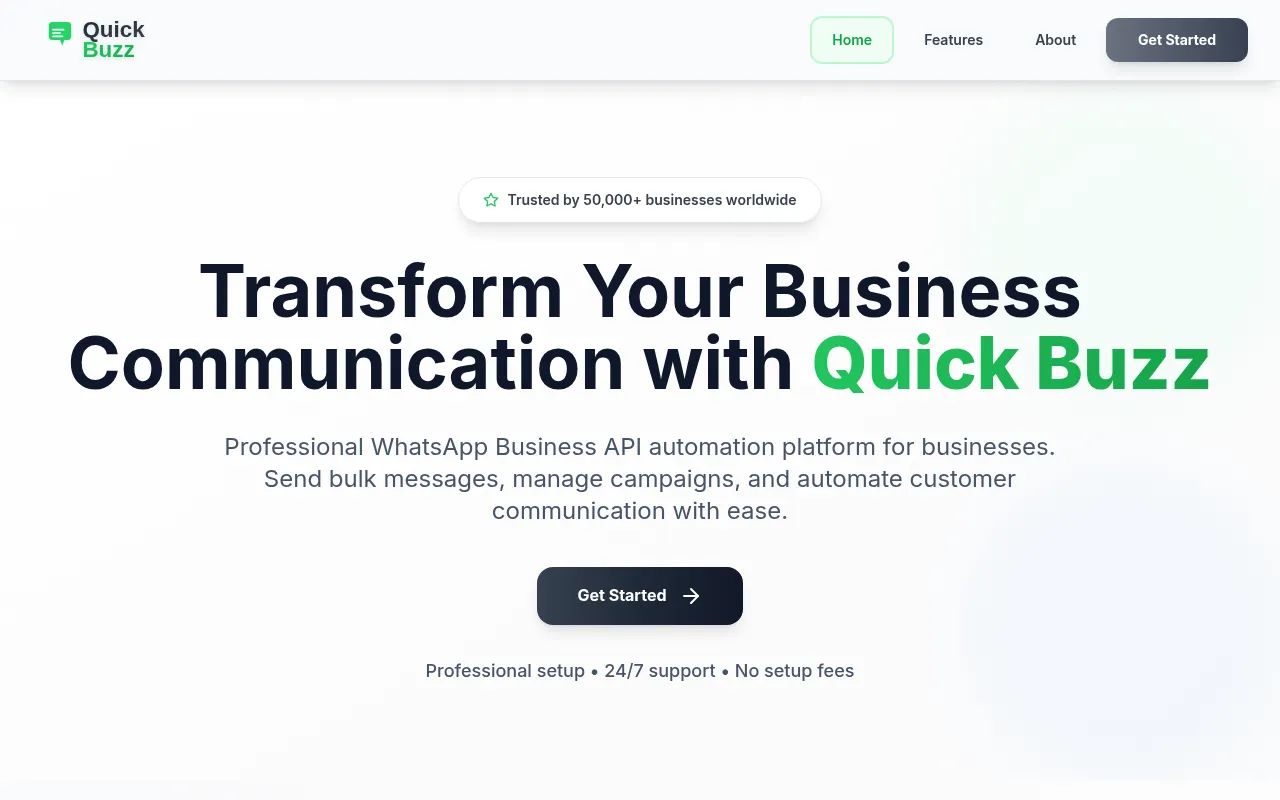
Quickbuzz is a WhatsApp Business API automation platform designed for businesses that need to scale their communication. It provides tools for bulk outreach and automated engagement.
The tool is built for businesses that want to manage a higher volume of customer interactions. It supports functions ranging from basic message sending to automated workflows.
Users can handle messaging through segmentation and scheduling, while chatbots and auto-replies are available to maintain customer engagement. The platform also includes a system for managing approved message templates to help maintain brand consistency.
Buyers should confirm how the API setup aligns with their specific WhatsApp account type and whether the provided analytics meet their reporting requirements for campaign tracking.
Key Features
Bulk Messaging
Supports sending personalized messages to large contact lists with scheduling and delivery tracking.
Campaign Automation
Designed for creating and managing multiple marketing campaigns using automation workflows.
Smart Auto-Replies and Chatbots
Provides automated responses and chatbots to handle common customer queries.
Contact Management
Includes tools for organizing and segmenting customer databases with filtering and grouping.
Template Management
Allows users to create and manage pre-approved message templates for consistent communication.
Advanced Analytics
Supports tracking for delivery rates, engagement metrics, and campaign performance.
Use Cases
Bulk Outreach
Sending personalized notifications or marketing messages to a list of contacts.
Automated Customer Support
Using auto-replies and chatbots to provide responses to frequent customer questions.
Campaign Tracking
Managing multiple WhatsApp marketing campaigns and reviewing engagement via analytics dashboards.
Contact Segmentation
Grouping customers into specific lists to send targeted messages.
FAQ
What does Quickbuzz do?
- Quickbuzz is a WhatsApp Business API platform that allows businesses to send bulk messages, automate customer responses with chatbots, and manage marketing campaigns.
Does Quickbuzz offer a free trial?
- Yes, the platform provides a free trial and indicates that there are no setup fees.
Who is Quickbuzz designed for?
- It is designed for businesses of all sizes, supporting the scaling of customer communication via WhatsApp.
Can I automate responses in Quickbuzz?
- Yes, the software includes smart auto-replies and chatbots designed to engage customers and answer common queries.
Source category: Marketing
Source subcategory: Marketing Automation
More tools in Marketing
Other published listings in the Marketing category.


More tools in the Marketing Automation software type
Related listings that share the same software type for comparison and shortlisting.


