AI TOOL PROFILE
Presenti Review: AI Presentation Software

- Productivity
- Presentation Software
- Marketers
- Sales teams
- Product managers
- Consultants
- Educators
Pricing
Presenti offers a free version with basic functions. Paid annual plans include Plus at $6/month, Pro at $8/month, and Ultra at $16/month.
At a glance
- Best for
- Marketers, Sales teams, Product managers, Consultants, Educators
- Key use cases
- Converting Reports to Slides, Drafting Ideas, Technical Presentation Drafting, Educational Material Creation
- Integrations
- PPTX export, PDF export, PNG export, JPG export
- Official website
- Visit Presenti official website
How AI is used
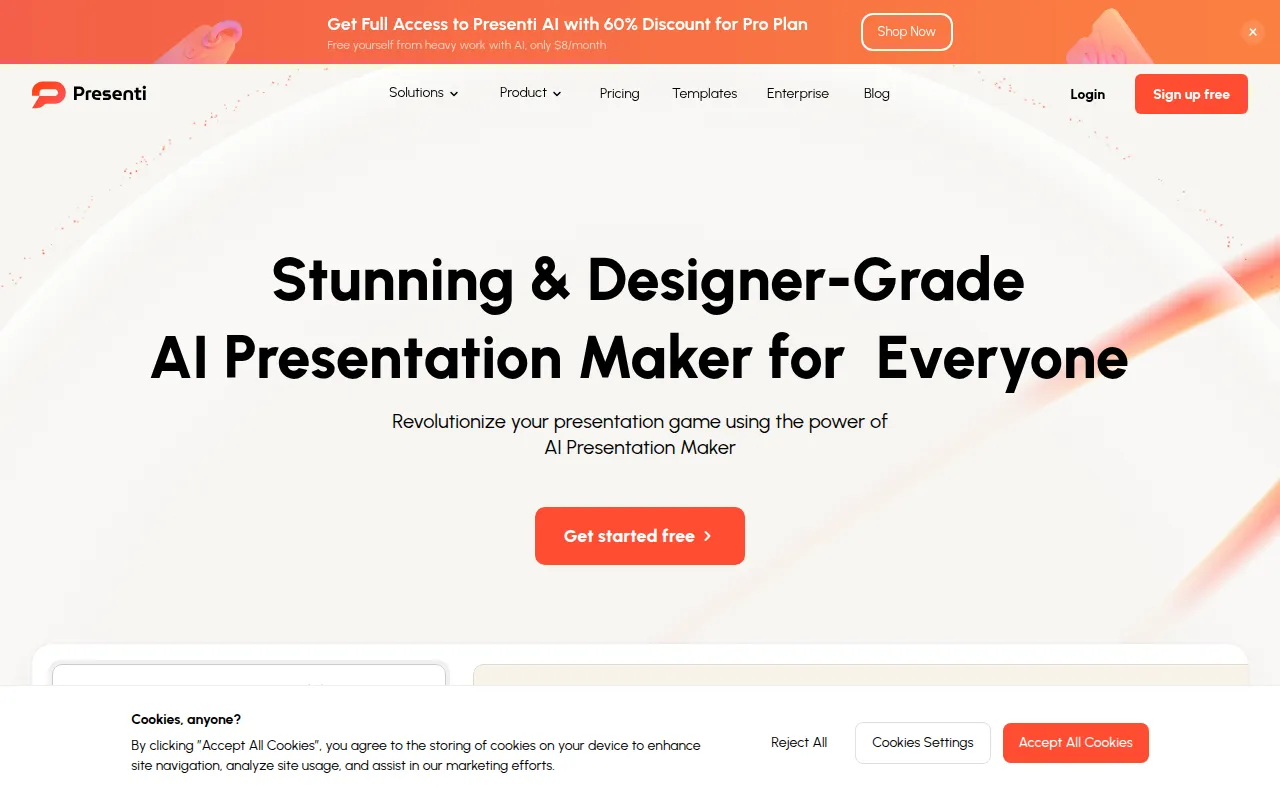
Presenti is a browser-based presentation tool that uses AI to generate slide decks from various inputs, including plain text, Word documents, PDFs, Markdown files, and mind maps. It handles initial structure and visual layout, which may reduce the manual effort involved in slide creation.
The software is intended for users such as marketers, sales teams, product managers, and consultants. It includes a library of templates and tools to adjust typography and color schemes to support a consistent look.
Buyers should note that subscription tiers limit the number of slides that can be generated per file and the monthly uses for specific AI agents and image matching. Users should confirm if the supported export formats meet their final delivery requirements.
Key Features
File-to-Presentation
Supports converting Word documents, PDFs, Markdown files, and XMind maps into slides.
Text-to-Presentation
Generates a structured slide deck based on a provided topic, keywords, or pasted text.
Automated Design Optimization
Adjusts layouts, color schemes, and typography to help create a cohesive visual style.
Real-time Collaboration
Supports inviting team members to a workspace for collaborative editing.
Template Library
Provides access to curated templates for various business and educational scenarios.
Multi-format Export
Supports exporting finished presentations as PPTX, PDF, PNG, and JPG files.
Use Cases
Converting Reports to Slides
Transforming sales reports, client feedback, or Word documents into a visual presentation format.
Drafting Ideas
Using keywords or a topic to generate a logical outline and first draft of a slide deck.
Technical Presentation Drafting
Converting Markdown syntax into slides for developers or technical leads.
Educational Material Creation
Creating structured lesson materials and slides from teaching notes.
Integrations
- PPTX export
- PDF export
- PNG export
- JPG export
FAQ
What files can I import into Presenti?
- Presenti supports importing TXT, Word, PDF, Markdown, and Xmind files to generate presentations.
Is there a free version of Presenti?
- Yes, there is a free version with basic functions and limited AI credits; however, advanced features like editable source file downloads require a paid membership.
How do the different paid plans differ?
- The Plus, Pro, and Ultra plans primarily differ in the maximum number of slides generated per file and the monthly limits for Pro Agent, AI Image Matching, and Audio-to-PPT features.
Source category: Productivity
Source subcategory: Presentation Software
More tools in Productivity
Other published listings in the Productivity category.


More tools in the Presentation Software software type
Related listings that share the same software type for comparison and shortlisting.


