AI TOOL PROFILE
Pictory: AI Video Generation Software

- Marketing
- Video and Animation
- Marketing Agencies
- Content Marketers
- Corporate Trainers
- Social Media Managers
- Education Professionals
Pricing
Pictory offers a freemium model with a free tier. Custom enterprise plans and API pricing are available upon request.
At a glance
- Best for
- Marketing Agencies, Content Marketers, Corporate Trainers, Social Media Managers, Education Professionals
- Key use cases
- Marketing Campaigns, Corporate Training, Educational Tutorials, Social Media Repurposing
- Integrations
- Zapier, Make, Chrome extension
- Official website
- Visit pictory official website
How AI is used
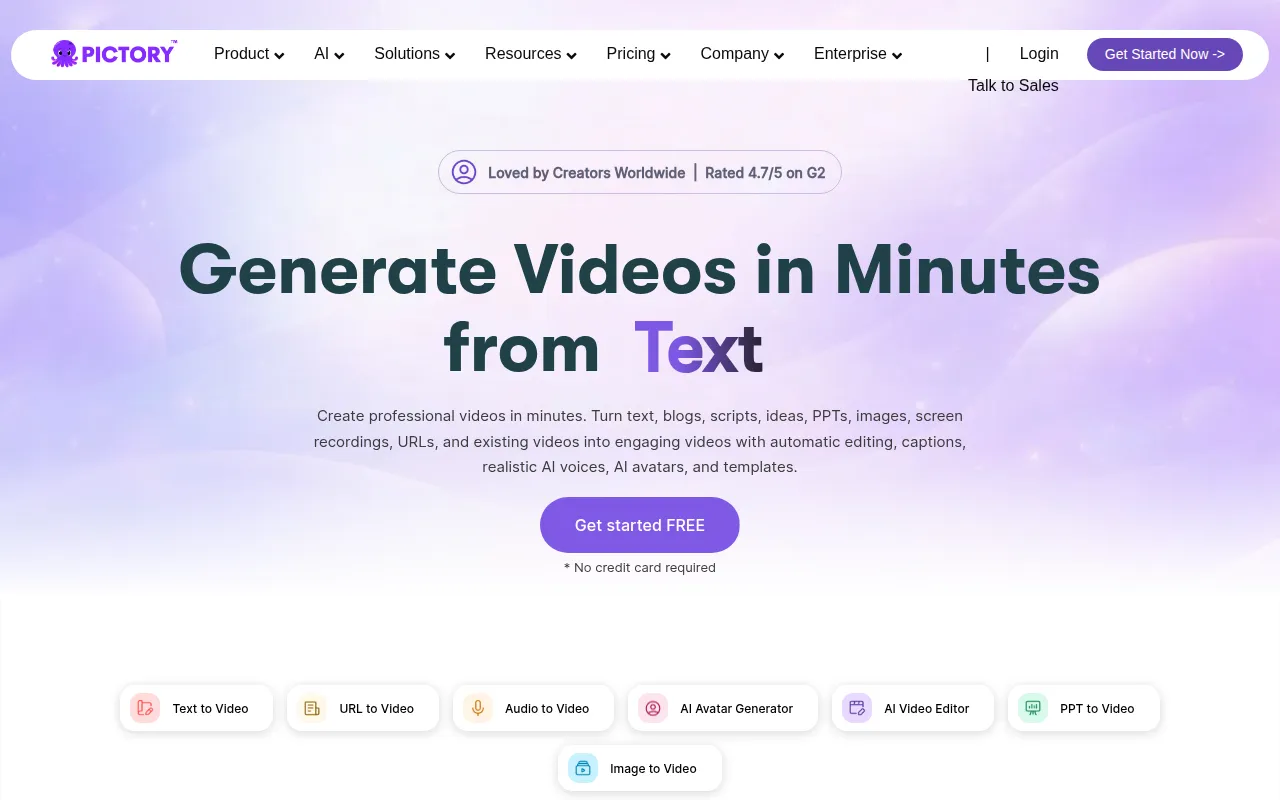
Pictory is an AI-powered video creation platform designed to turn text-based inputs—such as scripts, blog URLs, and PowerPoint presentations—into videos. It identifies key messages and matches them with relevant visuals and captions, which can be refined in a built-in editor.
The tool is designed for users without professional video editing skills, including content marketers, educators, and social media managers. It supports various output formats, including vertical clips for TikTok and Instagram and horizontal videos for YouTube.
The platform includes AI voice generation and digital avatars for narration. Buyers should confirm if the AI-selected stock footage meets their specific brand standards or if they prefer to upload their own media library.
For larger organizations, the platform is SOC 2 and GDPR compliant and offers an API for automating video creation within other business systems.
Key Features
Text-to-Video Conversion
Turns scripts, blog posts, and text prompts into videos with AI-selected visuals and captions.
URL-to-Video
Converts web pages and blog links into video summaries.
AI Avatars
Provides digital presenters that narrate scripts using AI voices.
AI Video Editor
Supports video editing using text-based controls and automatic captioning.
PPT to Video
Transforms PowerPoint presentations into videos with transitions and narration.
AI Studio
Generates images and short video clips from text prompts for use within scenes.
Screen Recording
Captures on-screen activity for tutorials and product demos.
Use Cases
Marketing Campaigns
Creating product explainers and social media ads from text prompts.
Corporate Training
Converting internal knowledge and onboarding documents into instructional videos.
Educational Tutorials
Turning lesson plans and scripts into teaching videos with automated visuals.
Social Media Repurposing
Turning blog articles into short clips optimized for TikTok and Instagram.
Integrations
- Zapier
- Make
- Chrome extension
FAQ
How does Pictory create videos from text?
- The system analyzes the provided text or prompt to identify key messages and then assembles a storyboard with AI-selected visuals and captions.
Can I use my own images and videos in Pictory?
- Yes, users can upload their own media to replace or supplement the visuals selected by the AI.
Does Pictory support different video sizes for social media?
- Yes, it offers horizontal, vertical, and square aspect ratios tailored for platforms like YouTube, TikTok, and Instagram.
What are the pricing options for Pictory?
- Pictory follows a freemium model with a free tier, alongside custom plans for enterprises and specific pricing for API access.
Source category: Marketing
Source subcategory: Video & Animation
More tools in Marketing
Other published listings in the Marketing category.


More tools in the Video and Animation software type
Related listings that share the same software type for comparison and shortlisting.


