AI TOOL PROFILE
PaperCut Print Management Software

- Operations
- Print Management
- Small and medium-sized businesses
- Educational institutions
- Healthcare organizations
- Legal practices
- IT managers
- SysAdmins
Pricing
PaperCut Pocket pricing starts at $1.90 per active user per month. PaperCut NG is free for organizations with 5 users or fewer. A 40-day free trial is available for new users.
At a glance
- Best for
- Small and medium-sized businesses, Educational institutions, Healthcare organizations, Legal practices, IT managers
- Key use cases
- Reducing Paper Waste, Budget Management, Securing Sensitive Documents, Supporting Hybrid Work
- Integrations
- Google Workspace, Microsoft Entra ID
- Official website
- Visit papercut official website
How AI is used
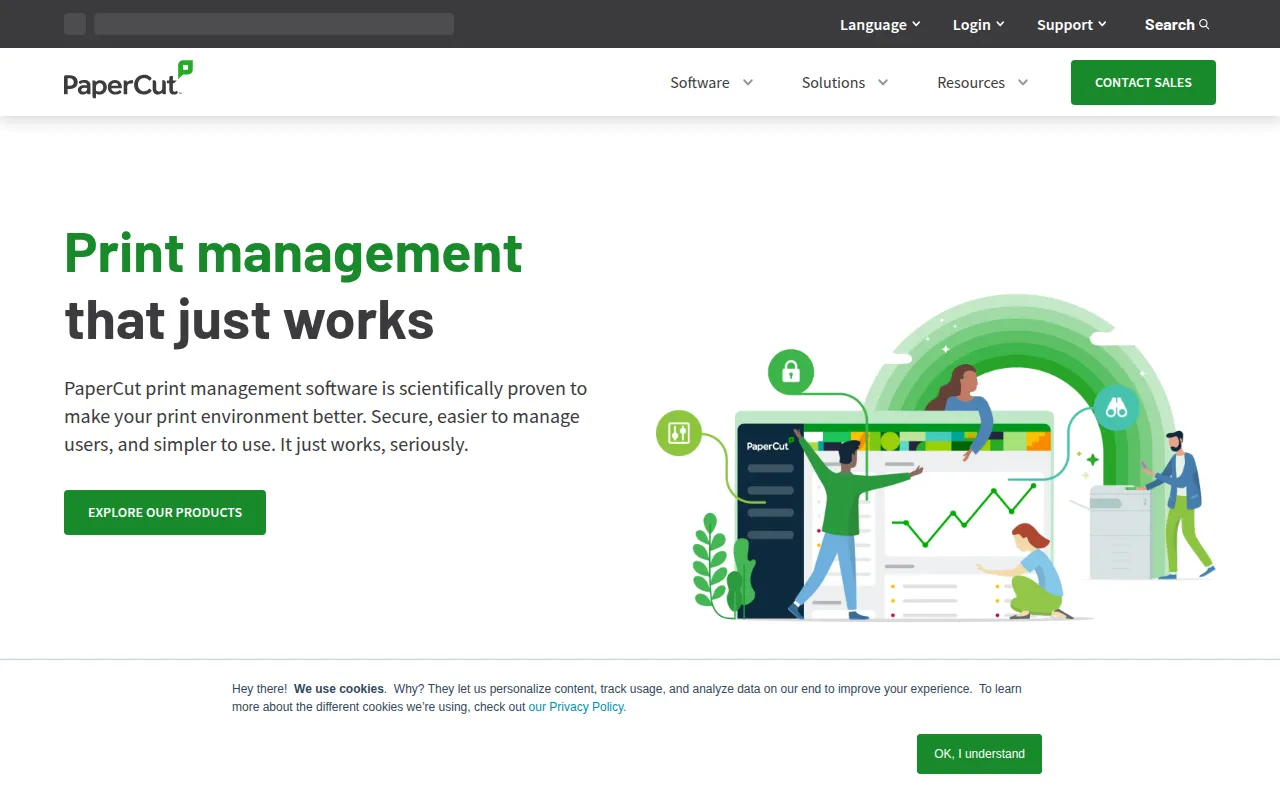
PaperCut is a suite of print management tools designed to provide organizations with control over their printing environment. The software supports various printer brands and is compatible with Windows, Mac, Linux, Chromebook, Android, and iOS. It is designed to help address issues such as abandoned printouts and uncontrolled printing costs.
The tool supports different organizational sizes, including small businesses, large enterprises, and educational institutions. It helps administrators track print activity and set rules for usage and security.
Capabilities include secure print release, where documents print after the user identifies themselves at the printer, and print quotas to help manage budgets. The product suite includes PaperCut MF for hardware integration, PaperCut NG for a DIY approach, and cloud-based options including PaperCut Hive and PaperCut Pocket.
Buyers should confirm which version fits their technical requirements, as some options focus on basic cloud management while others provide deeper hardware integration for multifunction devices.
Key Features
Secure Print Release
Holds print jobs in a queue until the user identifies themselves at the printer via QR code, NFC, or PIN.
Print Quotas
Supports assigning credit balances to users to help manage printing budgets and limit usage.
Find-Me Printing
Supports printing to a single global queue, allowing users to retrieve documents from any available printer.
Print Logging
Tracks job details including owner, document name, date, time, and page counts for auditing.
Watermarking
Adds usernames or digital signatures to pages to help identify document ownership.
Multi-Platform Support
Compatible with various operating systems including Windows, macOS, Linux, and Chrome OS.
Use Cases
Reducing Paper Waste
Using secure print release to ensure documents are only printed when the user is present, which may reduce uncollected printouts.
Budget Management
Implementing print quotas and cost tracking to monitor spend and limit user printing volume.
Securing Sensitive Documents
Using watermarking and access controls to help prevent sensitive information from being left unattended on printer trays.
Supporting Hybrid Work
Supporting mobile printing and cloud-native management for users printing from various devices and locations.
Integrations
- Google Workspace
- Microsoft Entra ID
FAQ
What is secure print release?
- It is a feature that holds a print job in a queue until the user identifies themselves at the device, which may prevent sensitive documents from sitting unattended in the printer tray.
Does PaperCut work with any printer brand?
- Yes, PaperCut is designed to be vendor-neutral and supports major printer brands and models.
Is there a free version of PaperCut?
- PaperCut NG is free for businesses with 5 users or fewer, and new users can access a 40-day free trial.
What operating systems are supported?
- The software supports Windows, Mac, Linux, Chromebook, Android, and iOS.
Source category: Operations
Source subcategory: Print Management
More tools in Operations
Other published listings in the Operations category.


More tools in the Print Management software type
Related listings that share the same software type for comparison and shortlisting.


