AI TOOL PROFILE
OpenClaw Review: Open-Source AI Personal Assistant

- Productivity
- AI Assistant
- Technical small business owners
- Operations managers comfortable with self-hosting
- Small teams needing a shared digital assistant
- Power users of AI models
Pricing
OpenClaw is open-source. While there is no direct software fee, users are responsible for the costs associated with their chosen AI model API keys.
At a glance
- Best for
- Technical small business owners, Operations managers comfortable with self-hosting, Small teams needing a shared digital assistant, Power users of AI models
- Key use cases
- Inbox and Calendar Management, Web Automation, Local File and Data Handling, Technical Task Orchestration
- Integrations
- WhatsApp, Telegram, Discord, Slack, Signal
- Official website
- Visit OpenClaw official website
How AI is used
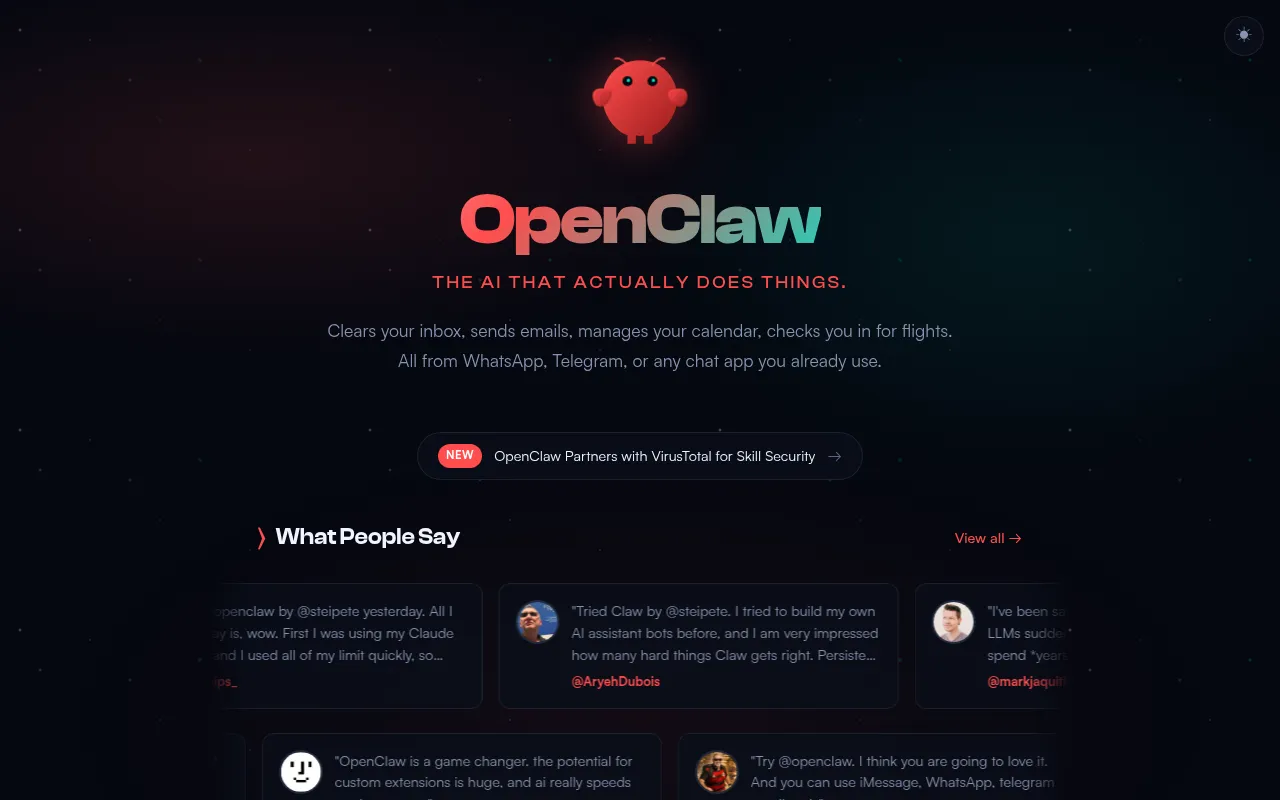
OpenClaw is an open-source AI assistant designed to execute tasks directly on your computer. It can interact with local files, run shell commands, and manage web-based tools, and is controlled through messaging apps such as WhatsApp, Telegram, or Slack.
It is intended for individuals and small teams who require an assistant with access to their desktop environment. By connecting to various model providers via API keys, it supports operations such as clearing inboxes, managing calendars, and extracting data from files.
Because it is self-hosted on macOS, Windows, or Linux, it allows users to keep their context and skills on their own hardware. This may be a practical option for those comfortable with a technical setup process.
Buyers should confirm their comfort level with CLI installation and the management of their own API keys from providers like Anthropic or OpenAI, as the software does not provide the AI models itself.
Key Features
Multi-Channel Chat Integration
Supports interacting with the assistant via WhatsApp, Telegram, Discord, Slack, Signal, and iMessage.
System Access
Can read and write files, execute shell commands, and run scripts on the host machine, with options for sandboxing.
Browser Control
Designed to browse the web, fill out online forms, and extract data from websites.
Persistent Memory
Supports long-term memory of user preferences and context to provide more personalized assistance.
Flexible Model Support
Supports various AI models including those from Anthropic, OpenAI, Google, and local models via API keys.
Extensible Skill System
Allows users to install community-built skills from ClawHub or create custom automation capabilities.
Use Cases
Inbox and Calendar Management
Helping users clear email inboxes, send emails, and organize calendar events through a chat interface.
Web Automation
Supporting tasks such as flight check-ins and filling out online forms.
Local File and Data Handling
Extracting data from local files and organizing information into notes or databases.
Technical Task Orchestration
Executing shell commands and managing coding tasks or PRs on a local machine remotely via phone.
Integrations
- Telegram
- Discord
- Slack
- Signal
- iMessage
- Gmail
- GitHub
- Obsidian
- Notion
- Spotify
- Philips Hue
FAQ
What is OpenClaw and how does it work?
- OpenClaw is an open-source AI assistant that you install on your own computer. It connects to AI models via API keys and allows you to control your machine and various apps through chat platforms.
Do I need to pay for OpenClaw?
- The software itself is open-source, but you will need to pay for the API keys of the AI model provider (such as OpenAI or Anthropic) that you choose to use.
What operating systems are supported?
- OpenClaw is designed to run on macOS, Windows, and Linux.
Is it suitable for non-technical users?
- The installation is performed via a command-line interface (CLI) and requires Node.js, which may be a hurdle for users without technical experience.
Source category: Productivity
Source subcategory: AI Assistant
More tools in Productivity
Other published listings in the Productivity category.


More tools in the AI Assistant software type
Related listings that share the same software type for comparison and shortlisting.


