AI TOOL PROFILE
OneDesk AI Workspace

- Productivity
- AI Assistant
- Users managing multiple AI chat threads
- Knowledge workers organizing AI-generated research
- Users requiring a centralized AI workspace
- Users of multiple LLMs
Pricing
Pricing was not clearly available from the provided evidence. Buyers should confirm current pricing on the vendor website.
At a glance
- Best for
- Users managing multiple AI chat threads, Knowledge workers organizing AI-generated research, Users requiring a centralized AI workspace, Users of multiple LLMs
- Key use cases
- Managing Multiple AI Workflows, Knowledge Organization, Cross-Model Interaction, Document-Based AI Interaction
- Official website
- Visit OneDesk official website
How AI is used
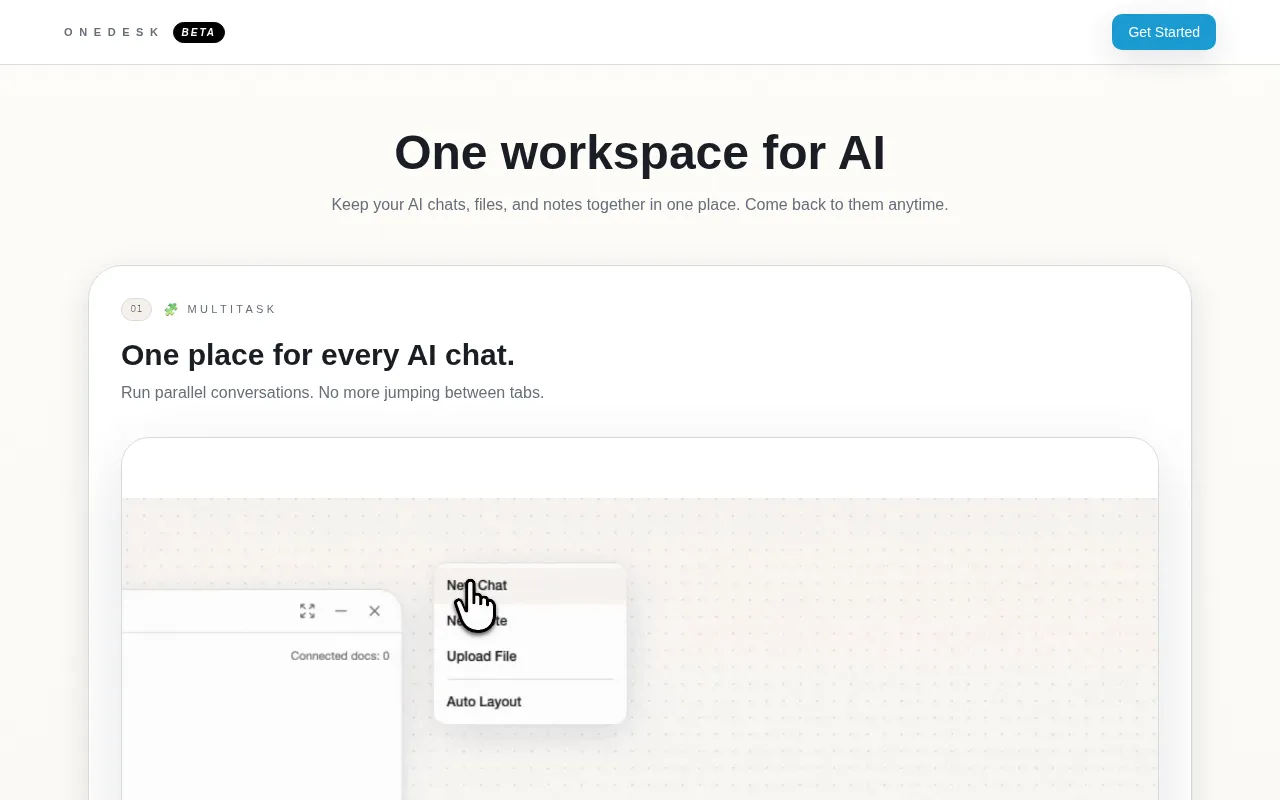
OneDesk is an AI workspace designed to keep chats, files, and notes together in one place. It provides a consolidated environment where users can run parallel conversations and manage information without switching between browser tabs.
The tool is for individuals or teams who use AI for their daily workflows and need to organize interactions. It supports the creation of linked notes and the management of documents side-by-side with active chats.
Buyers should be aware that the software is currently in BETA. Users should confirm if the specific LLMs they require are supported by the model routing functionality.
Key Features
Model Routing
Supports switching between different LLMs mid-chat while preserving conversation history.
Context Builder
Allows users to create notes and link them across multiple nodes within the workspace.
Thread Branching
Supports splitting a conversation into a new topic while keeping the original thread intact.
Capture
Designed to extract AI responses and turn them into notes.
File Context
Supports uploading documents via drag-and-drop to connect files to chats and review them side-by-side.
Parallel Conversations
Supports running multiple AI chats simultaneously in one interface.
Use Cases
Managing Multiple AI Workflows
Running parallel conversations across different topics without switching browser tabs.
Knowledge Organization
Capturing AI outputs and converting them into a network of linked notes.
Cross-Model Interaction
Using model routing to switch between different AI models within the same chat.
Document-Based AI Interaction
Uploading files to provide context to AI chats and reviewing documents alongside responses.
FAQ
What is OneDesk?
- OneDesk is a BETA AI workspace that consolidates AI chats, files, and notes into a single interface.
Can I switch between different AI models in OneDesk?
- Yes, the model routing feature is designed to let users switch LLMs mid-chat without losing their conversation history.
How does OneDesk handle documents?
- Users can drag and drop or upload documents to create file context, which supports managing files and reviewing them side-by-side with AI chats.
Source category: Productivity
Source subcategory: AI Assistant
More tools in Productivity
Other published listings in the Productivity category.


More tools in the AI Assistant software type
Related listings that share the same software type for comparison and shortlisting.


