AI TOOL PROFILE
move.ai: Markerless Motion Capture Software
- Software Development
- Video and Animation
- Animation Studios
- Game Development Studios
- Content Creation Teams
- VFX Artists
- Robotics Researchers
Pricing
Paid plans start at $15/month for Personal use, with Standard at $50/month and Advanced at $250/month. A 30-day Move Pro trial is available for $995.
At a glance
- Best for
- Animation Studios, Game Development Studios, Content Creation Teams, VFX Artists, Robotics Researchers
- Key use cases
- 3D Character Animation, VFX Asset Animation, Crowd Simulation, Ergonomic Analysis, Robot Imitation Learning
- Integrations
- FBX export, BVH export, USD export, BLEND export, JSON export
- Official website
- Visit move.ai official website
How AI is used
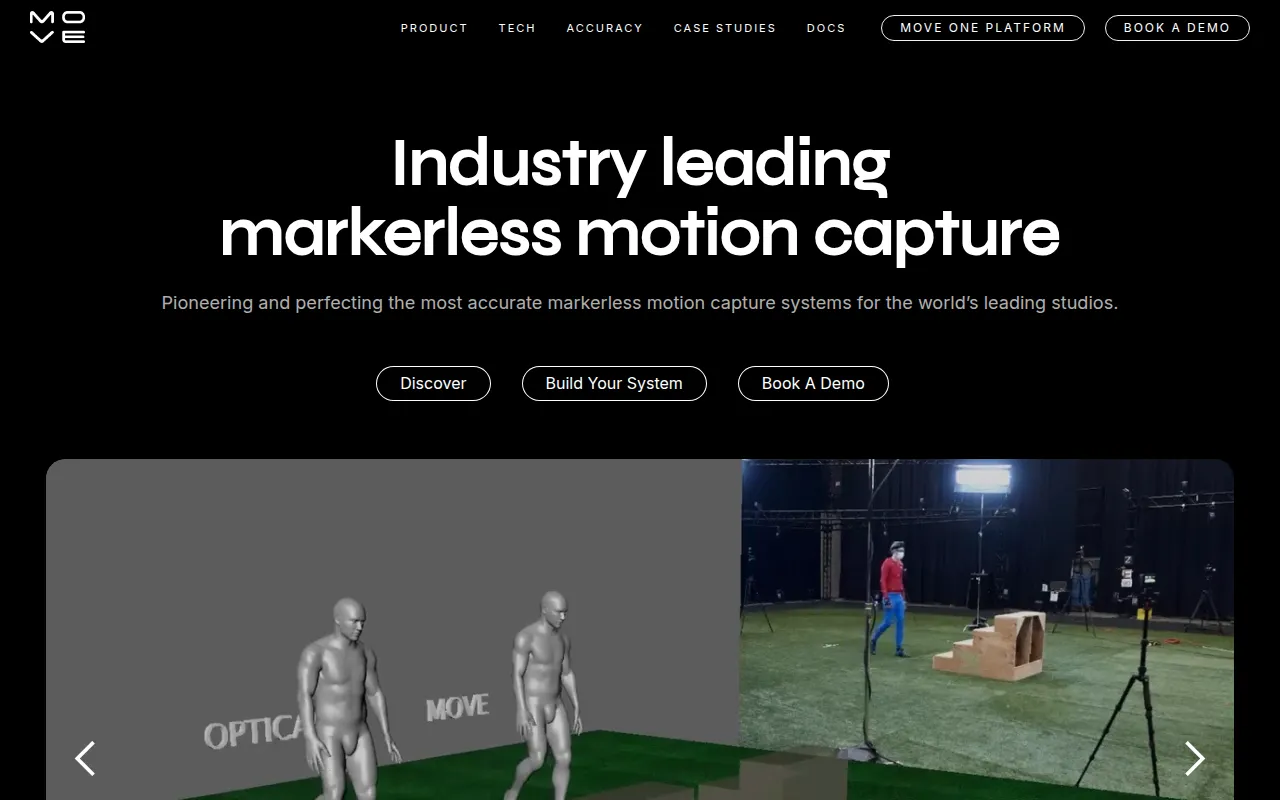
move.ai is a motion capture platform designed to translate video footage into 3D animation. By removing the requirement for physical markers or suits, the software allows users to capture movement in various environments, using single-camera setups or multi-camera arrays.
The tool is designed for indie creators, game developers, and VFX artists. It provides different workflows based on the needed precision, including single-camera capture for quick iterations and multi-camera systems for high-fidelity production work.
Beyond character animation, the platform supports motion analysis for robotics and ergonomics. Buyers should confirm their hardware compatibility—such as iPhone or GoPro availability—and review the credit-based pricing model for their project volume.
Key Features
Markerless Motion Capture
Converts standard video footage into 3D animation data without requiring specialized suits or markers.
Move One
Supports single-camera capture using an iPhone, iPad, or uploaded video.
Move Pro
Supports high-precision capture using multi-camera setups with GoPro or professional cameras.
Move Live
Designed for real time motion capture and instant feedback for live performances and virtual production.
Dex Technology
Captures hand and finger dynamics to support digital character movements.
AI-Powered Processing
Uses spatial AI models to generate 3D skeletons and motion data from RGB video input.
Use Cases
3D Character Animation
Supports production for film and games by converting video to character movement.
VFX Asset Animation
Generates 3D motion data to animate CG props and elements during post-production.
Crowd Simulation
Captures human movement to animate background characters in digital scenes.
Ergonomic Analysis
Analyzes human movements to assess workplace health and safety and physical ergonomics.
Robot Imitation Learning
Captures human motion data to help train robotics systems to mimic movements.
Integrations
- FBX export
- BVH export
- USD export
- BLEND export
- JSON export
FAQ
What is the difference between Move One and Move Pro?
- Move One is designed for single-camera capture using iPhones or video, while Move Pro supports high-precision multi-camera capture for larger spaces.
Does move.ai support commercial use?
- Commercial use is supported on the Standard and Advanced plans, as well as Move Pro and Enterprise tiers; the Personal plan is for non-commercial use.
Can I track multiple people at once?
- Move One supports single-person tracking, while multi-person tracking is available through Move Pro Enterprise.
How does the credit system work?
- Credits are consumed based on the length of the video and the complexity of the AI model used for processing.
Source category: Software Development
Source subcategory: Video & Animation
More tools in Software Development
Other published listings in the Software Development category.


More tools in the Video and Animation software type
Related listings that share the same software type for comparison and shortlisting.


