AI TOOL PROFILE
ManagedMethods: K-12 Cybersecurity and Student Safety

- Security
- Student Safety Monitoring
- K-12 school districts
- School IT managers
- Education technology directors
Pricing
ManagedMethods uses a flat-rate per-user annual subscription model with multi-year discounts available. A 30-day free trial is offered.
At a glance
- Best for
- K-12 school districts, School IT managers, Education technology directors
- Key use cases
- CIPA Compliance, Cloud Environment Auditing, Student Wellbeing Monitoring, Third-Party App Governance
- Integrations
- Google Workspace, Microsoft 365
- Official website
- Visit managedmethods official website
How AI is used
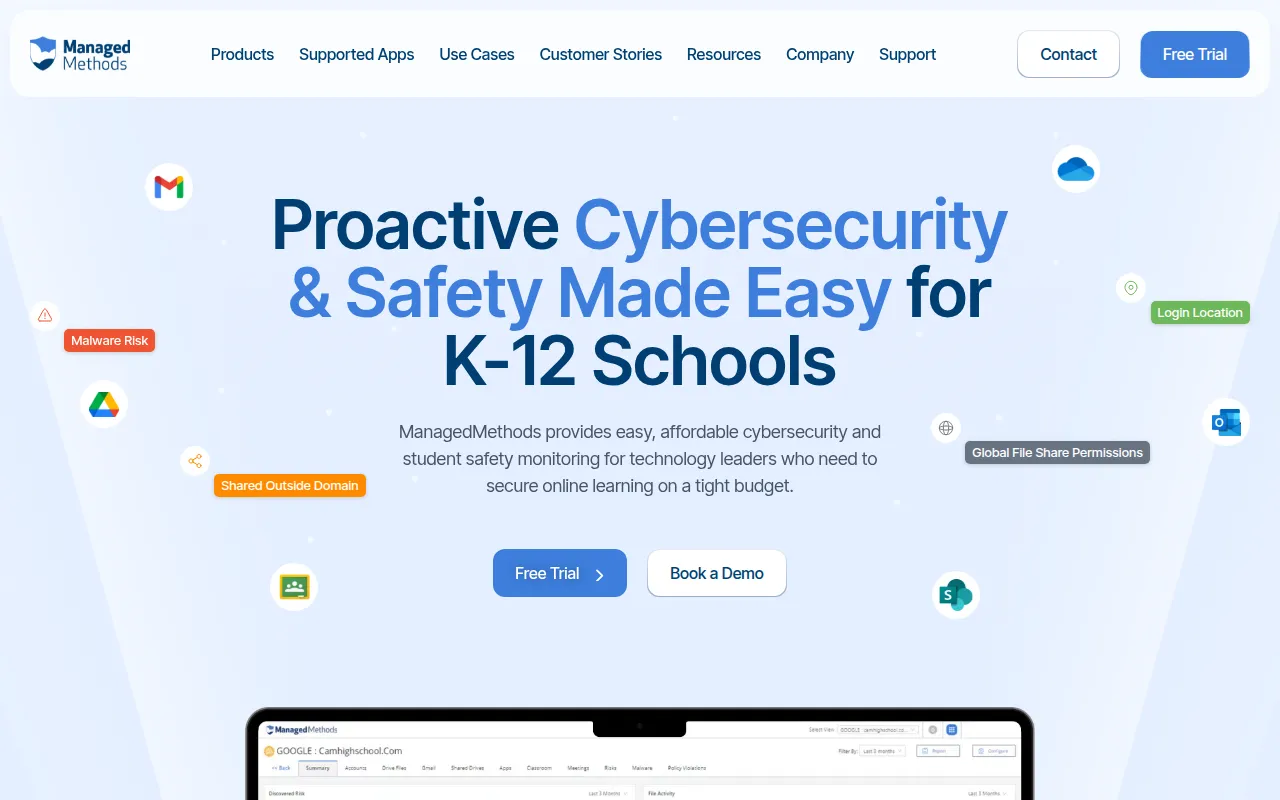
ManagedMethods is a cybersecurity and safety platform designed for the K-12 education sector. It focuses on securing data and accounts within Google Workspace and Microsoft 365, while managing web browsing safety through its Content Filter tool.
The software is intended for school district IT managers and technology leaders. It helps teams monitor for security threats such as phishing and malware, and supports the detection of student safety signals, including cyberbullying and self-harm indicators, using AI-driven scanning.
The platform uses an API-based approach for cloud monitoring, which means it does not require the installation of proxies, agents, or browser extensions to monitor Google and Microsoft environments. This may reduce manual setup work for IT staff.
Buyers should confirm how the automated remediation policies align with their district's internal protocols and verify if the available reporting tools meet their state's regulatory requirements.
Key Features
Cloud Security Monitoring
Monitors Google Workspace and Microsoft 365 environments via API to detect security threats without requiring proxies or agents.
AI-Powered Content Filtering
Uses artificial intelligence and browser-level URL blocking to manage internet safety and support CIPA compliance.
Student Safety Detection
Scans emails, files, and chats for signals related to self-harm, cyberbullying, and explicit content.
OAuth App Management
Identifies and assigns risk scores to third-party SaaS applications granted access to district accounts.
Threat Protection
Scans for phishing and malware in messages, attachments, and links to help prevent account takeovers.
Data Loss Prevention
Supports the detection of sensitive information, such as social security numbers and W2s, being shared improperly.
Use Cases
CIPA Compliance
Using browser-level URL blocking and AI filtering to help meet federal requirements for internet safety in schools.
Cloud Environment Auditing
Monitoring Google Workspace and Microsoft 365 for anomalous activity or unauthorized data sharing.
Student Wellbeing Monitoring
Identifying red flags in student communications and documents that may indicate a need for counselor intervention.
Third-Party App Governance
Reviewing and revoking OAuth permissions for risky or unsanctioned edtech applications.
Integrations
- Google Workspace
- Microsoft 365
FAQ
Does ManagedMethods require a proxy or agent for installation?
- Cloud Monitor uses API integrations and does not require proxies, agents, or browser extensions to monitor cloud environments.
Is the software compliant with student privacy laws?
- The platform is certified FERPA, COPPA, and CSPC compliant by iKeepSafe.
How does the pricing work for school districts?
- It uses a flat-rate per-user annual subscription, and discounts are available for multi-year agreements.
Source category: Security
Source subcategory: Student Safety Monitoring
More tools in Security
Other published listings in the Security category.


