AI TOOL PROFILE
Dradis Pro: Penetration Testing Management Software
- Security
- Vulnerability Management
- Security consultancies
- Corporate security teams
- Enterprise security departments
- Freelance penetration testers
Pricing
The Assess plan starts at $249/mo (billed yearly). The Remediate plan is $499/mo (billed yearly), which adds remediation tracking and ticketing integrations. A free Community Edition is also available.
At a glance
- Best for
- Security consultancies, Corporate security teams, Enterprise security departments, Freelance penetration testers
- Key use cases
- Standardizing Consultant Output, Consolidating Scanner Data, Client Delivery and Collaboration, Remediation Workflow Integration
- Integrations
- Jira, ServiceNow, Azure DevOps, Nessus, Burp Suite
- Official website
- Visit dradis pro official website
How AI is used
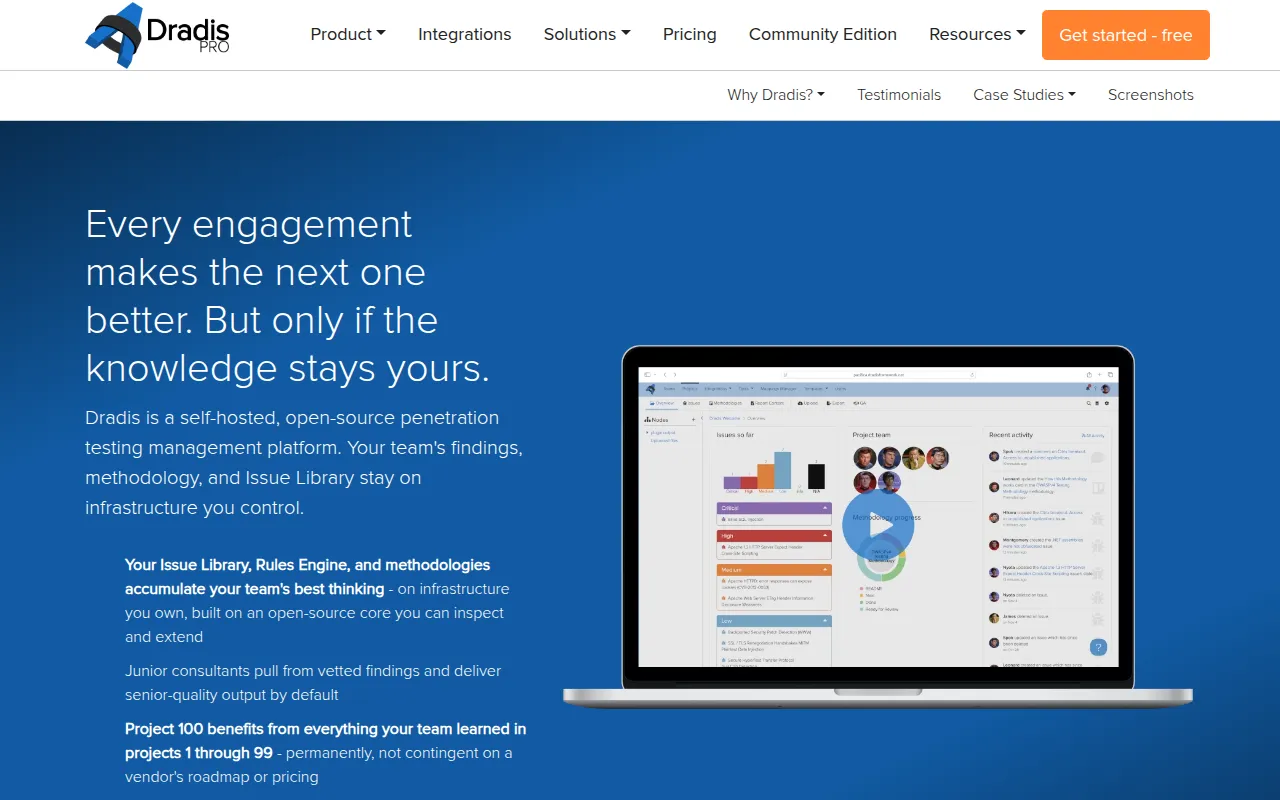
Dradis Pro is a self-hosted platform for security consultants and enterprise teams to manage penetration testing engagements. It provides a centralized system for findings and reporting to reduce manual document creation.
The software supports importing data from 47+ security scanners, which is then processed through a rules engine to normalize titles and severity. This is designed to help teams maintain consistency in their output across different consultants.
Beyond reporting, the platform provides a branded results portal for clients to view progress in real time and supports remediation tracking via external ticketing integrations. Because it is self-hosted, it is intended for organizations that require full control over their data and prefer not to use cloud-based tools.
Buyers should confirm their specific needs regarding remediation tracking, as this functionality is available in the Remediate and Enterprise plans. Those with strict compliance requirements may want to review the Enterprise plan for LDAP, SAML, and audit logging.
Key Features
Pentest Reporting
Generates reports in Word, Excel, or HTML formats based on collected findings.
Reusable Issue Library
A central repository of pre-written vulnerability descriptions that can be reused across projects.
Rules Engine
Designed to merge and deduplicate findings from security scanners and normalize severity and tags.
Client Results Portal
A branded, interactive portal that allows clients to view findings and progress in real time.
Echo: Context Engine
A tool providing context-aware content suggestions that runs locally via Ollama for data privacy.
Risk Calculators
Built-in support for scoring vulnerabilities using CVSSv4, DREAD, and MITRE ATT&CK frameworks.
Use Cases
Standardizing Consultant Output
Using the Issue Library to ensure consultants use the same approved descriptions for common vulnerabilities.
Consolidating Scanner Data
Importing findings from multiple security tools and using the Rules Engine to remove duplicates and normalize data.
Client Delivery and Collaboration
Providing clients with a branded portal to track findings and remediation progress instead of relying on static PDF reports.
Remediation Workflow Integration
Syncing findings to ticketing systems like Jira, ServiceNow, or Azure DevOps to track the resolution of security issues.
Integrations
- Jira
- ServiceNow
- Azure DevOps
- Nessus
- Burp Suite
- Okta
- SAML
- LDAP
- CSV import
- REST API
FAQ
Where is Dradis Pro deployed?
- Dradis Pro is a self-hosted solution that can be deployed on-premises, in a private cloud (AWS, Azure, GCP), or in air-gapped environments.
What is the difference between the Assess and Remediate plans?
- The Assess plan focuses on testing and delivering findings, while the Remediate plan adds remediation tracking and integrations with Jira, Azure DevOps, and ServiceNow.
Does Dradis Pro use AI for report generation?
- It includes 'Echo: Context Engine,' which provides content suggestions and runs locally via Ollama to ensure sensitive data does not leave the user's infrastructure.
Source category: Security
Source subcategory: Vulnerability Management
More tools in Security
Other published listings in the Security category.


More tools in the Vulnerability Management software type
Related listings that share the same software type for comparison and shortlisting.