AI TOOL PROFILE
Mailbird Review: Desktop Email Client

- Productivity
- Email Client
- Small business owners
- Professional users with multiple email accounts
- Windows and Mac users
- Users who prefer desktop apps over webmail
Pricing
Pricing includes a free plan for one account and a Premium Yearly Plan starting at $4.03 per user per month. A Premium Pay-Once option is available for $99.75 per user. A 14-day money-back guarantee is offered.
At a glance
- Best for
- Small business owners, Professional users with multiple email accounts, Windows and Mac users, Users who prefer desktop apps over webmail
- Key use cases
- Multi-Account Management, Drafting Professional Correspondence, Consolidating Productivity Tools, Monitoring Outreach
- Integrations
- Slack, Dropbox, Google Calendar, Asana, Trello
- Official website
- Visit mailbird official website
How AI is used
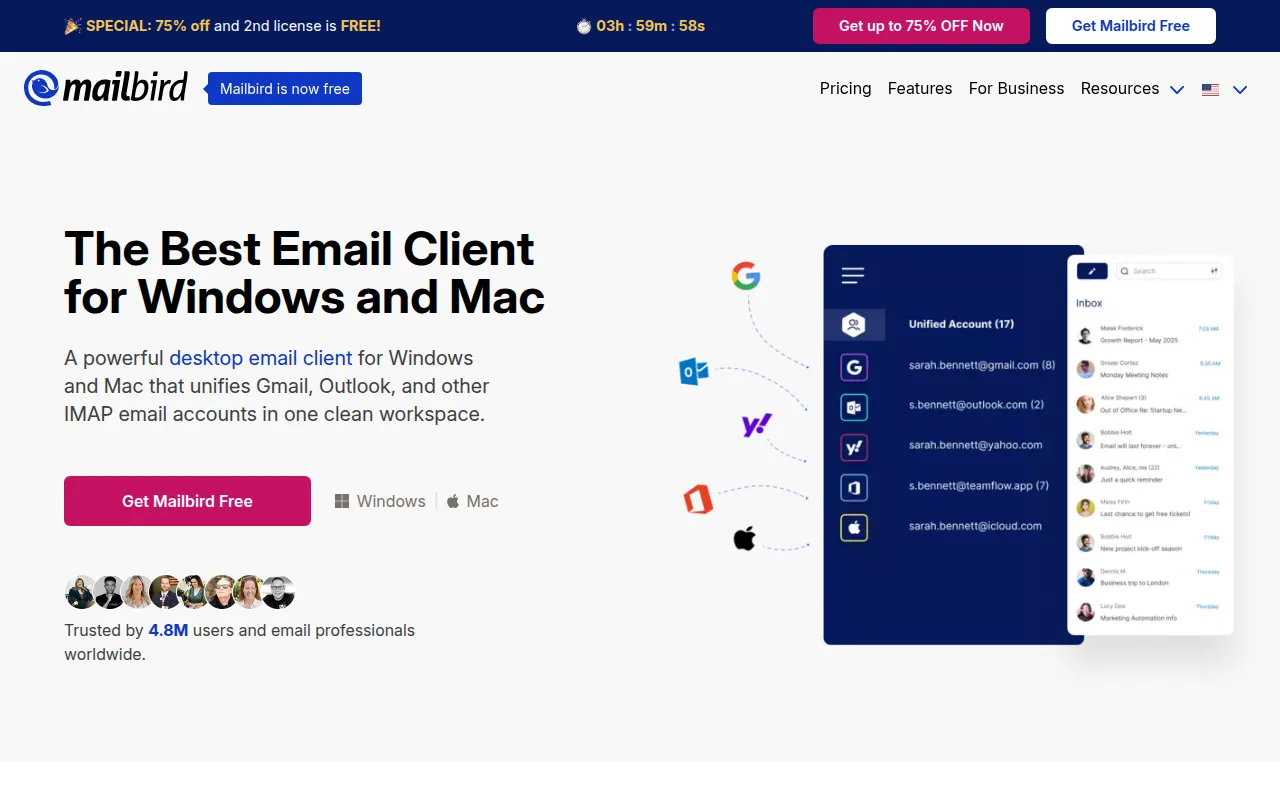
Mailbird is a desktop email client designed to consolidate messages from various providers, including Gmail, Outlook, Yahoo, and other IMAP/SMTP services, into a single unified interface. It is intended for users who prefer a standalone application over a web browser for managing their correspondence.
The software is designed for professionals and small to mid-sized business users who handle multiple mailboxes and want to reduce the need to switch between different tabs or apps. It includes tools like email tracking and AI-assisted drafting to support daily communication workflows.
Beyond basic email, it supports integrations with external tools such as Slack and Asana, which allows users to access these services within the same window. This may help maintain focus by keeping team communication and task management adjacent to the inbox.
Buyers should confirm the specific requirements for the Mac version, as it requires macOS Ventura or later, and note that POP3 support is not currently available for Mac users.
Key Features
Unified Inbox
Combines messages from multiple email accounts into one centralized view.
App Integrations
Supports connections with 30+ apps including Slack, Dropbox, Google Calendar, and Asana.
AI-Powered Writing
Uses ChatGPT integration to help users draft email messages.
Email Tracking
Notifies users when recipients have opened their messages in real time.
Message Snoozing
Allows users to temporarily remove non-urgent emails from the inbox.
Customizable Workspaces
Supports personalized backgrounds and themes to adjust the visual interface.
Use Cases
Multi-Account Management
Centralizing email from different providers like Gmail and Outlook into one workspace.
Drafting Professional Correspondence
Using AI-powered assistance to help draft emails.
Consolidating Productivity Tools
Accessing task management and instant messaging apps within the email client.
Monitoring Outreach
Using tracking to see when a recipient opens a sent message in real time.
Integrations
- Slack
- Dropbox
- Google Calendar
- Asana
- Trello
- Google Hangouts
FAQ
Does Mailbird support both Windows and Mac?
- Yes, Mailbird is available for both platforms, and licenses purchased on their website are compatible with both versions.
Can I use Mailbird with my existing Gmail or Outlook account?
- Yes, Mailbird is an email client, not a hosting provider, so you connect your existing Gmail, Outlook, or IMAP/SMTP accounts to it.
What is the difference between the Free and Premium plans?
- The Free plan provides basic features for one account, while Premium supports unlimited accounts, unlimited email tracking, and priority customer support.
Source category: Productivity
Source subcategory: Email Client
More tools in Productivity
Other published listings in the Productivity category.


More tools in the Email Client software type
Related listings that share the same software type for comparison and shortlisting.


