AI TOOL PROFILE
Leaddelta Review: LinkedIn CRM and Contact Enrichment

Pricing
Plans start at $17.50 per user per month (billed yearly) for the Starter tier, with Pro and Business tiers available. A 7-day free trial is available.
At a glance
- Best for
- Sales Teams, Recruiters, Small Business Owners, Business Development Professionals, Marketers
- Key use cases
- Contact Organization, Lead Enrichment, Team-Based Account Selling, Network Cleanup, Engagement Tracking
- Integrations
- Zapier, CSV import, CSV export
- Official website
- Visit Leaddelta official website
How AI is used
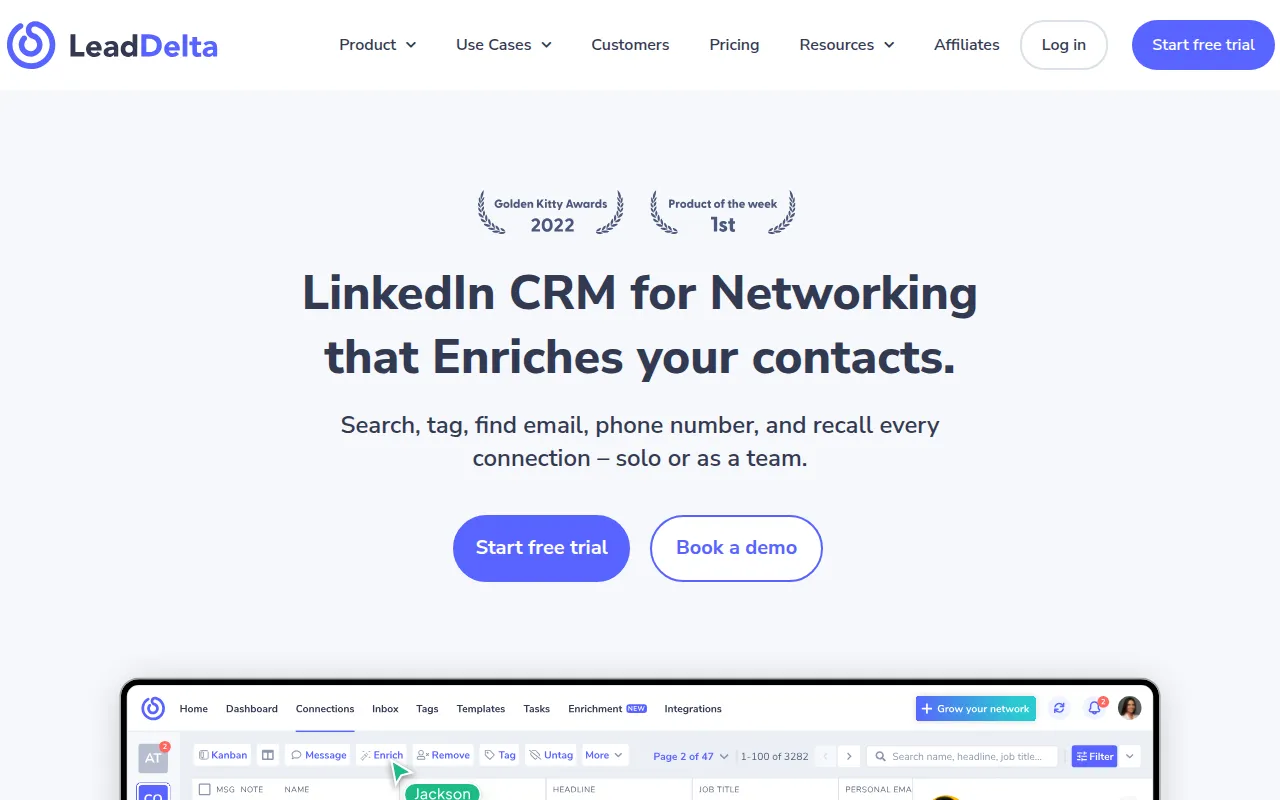
Leaddelta is a CRM designed to work with LinkedIn, allowing users to manage their professional network outside of the platform's native limits. It acts as a digital directory where users can sync their connections and organize them using tags, notes, and reminders.
The tool is designed for sales professionals, recruiters, and business development leads who manage a high volume of professional relationships. It supports the identification of verified email addresses and phone numbers for contacts to help move conversations off LinkedIn.
For teams, the software supports shared workspaces where colleagues can sync their networks, identify warm introduction paths, and see message visibility to prevent overlapping outreach. This collaborative approach is intended to help teams use their combined network.
Buyers should confirm their specific data needs, as email and phone enrichment is credit-based and varies by plan. Additionally, users should verify if the auto-sync frequencies align with their daily LinkedIn activity volume.
Key Features
Contact Manager
Supports organizing LinkedIn connections with custom tags, notes, tasks, and reminders.
Data Enrichment
Helps find verified business and personal emails and phone numbers for network contacts.
Shared Workspaces
Allows team members to sync connections into a joint workspace to identify warm-intro paths.
LinkedIn Sidebar
A browser integration that allows users to view context, add notes, and enrich profiles while on LinkedIn.
Network Intelligence AI
An AI-powered search tool that helps users search across their workspace, including connections and teammate data.
Custom LinkedIn Feeds
Supports the creation of targeted feeds to track posts from specific prospects or influencers.
LeadSearch
Designed to help users find and add new decision-makers from a database of 500 million people.
Use Cases
Contact Organization
Using tags and notes to segment a LinkedIn network for targeted follow-ups.
Lead Enrichment
Finding verified email addresses and phone numbers to transition LinkedIn leads into a sales pipeline.
Team-Based Account Selling
Coordinating with teammates via shared workspaces to find internal connections at a target company.
Network Cleanup
Identifying and bulk disconnecting low-value contacts to maintain a relevant network.
Engagement Tracking
Using custom feeds to monitor and engage with posts from high-priority prospects.
Integrations
- Zapier
- CSV import
- CSV export
FAQ
Who is Leaddelta best suited for?
- It is designed for relationship-first businesses, including sales teams, recruiters, consultants, and small business owners who use LinkedIn for prospecting.
Does Leaddelta offer a free trial?
- Yes, Leaddelta provides a 7-day free trial with full access to all features, and no credit card is required to sign up.
How does the contact enrichment work?
- Leaddelta uses a credit-based system to find verified business emails, personal emails, and phone numbers for LinkedIn connections.
Source category: Sales
Source subcategory: CRM
More tools in Sales
Other published listings in the Sales category.


More tools in the CRM software type
Related listings that share the same software type for comparison and shortlisting.


