AI TOOL PROFILE
Huppi: Small Business Accounting Software

- Finance and Accounting
- Billing and Invoicing
- South African small business owners
- Freelancers
- Solo entrepreneurs
- Small teams with field staff
Pricing
Huppi offers Lite, Pro, and Enterprise tiers with a free trial. A 30-day money-back guarantee is available for paid plans.
At a glance
- Best for
- South African small business owners, Freelancers, Solo entrepreneurs, Small teams with field staff
- Key use cases
- Digital Expense Capture, Professional Billing, Tax Preparation, Cash Position Planning
- Integrations
- Xero, QuickBooks, Sage, FNB, Standard Bank
- Official website
- Visit Huppi official website
How AI is used
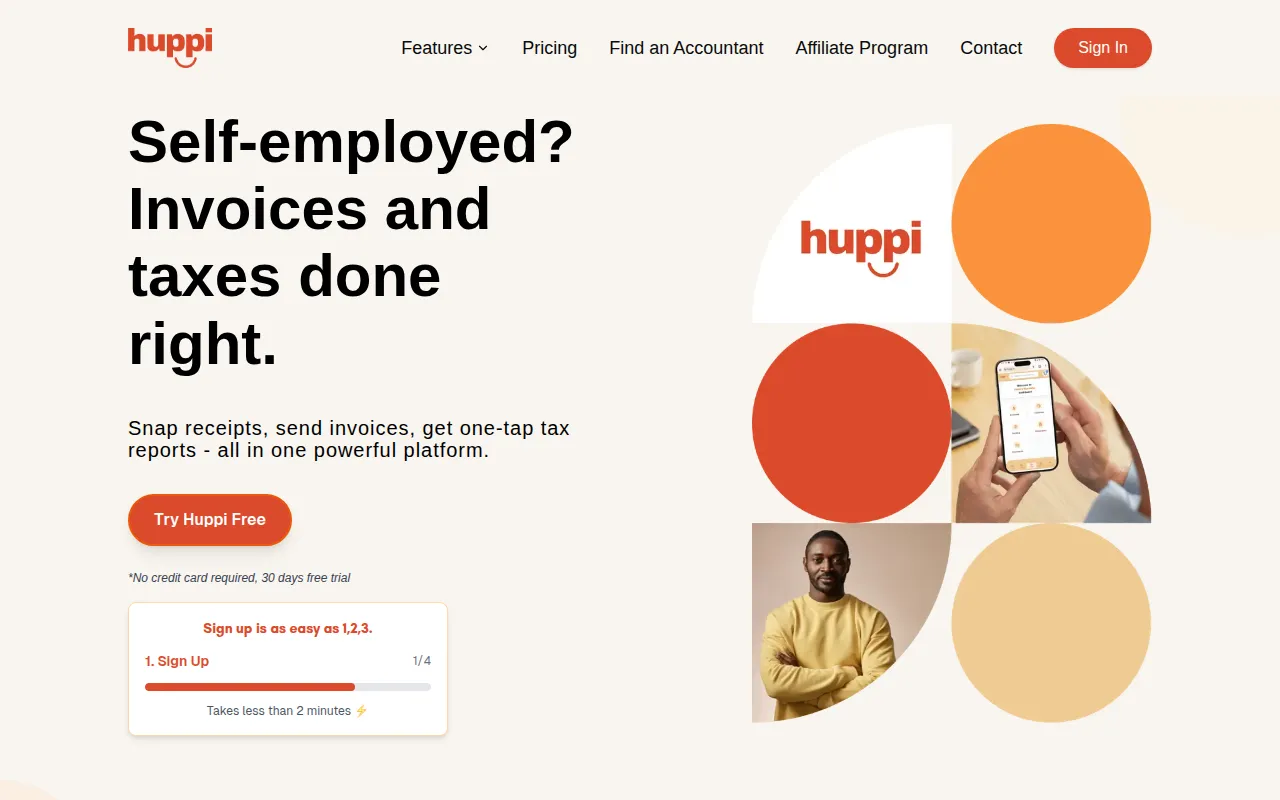
Huppi is a financial management platform designed for the South African market. It uses AI to extract information from receipts, invoices, and bank statements, which can be submitted via a web dashboard or through WhatsApp.
The tool is built for freelancers and small business owners who need to track expenses and generate professional invoices. It includes features for VAT calculation and tax reporting tailored to local regulations.
Buyers should confirm that while WhatsApp is a submission method, all data is managed in a central web dashboard. Depending on the chosen plan, features like bank statement reconciliation and multi-currency support may be limited to higher tiers.
Key Features
AI Document Processing
Extracts vendor, date, amount, and line items from receipts and invoices with automated categorization.
WhatsApp Integration
Supports snapping photos of receipts and sending them via WhatsApp for data extraction.
Invoice Generation
Supports creating invoices with customizable templates and automatic payment links.
Bank Statement Conversion
Converts PDF bank statements into transaction data for financial analysis.
Cash Flow Forecasting
Provides monitoring and AI-powered predictions of future cash positions.
SARS-Compliant Reporting
Generates tax-ready expense reports and supports record-keeping according to South African tax regulations.
Use Cases
Digital Expense Capture
Using WhatsApp to send photos of receipts for AI extraction to reduce manual data entry for staff.
Professional Billing
Generating branded invoices with integrated payment links to facilitate client payments.
Tax Preparation
Organizing VAT calculations and expense reports that align with SARS requirements.
Cash Position Planning
Using the cash flow dashboard to monitor income and expenses to forecast future balances.
Integrations
- Xero
- QuickBooks
- Sage
- FNB
- Standard Bank
- Nedbank
- PayFast
FAQ
How does the AI receipt scanning work in Huppi?
- Users snap a photo of a receipt and send it via WhatsApp or upload it to the web dashboard. The AI extracts the vendor, date, and amount, and flags any uncertain fields for user review.
Is Huppi suitable for businesses outside South Africa?
- While it can be used generally, Huppi is designed for South African businesses with dedicated SARS compliance and local bank integrations.
What are the differences between the Huppi plans?
- The Lite plan has limited bank statement conversion, while the Pro and Enterprise plans offer unlimited conversion, WhatsApp integration, and advanced features like inventory management and multi-currency support.
Source category: Finance & Accounting
Source subcategory: Billing & Invoicing
More tools in Finance & Accounting
Other published listings in the Finance & Accounting category.


More tools in the Billing and Invoicing software type
Related listings that share the same software type for comparison and shortlisting.


