AI TOOL PROFILE
GoPDF Review: Online PDF Editor and Management Tool
- Productivity
- PDF Editor
- Small business owners
- Freelance professionals
- Mid-market companies
- Students
Pricing
Pricing includes a free tier. Paid options include a Pro plan at $9.99/month and a Business plan at $29.99/month.
At a glance
- Best for
- Small business owners, Freelance professionals, Mid-market companies, Students
- Key use cases
- Contract Management, Document Analysis, File Optimization, Format Conversion
- Official website
- Visit GoPDF official website
How AI is used
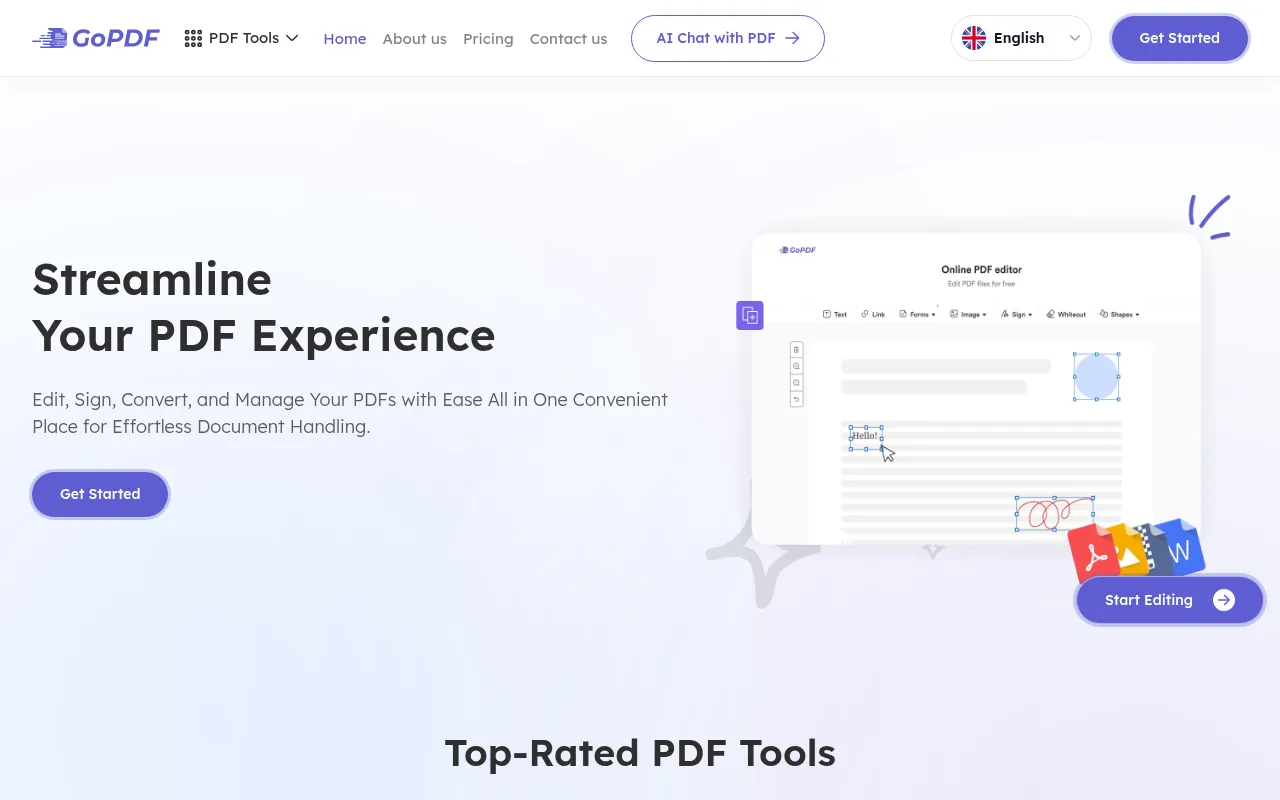
GoPDF is a browser-based tool for users who need to modify and manage PDF files without installing software. It provides tools for standard PDF tasks such as merging, compressing, and converting files to formats including Word and JPG.
The platform is designed for a range of users, from individual professionals to larger organizations. Beyond basic editing, it includes tools for filling out forms, adding digital signatures, and performing OCR tasks.
An AI-powered feature allows users to upload multiple documents and interact with the content via a chat interface, which may help users find specific information within large files.
Buyers should confirm the usage limits associated with each pricing tier, as the number of conversions and edits is capped on the free and Pro plans.
Key Features
PDF Editing and Annotation
Supports modifying text and images, adding shapes, and using freehand annotations in the browser.
AI Chat with PDF
Allows users to upload up to 10 PDF files per project and ask questions about the content.
Digital Signatures and Form Filling
Provides tools to add manual or image signatures, checkboxes, and dates to PDF contracts and forms.
PDF Conversion
Supports converting PDF files to Word, JPG, and HTML formats, as well as converting HTML to PDF.
Document Management
Includes tools to merge multiple PDFs, compress file sizes, crop pages, and protect documents.
Search and Replace
Helps locate and update specific text strings across a document.
Use Cases
Contract Management
Supporting the process of filling out forms and adding e-signatures to business contracts.
Document Analysis
Using AI Chat to extract information or ask questions based on a set of uploaded PDF documents.
File Optimization
Compressing large PDF files for emailing or merging several documents into a single file.
Format Conversion
Converting PDF documents into Word or JPG formats for further editing or presentation use.
FAQ
Is GoPDF free to use?
- Yes, GoPDF offers a free plan that includes 10 PDF conversions, 10 edits, and 2GB of cloud storage.
What is an AI Project in GoPDF?
- An AI Project allows you to upload up to 10 PDF files and use the AI chat tool to ask questions related to those specific documents.
How does GoPDF handle document security?
- The platform uses SSL encryption for communications and states that files are not stored beyond the user session.
What is the difference between the Pro and Business plans?
- The Pro plan ($9.99/month) is designed for individuals and small teams, while the Business plan ($29.99/month) provides higher limits for conversions, edits, and storage for larger organizations.
Source category: Productivity
Source subcategory: PDF Editor
More tools in Productivity
Other published listings in the Productivity category.


More tools in the PDF Editor software type
Related listings that share the same software type for comparison and shortlisting.