AI TOOL PROFILE
Gmelius: AI Email Assistant and Shared Inboxes for Gmail

- Productivity
- AI Assistant
- Small businesses using Google Workspace
- Mid-market operations teams
- Teams managing shared support or billing addresses
- Google Workspace users
Pricing
Yearly plans start at $19 per user per month for the Meli tier, $25 for Growth, and $40 for Pro. A 7-day free trial is available for the Growth plan.
At a glance
- Best for
- Small businesses using Google Workspace, Mid-market operations teams, Teams managing shared support or billing addresses, Google Workspace users
- Key use cases
- Managing Shared Departmental Emails, Drafting Common Responses, Email Triage and Routing, Collaborative Email Review
- Integrations
- Slack, Salesforce, HubSpot, Zapier, Make
- Official website
- Visit Gmelius official website
How AI is used
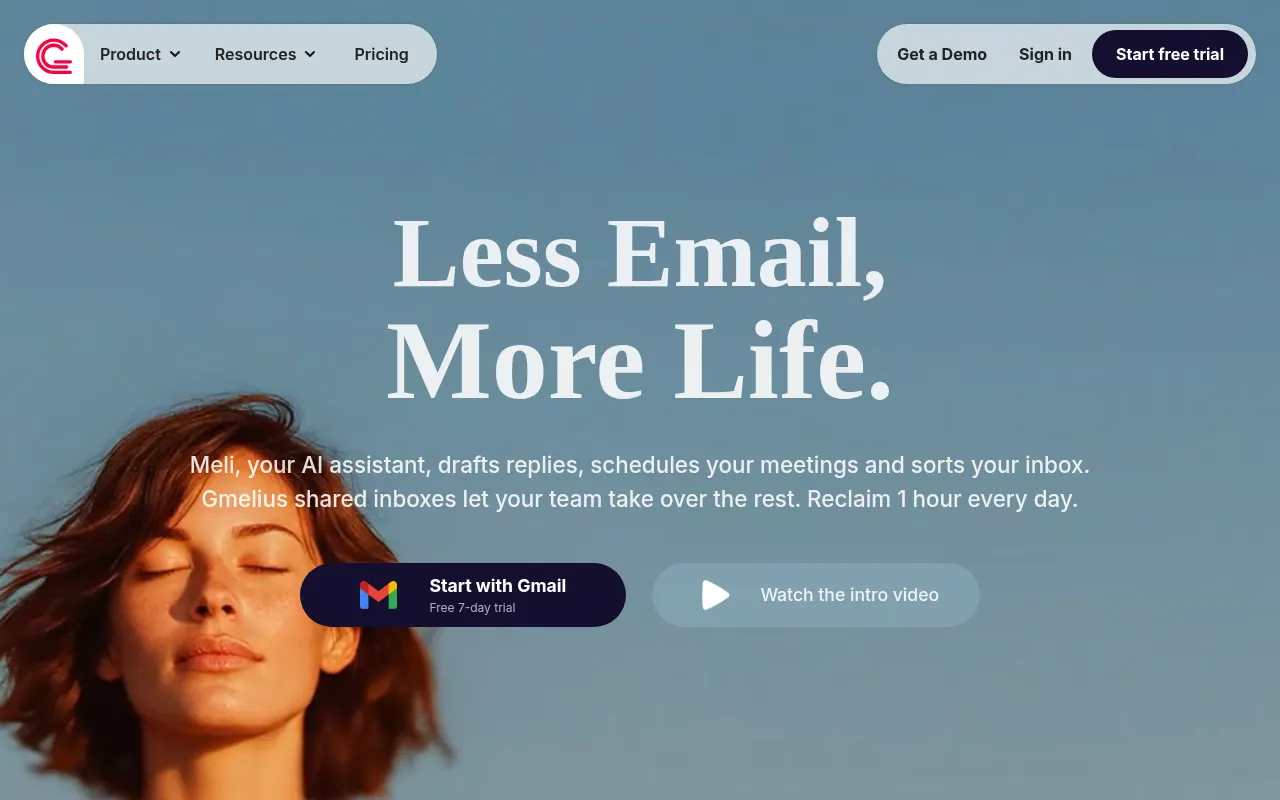
Gmelius is a productivity tool that adds collaboration and automation features to Gmail. It is designed for small and mid-sized companies that use Google Workspace and need to manage team-based email addresses without leaving their browser.
The software provides AI assistants that help draft replies, sort incoming messages, and route emails to team members. It also includes shared labels and shared inboxes, supporting team coordination through internal notes and @mentions.
Buyers should note that the tool is built for Gmail and Google Workspace; Outlook integration is currently on a waitlist. Some automation and analytics features are available only on specific pricing tiers.
Key Features
AI Draft Assistants
Helps generate email reply drafts based on conversation context and previous emails.
Shared Inboxes
Supports multiple team members managing group addresses like support@ or hr@ from their Gmail accounts.
AI Sorting Assistants
Designed to categorize incoming emails into labels to help filter messages.
Collaboration Tools
Supports internal notes, @mentions, and shared drafts to coordinate replies without forwarding emails.
Automation Rules
Supports round-robin assignment, auto-responses, and SLA settings for incoming mail.
Email Analytics
Provides a dashboard to track response times, email volume, and team workload.
Use Cases
Managing Shared Departmental Emails
Coordinating responses for addresses like billing@ or support@ without using BCC or forwarding.
Drafting Common Responses
Using AI to help generate initial drafts for frequent customer inquiries.
Email Triage and Routing
Sorting and routing incoming emails to specific team members based on set rules.
Collaborative Email Review
Using shared drafts and @mentions to review client responses with teammates before sending.
Integrations
- Slack
- Salesforce
- HubSpot
- Zapier
- Make
- Trello
- Google Calendar
- Google Meet
- Google Groups
- Relay.app
- Nicereply
FAQ
Do I need a credit card to start a trial?
- No, a 7-day free trial of the Growth plan is available without requiring a credit card.
Does the AI send emails automatically?
- No, AI-generated drafts are placed in the inbox for review, and nothing is sent without user approval.
Can Gmelius be used with Outlook?
- Gmelius is currently built for Gmail and Google Workspace, though a waitlist is open for an Outlook integration.
Which plan includes the AI Reply Assistant?
- The AI Email Reply Assistant is included in plans starting from the Growth tier.
Source category: Productivity
Source subcategory: AI Assistant
More tools in Productivity
Other published listings in the Productivity category.


More tools in the AI Assistant software type
Related listings that share the same software type for comparison and shortlisting.


