AI TOOL PROFILE
Genyad: AI Video Ad Creation Software

- Marketing
- Video and Animation
- Marketing teams
- Startups
- Large organizations
- Marketing agencies
Pricing
Genyad offers a freemium model with a €0 Starter plan, a €49/month Professional plan (40 variations, 1080p), and a custom Enterprise plan for unlimited variations and 4K quality.
At a glance
- Best for
- Marketing teams, Startups, Large organizations, Marketing agencies
- Key use cases
- Testing Ad Hooks, Campaign Localization, Social Media Format Adaptation, Demographic Targeting
- Official website
- Visit Genyad official website
How AI is used
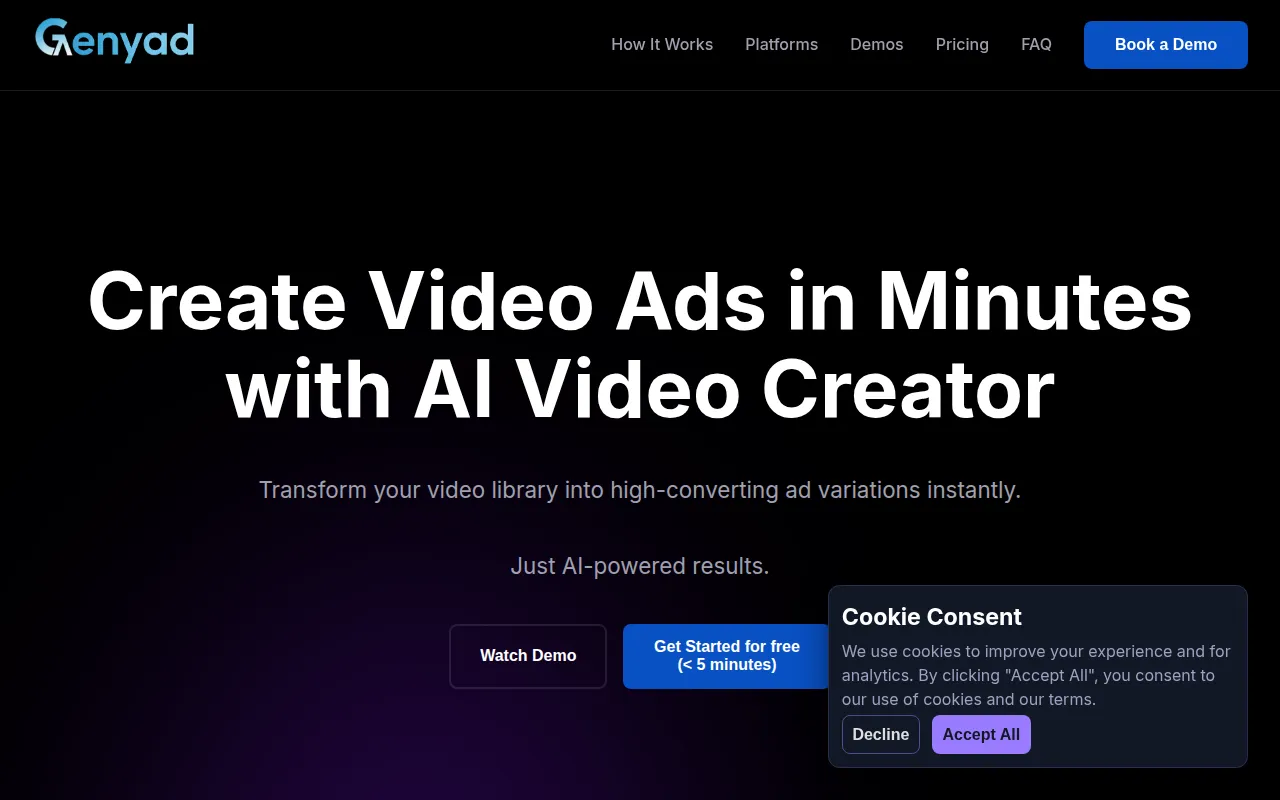
Genyad is a video ad creation platform designed to automate the production of short-form marketing content. Users upload existing footage, such as product demos or B-roll, which the platform analyzes and organizes into a content library.
The software handles scripting, visual selection, and voiceover generation, which supports the creation of multiple ad variations with different hooks and calls-to-action from a single set of source videos.
It is designed for marketing teams, startups, and large organizations that need to produce creative assets for social media. The platform supports various aspect ratios and lengths for different advertising channels.
Buyers should confirm their specific resolution needs and the number of monthly exports required, as these vary between the Starter, Professional, and Enterprise plans.
Key Features
AI Content Analysis
Analyzes, transcribes, and organizes uploaded video clips into a content library.
Automated Scripting
Generates scripts based on user ideas and aligns them with selected video clips.
AI Voiceover Generation
Adds narration in various languages and accents to match the campaign's tone.
Ad Variations
Creates multiple ad versions with different hooks, music, and text overlays via text prompts.
Multi-Platform Export
Exports videos in various aspect ratios and lengths for social media platforms.
Video Editor
Allows users to manually adjust scripts, swap clips, and modify ad copy before exporting.
Use Cases
Testing Ad Hooks
Generating several video variations with different opening hooks to identify which resonates best with an audience.
Campaign Localization
Creating ad variations in different languages and accents for international markets.
Social Media Format Adaptation
Converting existing product demo footage into various aspect ratios for different social platforms.
Demographic Targeting
Tailoring video ad creative and messaging for different age groups.
FAQ
What kind of video can I upload to Genyad?
- You can upload existing video content, including product demos and general B-roll footage.
Can I manually edit the AI-generated ads?
- Yes, the platform includes an editor where you can adjust the script, swap clips, change music, or modify text overlays.
Which plan should I choose based on export needs?
- The Starter plan allows 1 export per month, the Professional plan allows 4 exports per month, and the Enterprise plan offers unlimited exports.
Source category: Marketing
Source subcategory: Video & Animation
More tools in Marketing
Other published listings in the Marketing category.


More tools in the Video and Animation software type
Related listings that share the same software type for comparison and shortlisting.


