AI TOOL PROFILE
FragCut: AI Gaming Clip Generator

- Marketing
- Video and Animation
- Gaming Content Creators
- Twitch Streamers
- Esports Teams
Pricing
FragCut offers a Creator plan at $19.99/month for 30 clips and a Pro plan at $49.99/month for unlimited clips.
At a glance
- Best for
- Gaming Content Creators, Twitch Streamers, Esports Teams
- Key use cases
- Repurposing Twitch VODs, Creating TikTok and Shorts Content, Building Highlight Montages
- Integrations
- Twitch import
- Official website
- Visit FragCut official website
How AI is used
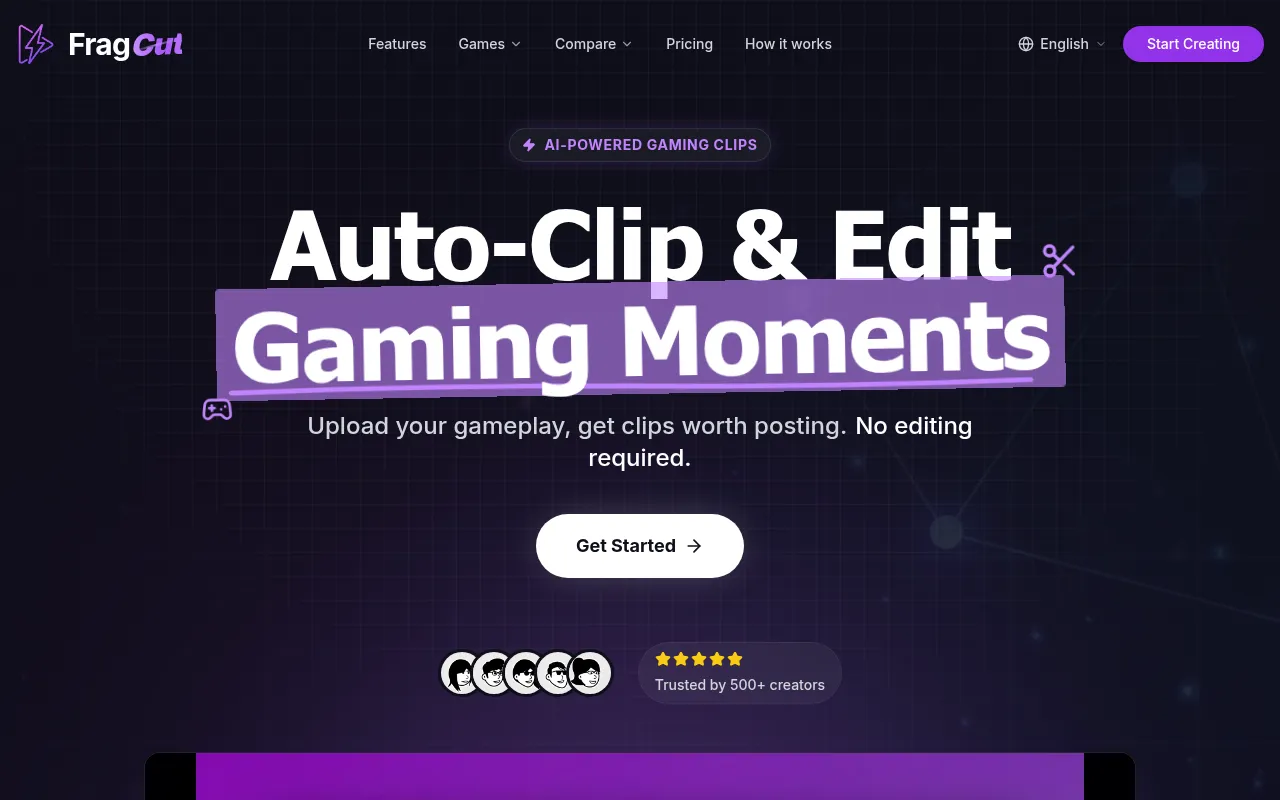
FragCut is an AI-powered tool designed to identify key moments in gaming footage, such as kills, aces, and clutches. It is built for streamers and gaming creators who need to repurpose long-form content into vertical 9:16 formats suitable for TikTok, Reels, and YouTube Shorts.
The tool supports various titles, including Valorant, Counter-Strike 2, and Apex Legends, and can process up to 4 hours of footage per upload. It handles the initial detection and formatting, which may reduce the manual cropping and searching required by a creator.
Beyond automatic detection, the software includes a fine-tune editor for frame-level adjustments and a montage maker for stitching clips together. Buyers should confirm the number of clips generated per month based on the chosen subscription tier.
Key Features
AI Highlight Detection
Identifies moments like headshot sequences, team wipes, and clutch rounds.
Vertical Format Conversion
Converts landscape gameplay footage into a 9:16 vertical aspect ratio for social media.
Speech-to-Text Subtitles
Generates subtitles that are burned into the clips.
Montage Maker
Supports stitching multiple highlights together into a single video using drag-and-drop reordering.
Fine-Tune Editor
Allows users to adjust start and end times of clips with frame-level precision and real time preview.
Multi-Source Import
Accepts Twitch URLs or direct video file uploads in MP4, MOV, WebM, and MKV formats.
Use Cases
Repurposing Twitch VODs
Importing long stream archives to extract highlight clips for social distribution.
Creating TikTok and Shorts Content
Converting horizontal gaming footage into vertical videos with AI-generated subtitles.
Building Highlight Montages
Combining several detected high-action moments into a single compilation video.
Integrations
- Twitch import
FAQ
How long does it take FragCut to process videos?
- Processing typically takes 15-30 minutes depending on the video length. Twitch URL imports may take longer as the video must be downloaded first.
Which gaming titles does FragCut support?
- It supports a wide range of games including Valorant, Counter-Strike 2, Apex Legends, Fortnite, League of Legends, and others.
What is the difference between the Creator and Pro plans?
- The Creator plan costs $19.99/month and allows for 30 clips per month, while the Pro plan costs $49.99/month and provides unlimited clips.
Can the clips be used for commercial purposes?
- Yes, both the Creator and Pro plans include commercial usage rights.
Source category: Marketing
Source subcategory: Video & Animation
More tools in Marketing
Other published listings in the Marketing category.


More tools in the Video and Animation software type
Related listings that share the same software type for comparison and shortlisting.


