AI TOOL PROFILE
FluidCloud: Cloud Cloning and Infrastructure Migration

- Software Development
- Cloud Infrastructure
- Enterprise companies
- Multi-cloud infrastructure teams
- Organizations exiting VMware
Pricing
Pricing was not clearly available from the provided evidence. Buyers should confirm current pricing on the vendor website.
At a glance
- Best for
- Enterprise companies, Multi-cloud infrastructure teams, Organizations exiting VMware
- Key use cases
- VMware Exit, Multi-Cloud Migration, Regional Expansion, Disaster Recovery Planning
- Integrations
- Terraform export, Git/CI/CD pipeline deployment
- Official website
- Visit FluidCloud official website
How AI is used
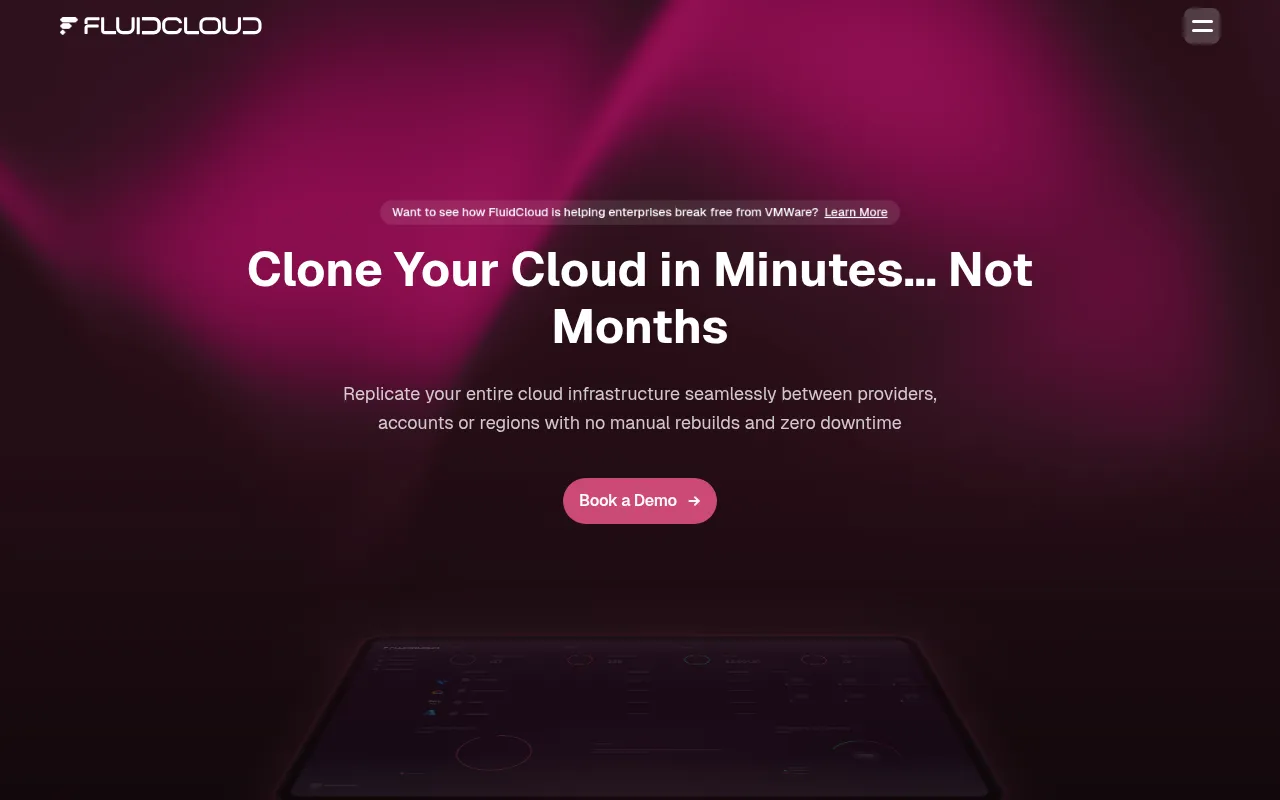
FluidCloud is a cloud cloning platform designed to help organizations replicate and move cloud infrastructure across different providers, accounts, and regions. The platform supports the automatic translation of networking, security policies, and IAM configurations, which may reduce the need for manual rebuilds.
The tool is intended for enterprise-scale organizations managing complex multi-cloud setups. It supports various environments, including AWS, Azure, GCP, VMware, Nutanix, OCI, OVH Cloud, and Vultr.
Beyond migration, the platform supports disaster recovery workflows through rollback and failover capabilities. It also generates Terraform code and state files to assist teams in maintaining infrastructure as code (IaC).
Buyers should confirm how the tool fits into their existing CI/CD pipelines and evaluate the specific translation capabilities for their current resource relationships before adoption.
Key Features
Cloud Environment Cloning
Replicates cloud infrastructures across providers, accounts, or regions.
Automated Terraform Generation
Generates Terraform code and state files from existing cloud environments.
Infrastructure Translation
Maps IAM, networking, and security policies between different cloud providers.
Large Infrastructure Model (LIM)
An AI-powered model designed to provide insights into cost, security, and performance.
Compliance Scoring
Provides governance and monitoring for compliance and asset filtering in real time.
Disaster Recovery Tools
Supports environment restoration with rollback and failover capabilities.
Use Cases
VMware Exit
Supporting the migration of workloads away from VMware environments to other cloud providers.
Multi-Cloud Migration
Moving infrastructure between different cloud providers, such as AWS, Azure, or GCP.
Regional Expansion
Cloning environments from one geographic region to another.
Disaster Recovery Planning
Creating replicas of production environments to support failover and high availability.
Integrations
- Terraform export
- Git/CI/CD pipeline deployment
FAQ
What is FluidCloud used for?
- FluidCloud is used to clone, migrate, and restore cloud infrastructures across different providers, accounts, and regions.
Which cloud providers does FluidCloud support?
- It supports various environments, including AWS, Azure, GCP, VMware, Vultr, OVH Cloud, Nutanix, OCI, and OpenShift.
Does FluidCloud help with Infrastructure as Code (IaC)?
- Yes, it generates Terraform code and state files during the cloning and migration process.
Source category: Software Development
Source subcategory: Cloud Infrastructure
More tools in Software Development
Other published listings in the Software Development category.


More tools in the Cloud Infrastructure software type
Related listings that share the same software type for comparison and shortlisting.


