AI TOOL PROFILE
Flowshot: Google Sheets AI Plugin

- Productivity
- AI Assistant
- Google Sheets users
- Content managers
- E-commerce operators
- Data analysts
Pricing
Flowshot offers a free plan with 100,000 characters per month. Pro plans range from $9 to $129 per month based on character limits, with discounted yearly billing available.
At a glance
- Best for
- Google Sheets users, Content managers, E-commerce operators, Data analysts
- Key use cases
- Repetitive Task Completion, Spreadsheet Formula Assistance, E-commerce Content Automation, Data Classification
- Integrations
- Google Sheets
- Official website
- Visit Flowshot official website
How AI is used
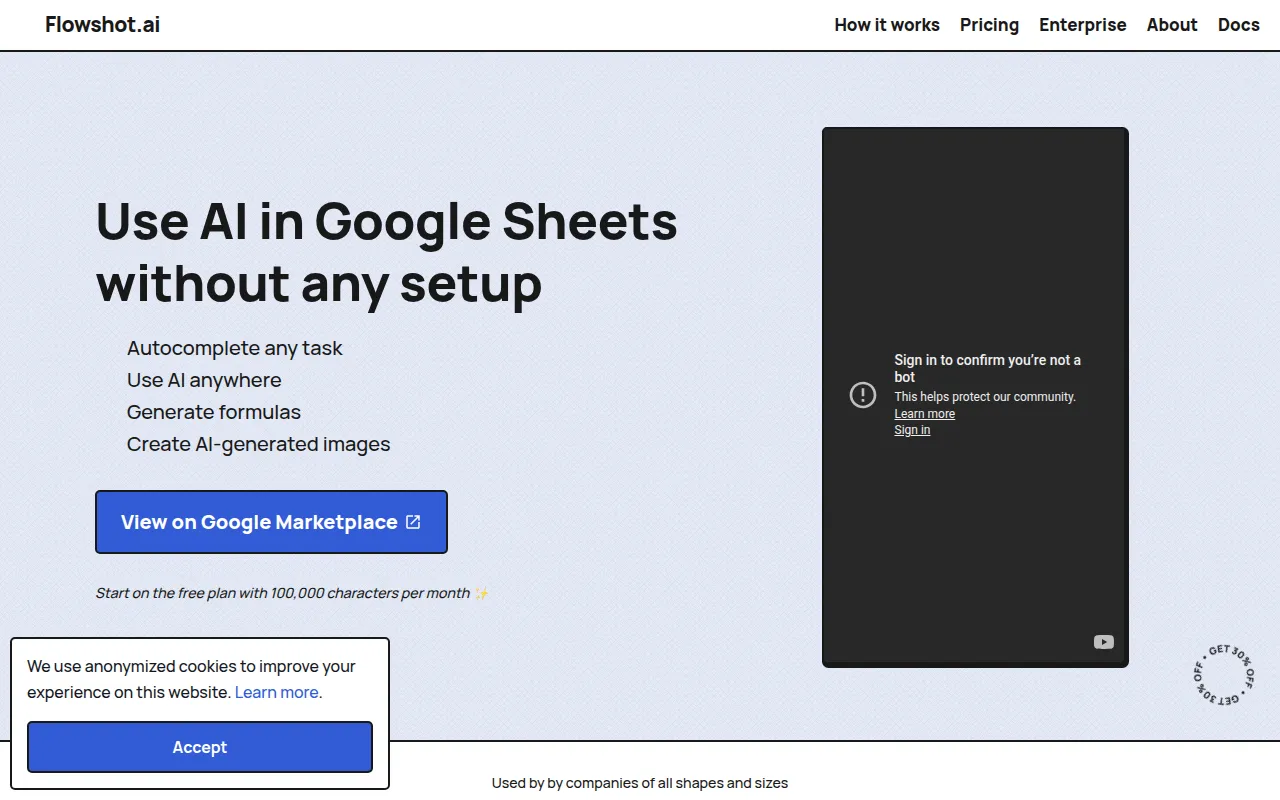
Flowshot is an AI toolkit that integrates into Google Sheets via the Google Workspace Marketplace. It is designed for users who want to use AI capabilities within their spreadsheets without writing scripts.
The tool provides a sidebar for a chatbot-like experience and a set of custom AI formulas for specific workflows. It is intended for small business owners and enterprise teams who manage large datasets or repetitive manual entries.
Users can use the tool for task automation, generating spreadsheet formulas from text descriptions, and creating images within cells. For larger organizations, the provider offers custom AI models and an API for high-volume data-driven tasks.
Buyers should confirm their monthly character requirements, as the free and pro tiers are based on character limits.
Key Features
AI Formulas
Custom functions such as =AI, =COMPLETE, =FORMULA, and =IMAGINE that allow users to trigger AI actions within cells.
Formula Generation
Supports creating spreadsheet calculations by describing the desired result in plain English.
Task Autocomplete
Helps complete a range of cells for repetitive tasks based on examples provided by the user.
Image Generation
Supports the creation of AI-generated images directly inside Google Sheets.
AI Sidebar
A side panel providing a chatbot interface to ask questions or automate tasks.
Custom AI Models
Available for enterprise users to build models trained on brand-specific historical data via API.
Use Cases
Repetitive Task Completion
Supports the completion of large datasets by providing examples for the AI to follow.
Spreadsheet Formula Assistance
Helps users generate functional formulas through text descriptions.
E-commerce Content Automation
Supports generating product titles, descriptions, and SEO metadata using custom models and API triggers.
Data Classification
Uses AI to categorize unstructured or scraped data into branded copy.
Integrations
- Google Sheets
FAQ
How do I install Flowshot?
- It can be installed via the Google Workspace Marketplace and accessed under the 'Extensions' menu in Google Sheets.
What is the difference between the free and pro plans?
- The free plan includes 100,000 characters per month. Pro plans start at $9/month and increase the monthly character limit up to 18,000,000 characters.
Which AI models does Flowshot use?
- Flowshot uses a combination of OpenAI's GPT-3 and its own AI model stack.
Source category: Productivity
Source subcategory: AI Assistant
More tools in Productivity
Other published listings in the Productivity category.


More tools in the AI Assistant software type
Related listings that share the same software type for comparison and shortlisting.


