AI TOOL PROFILE
FlowHubr Review: CRM and Task Management Software

Pricing
FlowHubr offers a free plan for up to 5 teammates. Paid tiers include a Starter plan starting at $3.90 per seat per month (billed annually) and an Enterprise plan ranging from $10.90 to $12.90 per seat per month. A lifetime access option is available for $89.
At a glance
- Best for
- Small businesses, Digital agencies, Service providers, Freelancers, Operations managers
- Key use cases
- Agency Project Delivery, Lead Tracking for SMEs, Operational Oversight, Billing Management
- Official website
- Visit FlowHubr official website
How AI is used
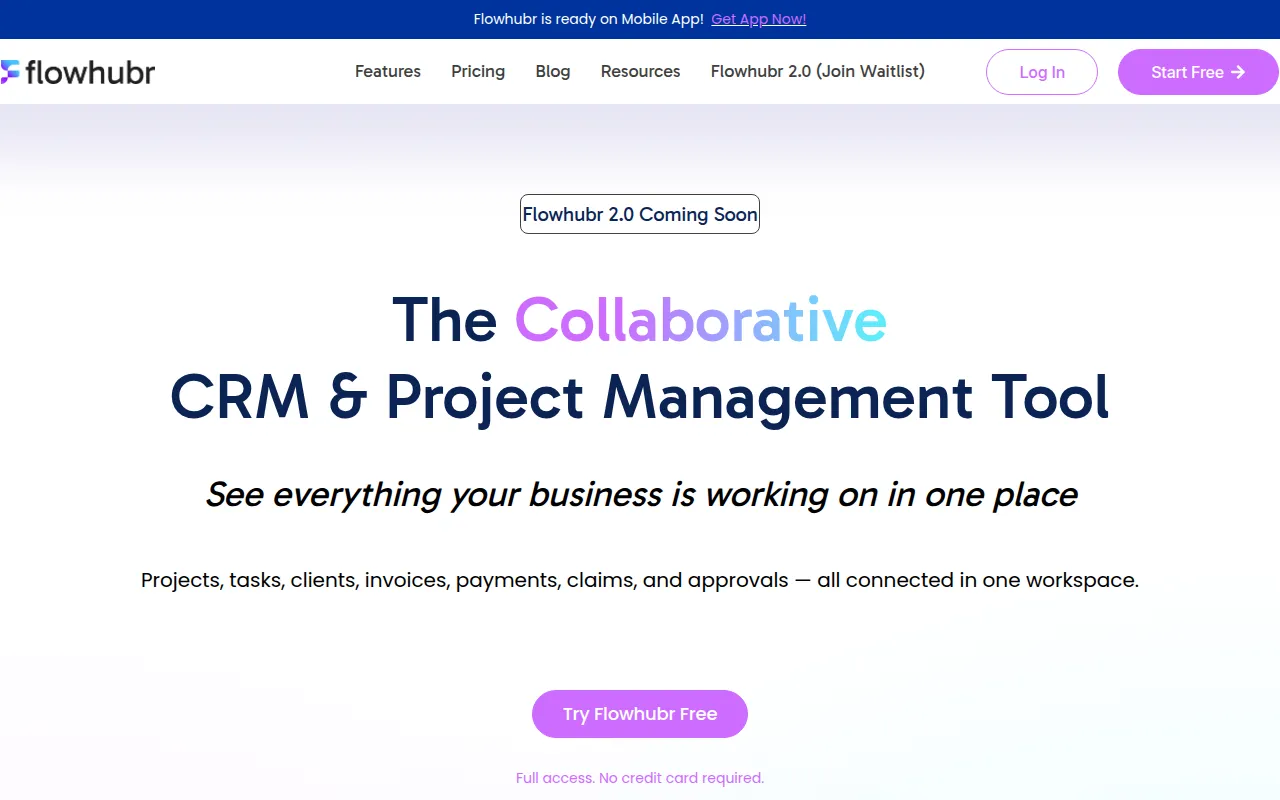
FlowHubr is a cloud-based platform designed to consolidate several business functions. It combines customer relationship management (CRM), task and project tracking, and financial tools like invoicing and quotations into a unified workspace.
The tool is intended for small to mid-market companies, digital agencies, and service providers. It supports workflows that link a customer lead to a specific project and a final invoice, which may reduce the need to switch between different software applications.
Buyers should note that certain capabilities, such as custom app adaptation and full customization, are available for the Enterprise tier. While the service is accessible via mobile web browsers, a dedicated mobile app is listed as coming soon.
Key Features
Client and Lead Management
Tools to capture, track, and follow up with prospects and link them to active projects.
Project and Task Tracking
Supports project organization with owners, due dates, priorities, and views including List, Board, and Calendar.
Billing and Invoicing
Allows users to generate quotations and convert them into invoices to monitor payments.
Team Collaboration
Includes dedicated workspaces and the ability to comment directly on tasks.
Reporting Dashboards
Provides visibility into project performance, sales, and payment status.
AI Chatbot (FlowHubr 2.0)
An AI-powered version that includes a chatbot and knowledge base for handling inquiries.
Use Cases
Agency Project Delivery
Using client portals for approvals and linking worked hours to invoices.
Lead Tracking for SMEs
Centralizing contact information and monitoring lead status from first contact to closed deal.
Operational Oversight
Using real time dashboards to see team capacity and identify project bottlenecks.
Billing Management
Creating professional quotations and tracking outstanding balances to support cash flow.
FAQ
Does FlowHubr have a free version?
- Yes, there is a free plan that supports up to 5 teammates, though it is limited to 1 project and 5 invoices.
Can I use FlowHubr on my phone?
- FlowHubr works on mobile web browsers, and the company has stated a dedicated mobile app is coming soon.
How does the pricing work for adding new team members?
- Billing is based on seats per workspace. New paid users are added at a prorated price based on the remaining time in the billing cycle.
Is it possible to customize the software for a specific business process?
- Custom development and app adaptation are available as part of the Enterprise plan.
Source category: Sales
Source subcategory: CRM
More tools in Sales
Other published listings in the Sales category.


More tools in the CRM software type
Related listings that share the same software type for comparison and shortlisting.


