AI TOOL PROFILE
Filestage Online Proofing Software

- Marketing
- Review Management
- Marketing Agencies
- Creative Teams
- Pharmaceutical Marketing
- Consumer Goods Brands
- Enterprise Marketing Departments
Pricing
Paid plans start at $99 per month, and a free plan is available for small creative teams. A 30-day free trial is available with no credit card required.
At a glance
- Best for
- Marketing Agencies, Creative Teams, Pharmaceutical Marketing, Consumer Goods Brands, Enterprise Marketing Departments
- Key use cases
- Creative Asset Approval, Regulatory Compliance Review, Client Feedback Management, Website Proofing
- Integrations
- Zapier, Microsoft Teams, Slack
- Official website
- Visit Filestage official website
How AI is used
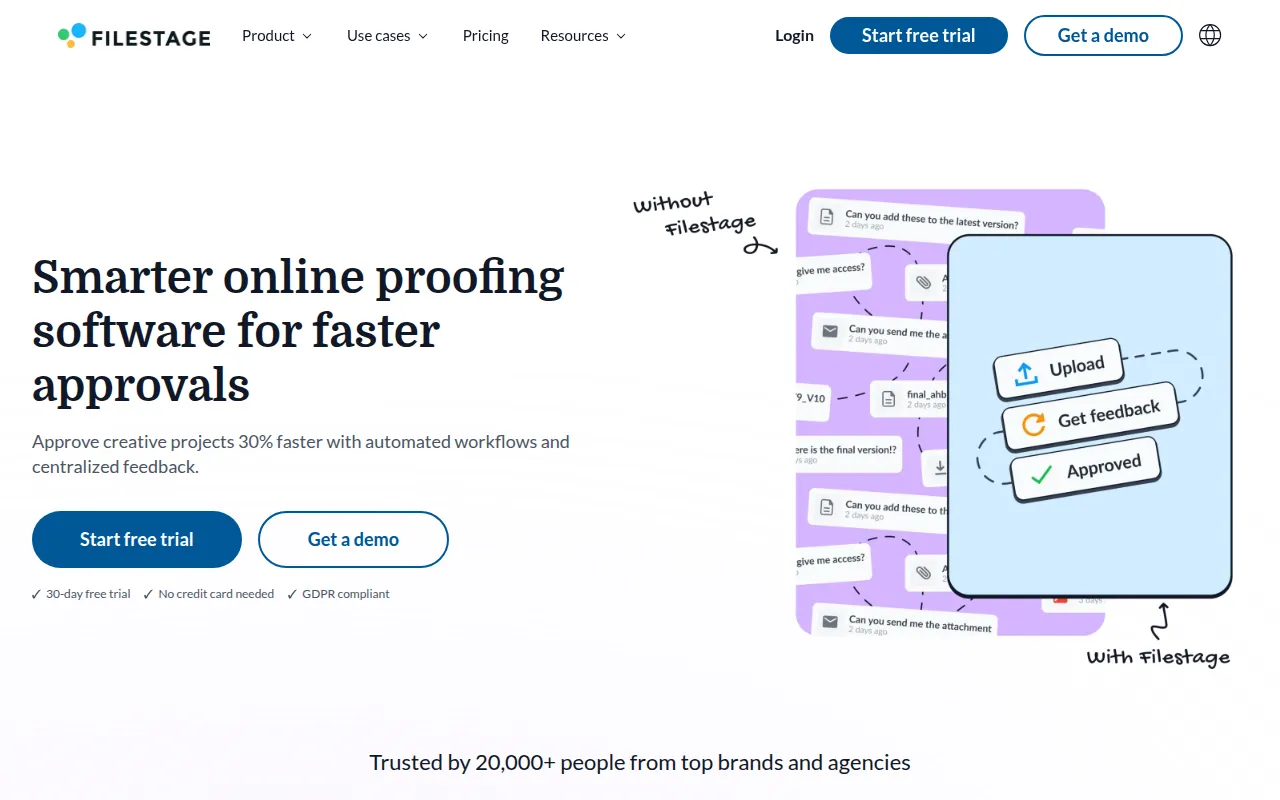
Filestage is a proofing tool designed to move the creative review process from email into a structured environment. It supports various file types, including videos, PDFs, images, and live websites, allowing stakeholders to leave feedback directly on the asset.
The software is intended for creative agencies and marketing departments, as well as enterprises in regulated sectors like pharmaceuticals and consumer goods where standardized approval workflows are used. It helps teams organize feedback, manage project versions, and track approval status.
Buyers should confirm which file types are supported under their specific pricing tier, as some capabilities may be restricted on lower-priced plans. It is designed to complement existing project management software.
Key Features
Smart Annotation Tools
Allows reviewers to click on a file to add contextual comments and highlights.
Version Control
Maintains a history of file versions and supports side-by-side comparison of comments and changes.
Reviewer Groups
Organizes stakeholders into groups to manage who provides feedback and who grants final approval.
Approval Tracking
Includes a dashboard to monitor what has been approved and identify pending reviews.
AI Reviewer
Designed to provide automated feedback based on brand guidelines and industry regulations.
Due Date Reminders
Sends notifications to stakeholders to help ensure feedback is received by the deadline.
Use Cases
Creative Asset Approval
Reviewing and approving videos, animations, and graphic designs with stakeholders.
Regulatory Compliance Review
Filtering promotional materials and packaging through standardized workflows to meet FDA, EFSA, or FSA regulations.
Client Feedback Management
Providing agencies with a platform for clients to review work and submit decisions.
Website Proofing
Reviewing live websites and interactive HTML content using a website viewer.
Integrations
- Zapier
- Microsoft Teams
- Slack
FAQ
What files can be reviewed in Filestage?
- Filestage supports PDFs, documents, videos, animations, designs, images, packaging, and live interactive HTML websites.
Does Filestage offer a free trial?
- Yes, Filestage provides a 30-day free trial that does not require a credit card.
How does the AI reviewer work?
- The AI reviewer is designed to provide automated feedback on assets based on company brand guidelines and industry regulations.
Can Filestage integrate with other tools?
- Filestage supports native and custom integrations via Zapier, as well as notifications through Microsoft Teams and Slack.
Source category: Marketing
Source subcategory: Review Management
More tools in Marketing
Other published listings in the Marketing category.


More tools in the Review Management software type
Related listings that share the same software type for comparison and shortlisting.