AI TOOL PROFILE
FieldCamp AI Field Service Management

- Operations
- Workforce Management
- Solo operators
- Small service teams
- Growing field service businesses
- Contractors in HVAC, Plumbing, and Electrical
Pricing
Pricing is customized based on team size and required features. Tiers include Starter, Pro, and Enterprise. A 7-day free trial is available with no credit card required.
At a glance
- Best for
- Solo operators, Small service teams, Growing field service businesses, Contractors in HVAC, Plumbing, and Electrical
- Key use cases
- Automated Job Dispatching, Lead Capture and Booking, Administrative Automation, Field Documentation
- Integrations
- QuickBooks, Gmail, Google Calendar, Stripe, Salesforce
- Official website
- Visit FieldCamp official website
How AI is used
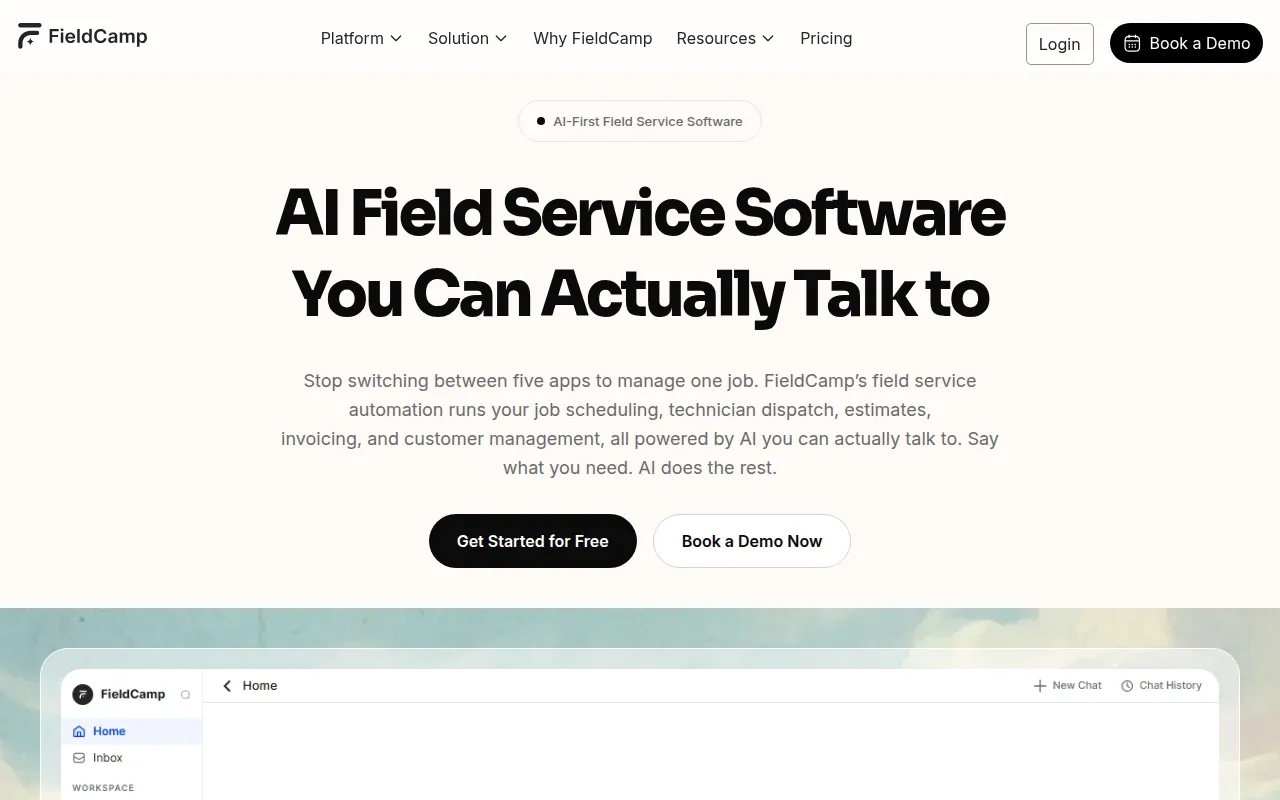
FieldCamp is an operations platform designed for field service businesses, such as HVAC, plumbing, and electrical contractors. It uses a conversational interface that allows users to manage jobs via chat or voice commands.
The software supports a range of users, from solo operators to growing teams. It helps coordinate the job lifecycle—from lead capture and estimating to dispatching technicians and final invoicing.
Buyers should confirm which automation tier is needed for specific features like route optimization. The tool uses a command-based workflow that differs from traditional manual dispatch boards.
Key Features
AI Dispatcher
Matches technicians to jobs based on skills, distance, and availability to help create optimized schedules.
AI Receptionist
Answers inbound calls and messages 24/7 to capture leads and book appointments into the calendar.
AI Command Center
Allows users to create, schedule, or assign jobs using text or voice commands.
AI Workflow Builder
A no-code tool using if-this-then-that logic to automate tasks like invoice generation and customer notifications.
Mobile App
Provides technicians with daily schedules, GPS navigation, photo capture, and time tracking.
Route Optimization
Considers drive times and traffic to help suggest efficient paths for technicians.
Use Cases
Automated Job Dispatching
Using AI to assign a qualified technician to a job based on their current location and skill set.
Lead Capture and Booking
Using an AI receptionist to answer after-hours calls and schedule appointments.
Administrative Automation
Setting up workflows that send an invoice once a technician marks a job as complete.
Field Documentation
Technicians using the mobile app to upload job notes and photos for AI-generated summaries.
Integrations
- QuickBooks
- Gmail
- Google Calendar
- Stripe
- Salesforce
- Twilio
- HubSpot
FAQ
What does the AI Dispatcher do?
- It analyzes technician skills, availability, and zones to help create optimized schedules and adjusts them when jobs are added or changed.
How does the AI Receptionist work?
- It answers phone calls, web chats, and SMS 24/7, qualifying leads and booking appointments into the business calendar.
Is FieldCamp suitable for solo operators?
- Yes, FieldCamp provides options for solo operators to help them manage their business independently.
Does FieldCamp have a free trial?
- Yes, it offers a 7-day free trial that does not require a credit card to start.
Source category: Operations
Source subcategory: Workforce Management
More tools in Operations
Other published listings in the Operations category.


More tools in the Workforce Management software type
Related listings that share the same software type for comparison and shortlisting.