AI TOOL PROFILE
Face26 Review: AI Photo Enhancement Software

- Productivity
- Computer Vision
- Small Businesses
- Marketing Agencies
- Ecommerce Stores
- Non-technical users needing image corrections
Pricing
Face26 uses a pay-per-use pricing model. A premium option is available for those requiring the tool for commercial purposes.
At a glance
- Best for
- Small Businesses, Marketing Agencies, Ecommerce Stores, Non-technical users needing image corrections
- Key use cases
- Ecommerce Product Cleanup, Archival Photo Restoration, Professional Headshot Improvement, Social Media Visual Prep
- Official website
- Visit Face26 official website
How AI is used
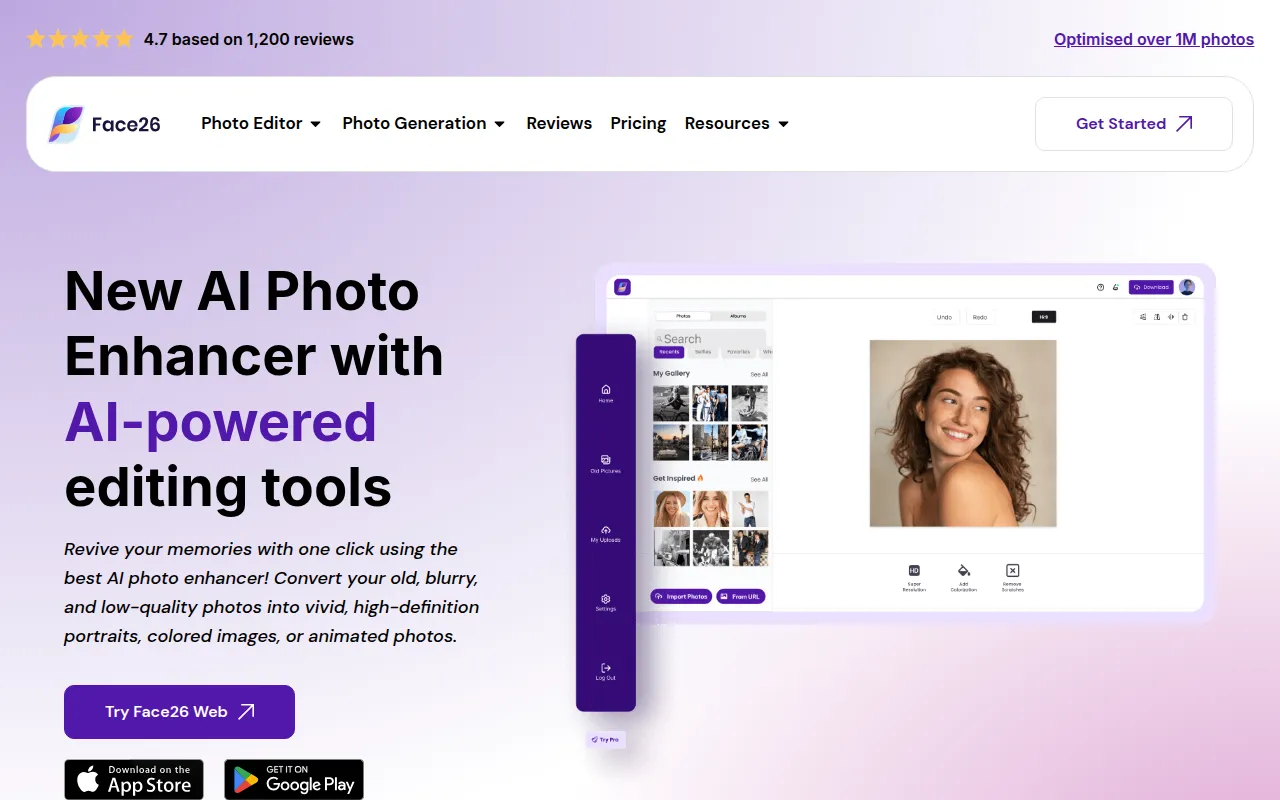
Face26 is an online image processing platform that uses artificial intelligence to sharpen details and restore clarity to poor-quality photos. It provides a range of automated tools for tasks such as unblurring, colorizing black-and-white images, and removing noise from low-light shots.
The software is designed for business owners, marketing agencies, and ecommerce operators who need higher-quality visuals. It supports basic enhancements as well as specific tasks like background removal and face retouching.
Users can access the tools via a web browser or through mobile applications on Google Play and the Apple Store. The platform encrypts uploaded images and allows users to delete their data.
Buyers should confirm if the automated AI outputs meet their specific brand requirements and note that commercial use may require a premium plan.
Key Features
AI Image Enhancement
Helps improve image quality, sharpen details, and adjust color automatically.
4K Upscaling
Designed to increase the resolution of small or low-definition pictures up to 4K HD.
Photo Restoration
Includes tools to help unblur old photos and colorize black-and-white images.
Background Removal
Removes the background from images containing people, objects, or pets.
Face Retouching
Supports smoothing skin and removing blemishes or wrinkles from portraits.
Developer APIs
Provides programmatic access for background removal, image compression, and colorization.
Use Cases
Ecommerce Product Cleanup
Using the background remover and enhancer to create cleaner product shots for online stores.
Archival Photo Restoration
Converting old, pixelated, or black-and-white company photos into high-definition color images.
Professional Headshot Improvement
Applying face retouching and sharpening to improve the quality of group photos or portraits.
Social Media Visual Prep
Upscaling low-resolution graphics or screenshots to increase clarity on high-definition screens.
FAQ
What can Face26 do for my business photos?
- It can help unblur low-quality images, remove backgrounds from product shots, and upscale small photos to 4K HD.
Can I use Face26 for commercial projects?
- Yes, the platform supports commercial use if you upgrade to their Premium plan.
Is the uploaded data secure?
- Face26 encrypts all uploaded images and provides options for users to delete their photos and accounts.
How is Face26 priced?
- It operates on a pay-per-use pricing model.
Source category: Productivity
Source subcategory: Computer Vision
More tools in Productivity
Other published listings in the Productivity category.


More tools in the Computer Vision software type
Related listings that share the same software type for comparison and shortlisting.