AI TOOL PROFILE
purephotos Review: AI Image Background Removal

- Productivity
- Computer Vision
- Photography studios
- E-commerce store owners
- Marketing agencies
- Professional photography businesses
Pricing
Pricing is usage-based starting at $0.15 per image with no subscription required. New users get 5 images for free.
At a glance
- Best for
- Photography studios, E-commerce store owners, Marketing agencies, Professional photography businesses
- Key use cases
- E-commerce Product Photography, Studio Portrait Workflows, Marketing Material Preparation, High-Volume School Photography
- Integrations
- FTP, Public API, PSD export
- Official website
- Visit purephotos official website
How AI is used
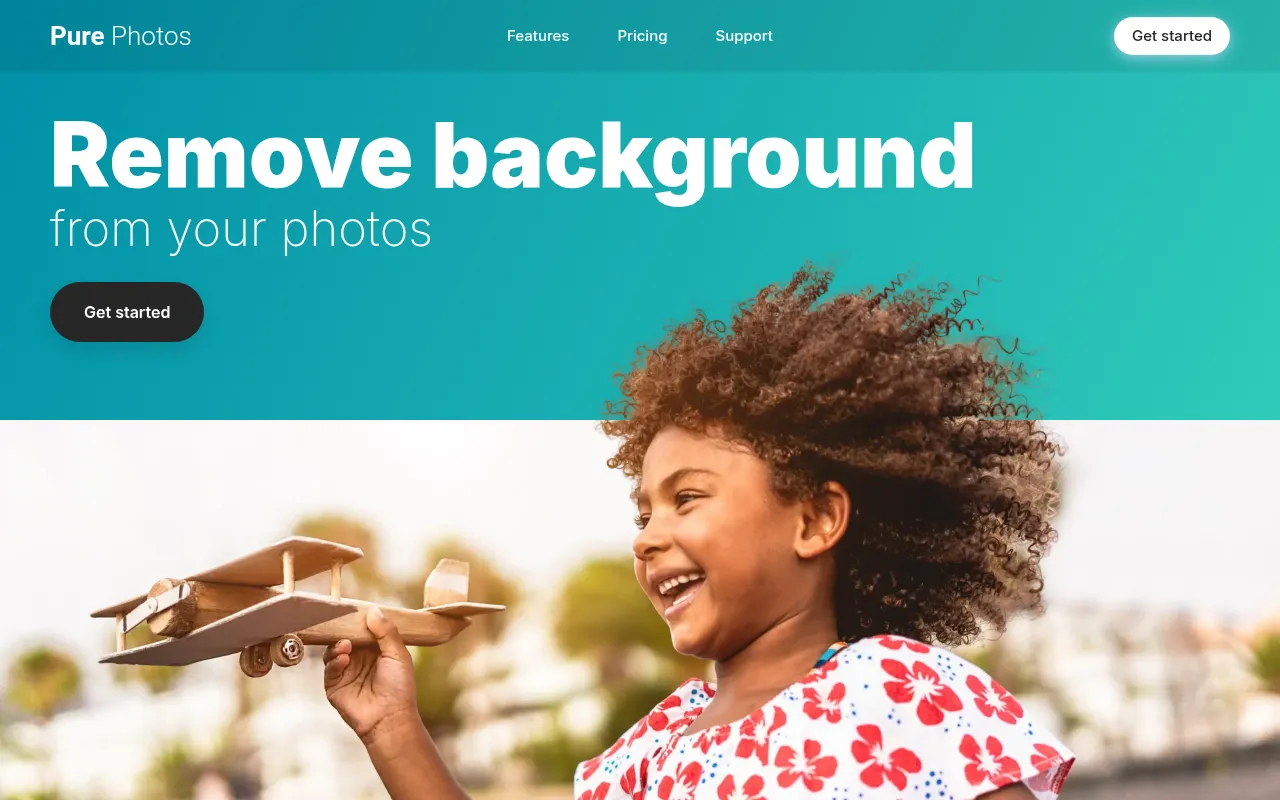
purephotos is an automated image background removal tool based on AI and computer vision. It is designed to extract subjects from various backgrounds, including environmental scenes, and supports the extraction of details like hair and sports equipment.
The service is built for photography studios and e-commerce businesses that process large numbers of images. It supports bulk uploads and provides different output formats to fit into professional editing workflows.
Buyers should note that the pay-as-you-go pricing model means costs scale based on the number of images processed. Users should confirm if the provided output formats meet their specific design requirements.
Key Features
AI Background Extraction
Removes backgrounds from photos using computer vision to identify subjects and props.
Layered PSD Generation
Generates images in Adobe Photoshop Document format with layers for further editing.
FTP Batch Integration
Supports uploading and downloading up to 10,000 images at once via FTP.
Public API
Provides an API to help integrate background removal into business software workflows.
Custom Background Addition
Supports adding a custom or provided background during the extraction process.
Use Cases
E-commerce Product Photography
Removing backgrounds from product shots to create clean listings for online stores.
Studio Portrait Workflows
Extracting subjects from portrait photos, including those with tricky hair types.
Marketing Material Preparation
Isolating subjects from environmental scenes for use in advertisements or brochures.
High-Volume School Photography
Processing large batches of student photos for background replacement.
Integrations
- FTP
- Public API
- PSD export
FAQ
How does purephotos pricing work?
- It uses a pay-as-you-go model starting at $0.15 per image, and no monthly subscription is required.
Can I process a large number of images at once?
- Yes, the service supports FTP integration that allows for the upload and download of up to 10,000 images at one time.
What file formats does purephotos provide?
- The service can generate PNGs and layered Adobe Photoshop Document (PSD) files.
Source category: Productivity
Source subcategory: Computer Vision
More tools in Productivity
Other published listings in the Productivity category.


More tools in the Computer Vision software type
Related listings that share the same software type for comparison and shortlisting.