AI TOOL PROFILE
Explain: AI Reading Assistant

- Productivity
- AI Assistant
- Small Businesses
- Mid-Market Companies
- Researchers
- Students
Pricing
Pricing was not clearly available from the provided evidence. Buyers should confirm current pricing on the vendor website.
At a glance
- Best for
- Small Businesses, Mid-Market Companies, Researchers, Students
- Key use cases
- PDF Document Analysis, Text Comprehension
- Official website
- Visit Explain official website
How AI is used
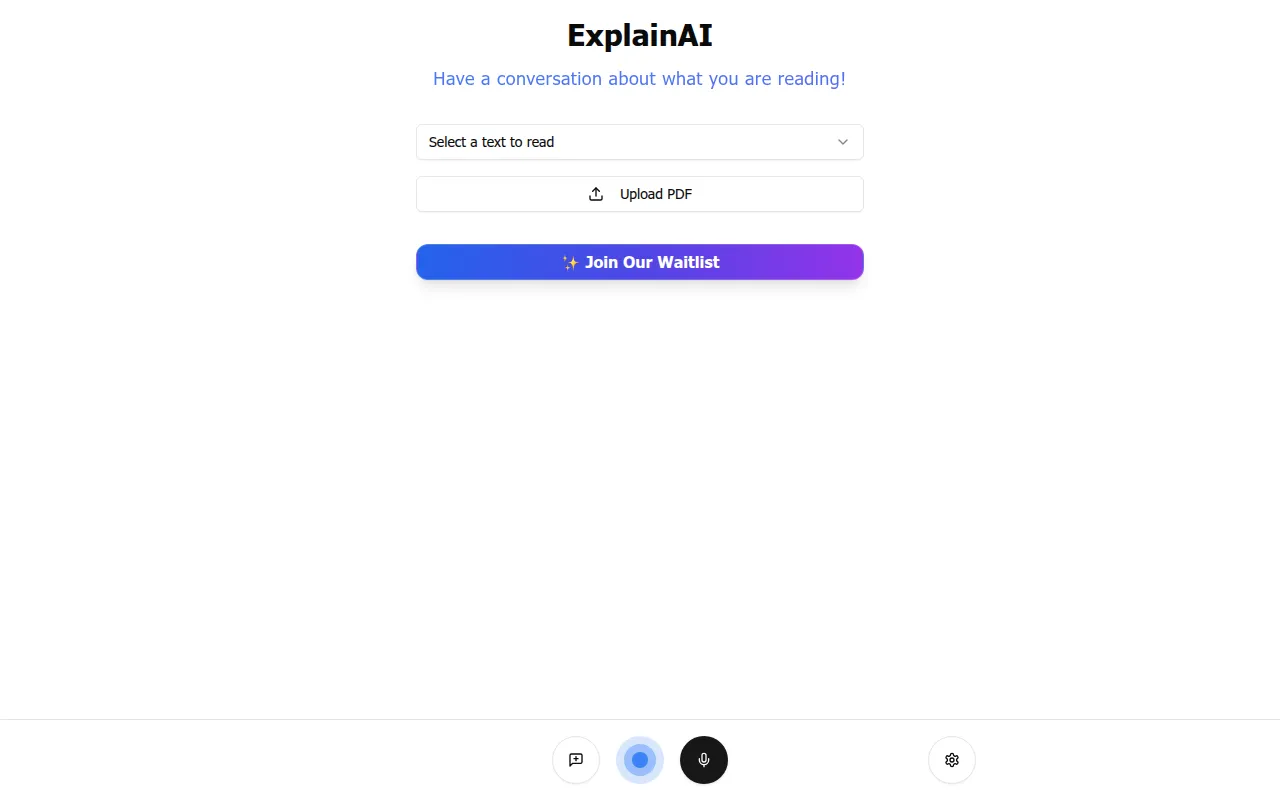
Explain is a web-based AI tool designed to help users interact with reading material. The tool allows users to select specific text or upload PDF files to engage with the content using AI.
It is intended for users, including small and mid-market business professionals, researchers, and students who work with documentation.
Buyers should note that the platform is currently managed via a waitlist, which means immediate access to the tool may not be available.
Users should confirm if the conversational output meets their specific requirements for document analysis before joining the waitlist.
Key Features
PDF Uploads
Supports the uploading of PDF documents for analysis and conversation.
Text Selection
Allows users to select specific portions of text to read and discuss.
Conversational Interface
Provides an AI-powered way to ask questions about the content of a document.
Use Cases
PDF Document Analysis
Using the tool to have a conversation about the contents of an uploaded PDF.
Text Comprehension
Interacting with selected text excerpts to help clarify the material.
FAQ
What does Explain do?
- Explain is an AI tool that allows users to upload PDFs or select text to have a conversation about what they are reading.
Can I use Explain immediately?
- The platform is currently available via a waitlist, so users must sign up for access.
Who is Explain designed for?
- It is designed for a variety of users, including small and mid-market businesses, researchers, and students.
Source category: Productivity
Source subcategory: AI Assistant
More tools in Productivity
Other published listings in the Productivity category.


More tools in the AI Assistant software type
Related listings that share the same software type for comparison and shortlisting.


