AI TOOL PROFILE
EnhanceAI: AI Form Autocomplete Tool

- Productivity
- AI Assistant
- Small businesses
- Mid-market companies
- Website owners using no-code tools
- Developers using React or HTML
Pricing
The first 100K tokens are free. A paid tier is available for $8 per month plus OpenAI API rates.
At a glance
- Best for
- Small businesses, Mid-market companies, Website owners using no-code tools, Developers using React or HTML
- Key use cases
- Form and Survey Completion, Job Application Portals, Sales Copy Writing, Generative Art Prompts
- Integrations
- React, HTML, npm
- Official website
- Visit EnhanceAI official website
How AI is used
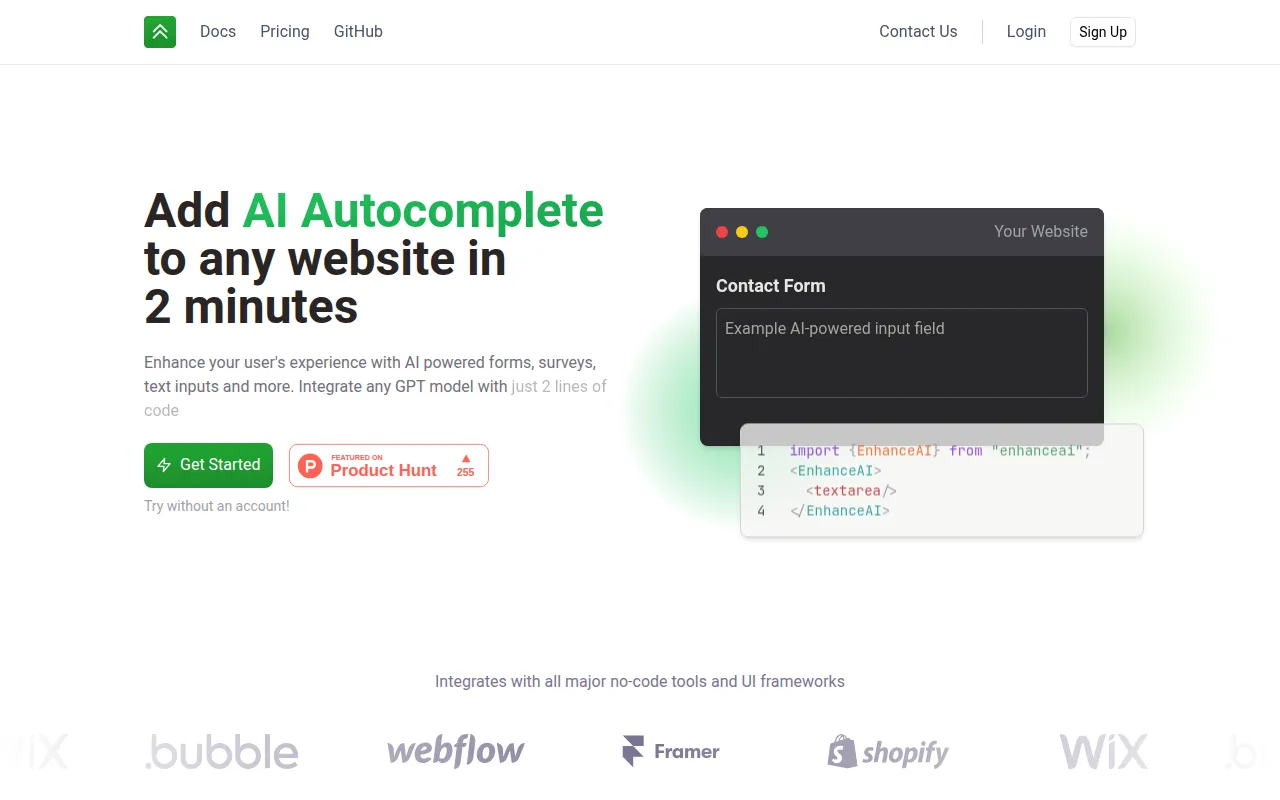
EnhanceAI is a tool designed to embed AI autocomplete functionality into website text fields. By integrating with OpenAI's GPT models, it provides suggestions to users as they fill out forms, surveys, or applications in real time.
The tool supports standard HTML, React, npm installation, and various no-code platforms. It is designed for quick implementation, with documentation stating it may be set up using two lines of code.
Business users can utilize custom prompts through a context option to help AI suggestions align with the specific purpose of the input field. This may be used for various needs, from professional job applications to creative prompt generation.
Buyers should confirm their specific model requirements, as the free tier uses the text-curie-001 model, while others, such as GPT-4, are available with a paid plan.
Key Features
AI Autocomplete
Provides GPT-powered text suggestions within website input fields.
OpenAI Integration
Supports multiple models including GPT-4, GPT-3.5, and text-curie-001.
Custom Prompts
Allows administrators to provide specific context to guide the AI's suggestions.
Multi-Platform Support
Compatible with React, HTML, npm, script tags, and no-code tools.
Usage Analytics
Account holders can view usage data and adjust completion speed.
Use Cases
Form and Survey Completion
Supporting users in filling out surveys or contact forms.
Job Application Portals
Helping candidates draft professional biographies and application responses.
Sales Copy Writing
Assisting teams in drafting sales emails and creative copy within a web interface.
Generative Art Prompts
Supporting users in creating detailed prompts for AI art generation.
Integrations
- React
- HTML
- npm
FAQ
How do I install EnhanceAI on my website?
- It can be installed using a script tag, npm for React projects, or through supported no-code platforms.
What OpenAI models does EnhanceAI support?
- It supports OpenAI's GPT models, including GPT-4, GPT-3.5, and text-curie-001.
Is there a free version of EnhanceAI?
- The first 100K tokens are free, and users can start without an account, though the free tier uses the text-curie-001 model.
Can I customize what the AI suggests in my forms?
- Yes, you can provide custom prompts for user inputs through the context option to guide the AI's suggestions.
Source category: Productivity
Source subcategory: AI Assistant
More tools in Productivity
Other published listings in the Productivity category.


More tools in the AI Assistant software type
Related listings that share the same software type for comparison and shortlisting.


