AI TOOL PROFILE
elvex: Enterprise AI Management Platform

- Operations
- Workflow Automation
- Enterprise organizations
- Operations managers
- IT and Security leads
- Department heads in legal, finance, or HR
Pricing
Pricing was not clearly available from the provided evidence. Buyers should confirm current pricing on the vendor website.
At a glance
- Best for
- Enterprise organizations, Operations managers, IT and Security leads, Department heads in legal, finance, or HR
- Key use cases
- Contract and Document Review, Sales Admin Automation, Operational Data Analysis, HR Policy Support, IT Documentation
- Integrations
- Microsoft Teams, Slack, Google Drive, Salesforce, Gmail
- Official website
- Visit elvex official website
How AI is used
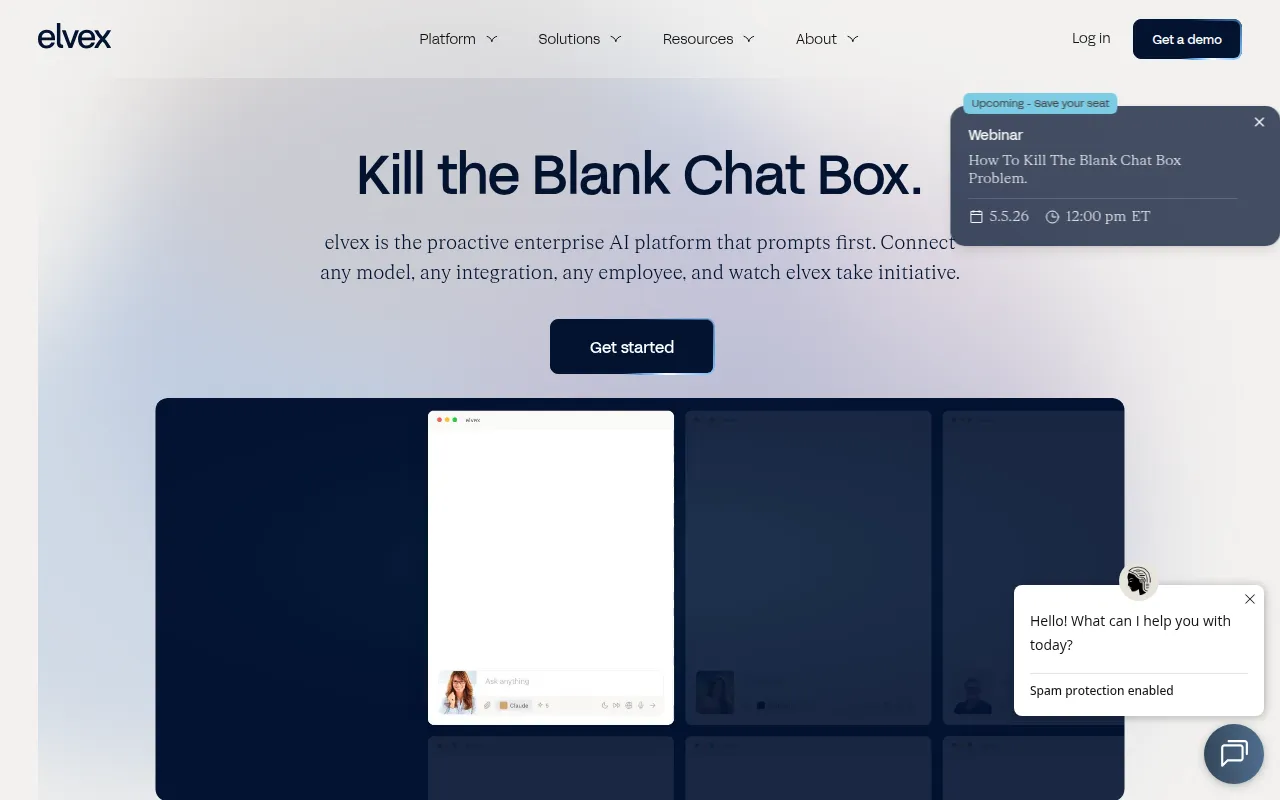
elvex is an AI management platform designed to help organizations build specialized AI agents and multi-step workflows. The platform provides a single interface to access models from providers such as OpenAI, Anthropic, Cohere, and Google.
It is built for users across various functions, including IT, HR, Operations, and Sales. The tool supports the creation of agents that can process company data and interact with business software to automate repetitive tasks.
Key capabilities include the integration of internal data sources and a manager agent that validates steps in a workflow to help maintain consistency. The platform includes governance tools such as access management and audit logs.
Buyers should confirm if the platform's requirements align with their internal technical capabilities and verify that the available integrations support their specific software stack.
Key Features
AI Agent Builder
Supports the creation of custom AI agents for specific business tasks without requiring deep technical expertise.
Multi-Step AI Flows
Supports the creation of workflows with triggers, loops, and the ability to assign different AI models to different steps.
Enterprise Security Controls
Includes SAML SSO, permissioning, and audit logs to manage how AI is accessed and used.
Multi-Model Access
Provides a single interface to utilize models from OpenAI, Anthropic, Cohere, and Google.
Data Integration
Connects to corporate data sources and software to provide AI agents with business-specific context.
Collaborative Workspaces
Allows teams to share developed agents and workflows across the organization.
Use Cases
Contract and Document Review
Using agents to compare versions of PDFs or contracts to identify discrepancies in terms or dates.
Sales Admin Automation
Automating account research and the generation of briefs to support sales outreach.
Operational Data Analysis
Ingesting transaction logs or spreadsheets to analyze trends and support executive business questions.
HR Policy Support
Creating knowledge bots based on company policies to handle routine employee inquiries.
IT Documentation
Supporting the creation of technical documentation and troubleshooting guides from support tickets.
Integrations
- Microsoft Teams
- Slack
- Google Drive
- Salesforce
- Gmail
- Snowflake
- PostgreSQL
- BigQuery
- Redshift
- SQL Server
- Google Sheets
- Monday.com
- ClickUp
- Coda
- Jira
- Google Calendar
- Google Docs
- Dropbox
- Microsoft Outlook
- Notion
- Hubspot
- OneDrive
- Intercom
- Zendesk
- Asana
- Zoom
- Github
- Confluence
- Sharepoint
FAQ
What is elvex?
- elvex is an enterprise AI management platform that allows teams to build, share, and control AI agents and multi-step workflows using various AI models.
Which AI models does elvex support?
- The platform provides access to models from OpenAI, Anthropic, Cohere, and Google.
Is elvex suitable for small businesses?
- The provided evidence indicates that elvex is primarily designed for enterprise-scale organizations requiring advanced security, governance, and complex data integrations.
What security features does elvex provide?
- elvex includes controls such as SAML SSO, data privacy firewalls to prevent model training on company data, and audit logs.
Source category: Operations
Source subcategory: Workflow Automation
More tools in Operations
Other published listings in the Operations category.


More tools in the Workflow Automation software type
Related listings that share the same software type for comparison and shortlisting.


