AI TOOL PROFILE
Dashworks AI Knowledge Management Software
- Productivity
- Knowledge Management
- Small Businesses
- Mid-Market Companies
- Enterprise Companies
- Support Teams
- Sales Teams
- Engineering Teams
Pricing
Pricing starts at $12 per seat per month for the Team Plan. A Business Plan is available at $15 per seat per month (minimum 10 seats). Enterprise pricing is custom. A 14-day free trial is available.
At a glance
- Best for
- Small Businesses, Mid-Market Companies, Enterprise Companies, Support Teams, Sales Teams
- Key use cases
- Internal Knowledge Retrieval, Sales Enablement, Technical Support, Customer Support Efficiency
- Integrations
- Slack, Jira, Salesforce, HubSpot, Gmail
- Official website
- Visit Dashworks tools official website
How AI is used
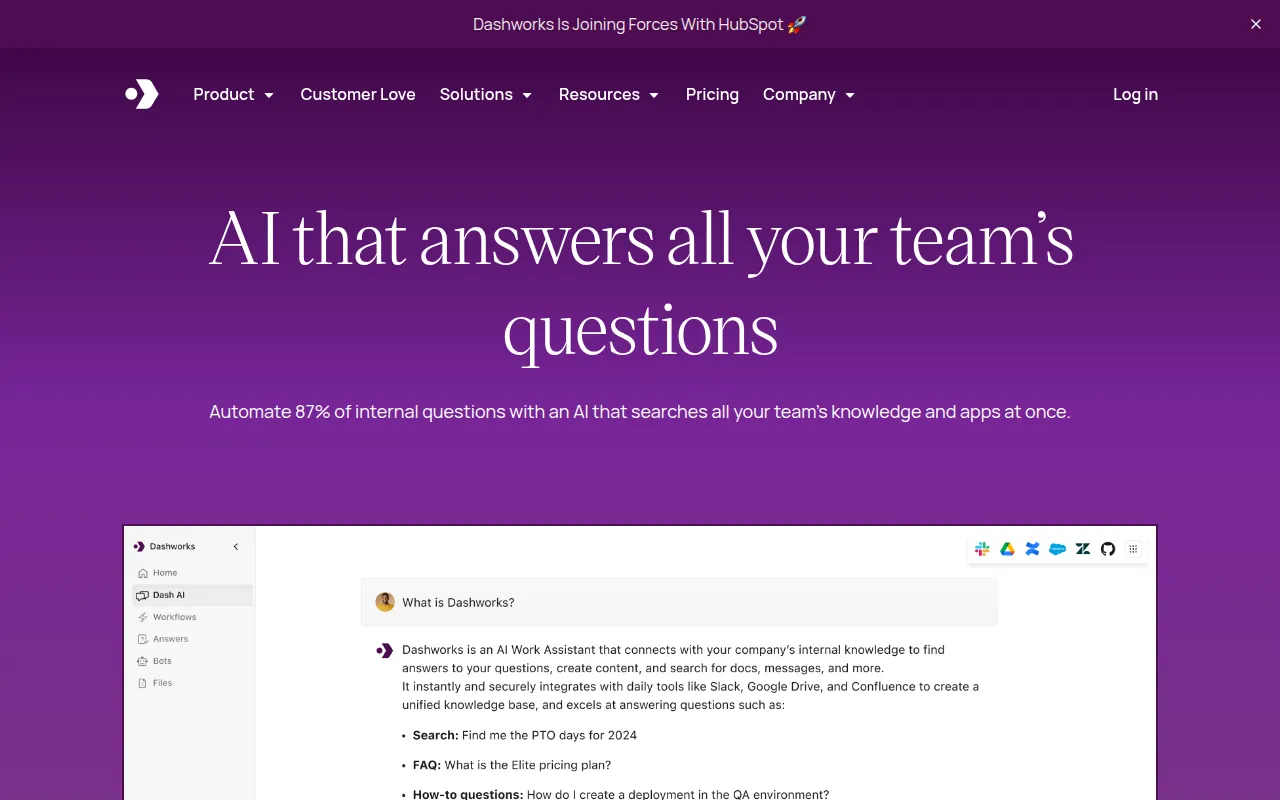
Dashworks is an AI-driven workplace assistant designed to unify a company's fragmented data. Instead of searching through multiple apps individually, users can ask questions in natural language to get answers derived from internal documentation, messages, and files.
The tool is designed for various teams, including sales, customer support, and engineering. It connects to platforms like Slack, Jira, and Salesforce to provide a single point of access for company knowledge.
Buyers should consider that certain features—such as custom bots and specific LLM choices—vary by pricing tier. The software includes security features such as SOC-2 Type 2, GDPR, and HIPAA compliance.
Before adopting, teams should confirm that their primary data sources are supported by the available integrations to ensure the AI can access the necessary information.
Key Features
Unified Knowledge Base
Connects various apps, websites, and documents into a single searchable source of information.
Natural Language Queries
Allows users to ask workplace questions and receive answers with source citations.
Real-time Search
Uses live APIs to find current data rather than relying on indexing.
Custom Bots
Supports the creation of specialized AI assistants for specific use cases like onboarding.
Permissioned Search
Syncs existing access controls from connected apps so users only see information they are authorized to view.
Browser and App Access
Available via a web app, a Slack integration, and a Chrome browser extension.
Use Cases
Internal Knowledge Retrieval
Searching across Slack threads, Jira tickets, and emails to find answers to team questions.
Sales Enablement
Helping sales reps locate case studies, pitch decks, and product sheets during the sales process.
Technical Support
Supporting engineers in finding technical answers by searching through codebases and documentation.
Customer Support Efficiency
Helping support agents find information in historical tickets and product wikis.
Integrations
- Slack
- Jira
- Salesforce
- HubSpot
- Gmail
- Google Drive
- Notion
- Microsoft Teams
- Microsoft Outlook
- Microsoft OneDrive
- Microsoft SharePoint
- Zendesk
- Intercom
- Linear
- Monday.com
- Trello
- Box
- Confluence
- GitHub
FAQ
How does Dashworks handle data security?
- Dashworks uses a no-indexing approach with live API calls, is SOC-2 Type 2, GDPR, and HIPAA compliant, and supports SSO and SCIM.
Can Dashworks integrate with my existing tools?
- Yes, it supports integrations including Slack, Google Workspace, Microsoft 365, Salesforce, and Jira.
Which plan should I choose based on team size?
- The Team Plan has no seat minimum, while the Business Plan is designed for teams of 10 or more and includes custom bots.
Source category: Productivity
Source subcategory: Knowledge Management
More tools in Productivity
Other published listings in the Productivity category.


More tools in the Knowledge Management software type
Related listings that share the same software type for comparison and shortlisting.