AI TOOL PROFILE
Cuely: AI Assistant for Slack

- Productivity
- AI Assistant
- Small Businesses
- Mid-Market Companies
- Teams using Slack
Pricing
Cuely is free to start and includes up to 10 million tokens.
At a glance
- Best for
- Small Businesses, Mid-Market Companies, Teams using Slack
- Key use cases
- Internal Communication Support, Industry Research, Document Preparation, Text Summaries
- Integrations
- Slack
- Official website
- Visit Cuely official website
How AI is used
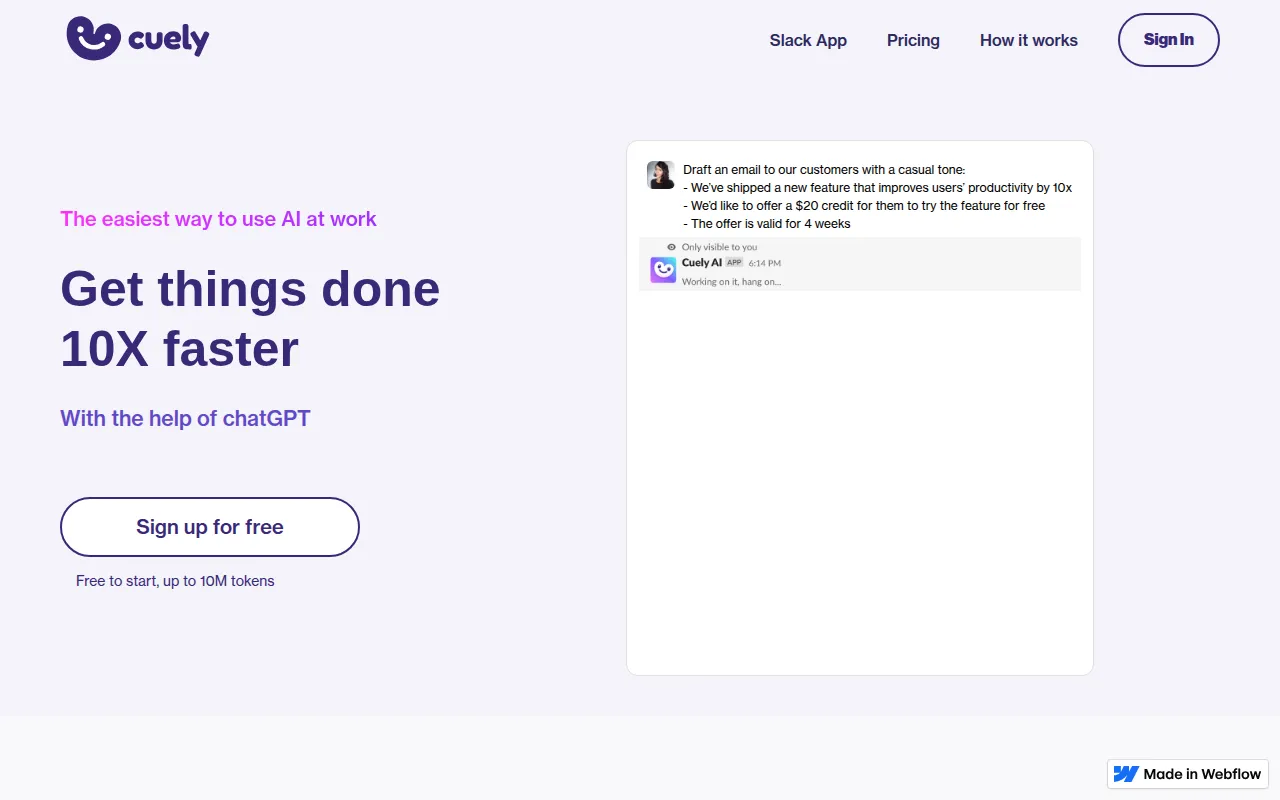
Cuely is an AI assistant for Slack that uses ChatGPT to support workplace tasks. Teams can interact with the AI through direct messages, group chat mentions, or a specific slash command to keep workflows within their communication tool.
The tool is intended for businesses that use Slack as their primary collaboration hub. It is designed to be accessible for users who do not have experience with prompt engineering.
It supports activities such as drafting reports, checking the tone of messages, and summarizing text. Buyers should confirm how the token limits on the free plan align with their expected team volume.
Key Features
Slack Interaction Options
Supports three ways to engage AI: using the /cue command, mentioning @cuely in group chats, or sending direct messages.
Content Drafting
Supports drafting replies, messages, and reports.
Text Refinement
Includes tools to check grammar, spelling, and the tone of messages.
Information Summarization
Designed to summarize long texts into key points.
Language Translation
Supports translating text between different languages.
Point Expansion
Helps expand brief key points into full paragraphs.
Use Cases
Internal Communication Support
Drafting empathetic replies to team members or checking message tone.
Industry Research
Searching for industry information directly within a Slack channel.
Document Preparation
Expanding bullet points into paragraphs for reports or emails.
Text Summaries
Condensing long conversations or documents into key takeaways.
Integrations
- Slack
FAQ
How do you use Cuely in Slack?
- You can use the /cue command in any channel, mention @cuely in group chats, or message the bot directly.
Is Cuely free to use?
- Yes, it is free to start and includes a limit of up to 10 million tokens.
Do I need to know prompt engineering to use Cuely?
- No, the tool is designed for the workplace to provide responses without requiring specific prompt-engineering skills.
Source category: Productivity
Source subcategory: AI Assistant
More tools in Productivity
Other published listings in the Productivity category.


More tools in the AI Assistant software type
Related listings that share the same software type for comparison and shortlisting.


