AI TOOL PROFILE
CreateStudio: AI-Powered 3D Video Maker

- Marketing
- Video and Animation
- Marketing Agencies
- Content Creators
- Small Business Owners
- Non-technical video creators
Pricing
Annual plans start at $199/year for the Standard tier, with Platinum at $249/year and All Access at $299/year. Monthly options are available from $27 to $47 per month.
At a glance
- Best for
- Marketing Agencies, Content Creators, Small Business Owners, Non-technical video creators
- Key use cases
- Explainer Videos, Social Media Ads, Product Demos, Video Sales Letters (VSLs), Internal Training
- Official website
- Visit create studio official website
How AI is used
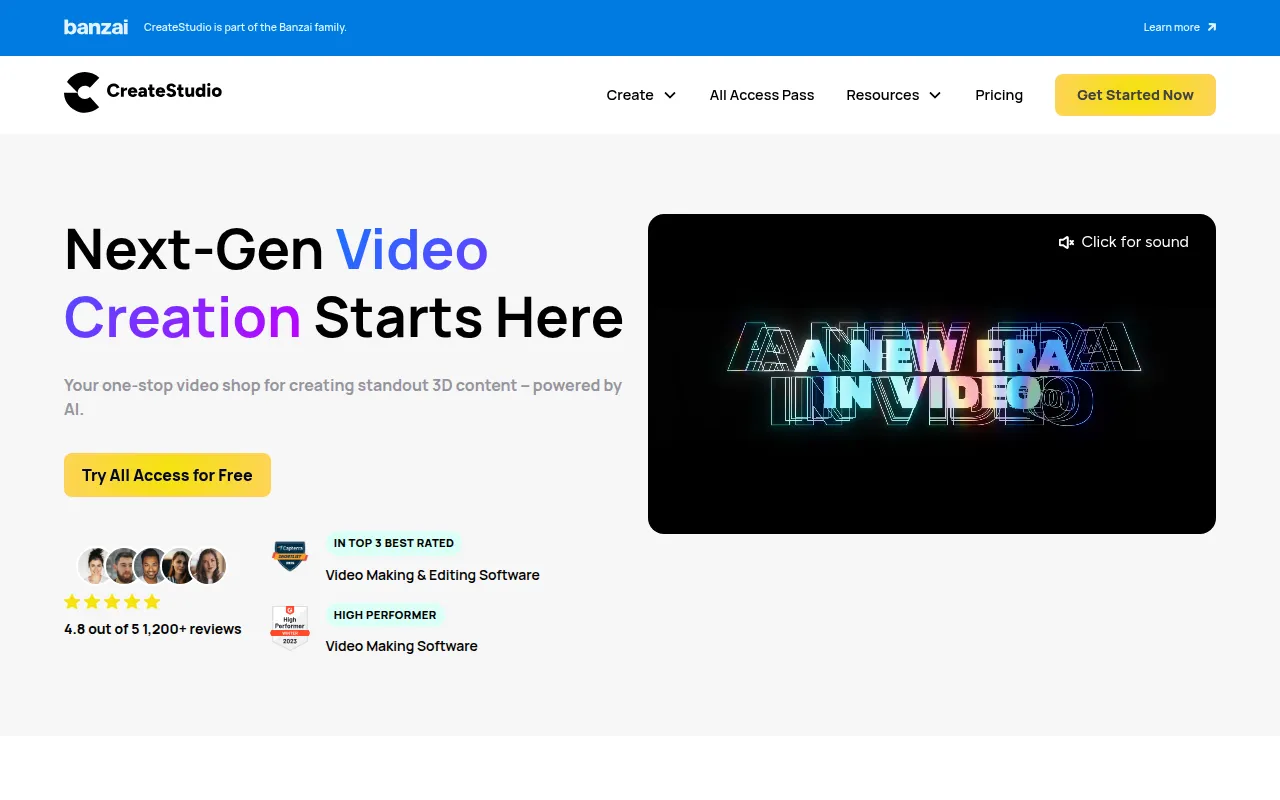
CreateStudio is a video creation tool designed for users who need to produce 3D animations, promo ads, and social media shorts. It uses a drag-and-drop interface and an AI scene builder to help users move from a script to a finished video.
The software is geared toward content creators, marketing agencies, and small business owners who need to generate visual content, including VSLs, product demos, and doodle sketches. It includes a library of characters and templates to support different video formats.
Buyers should consider the different subscription tiers, as the number of available characters and templates varies between the Standard, Platinum, and All Access plans. The tool is focused on animation and promotional content rather than traditional long-form video editing.
Key Features
3D Character Builder
Supports building and customizing characters, rotating them in 3D space, and setting keyframes for animation.
AI Scene Builder
Designed to generate video scenes based on a provided script's content flow.
Automatic Lip-Syncing
Matches character mouth movements to uploaded voice recordings or AI-generated speech.
AI Text-to-Speech
Creates voiceovers in multiple languages and tones using AI.
Drag-and-Drop Editor
A timeline-based interface for adjusting visuals, animations, and scenes.
Background Removal
AI-powered tool to remove backgrounds from images for video compositions.
Use Cases
Explainer Videos
Turning technical details into animated 3D videos.
Social Media Ads
Creating short promo videos optimized for TikTok, Instagram, and Facebook.
Product Demos
Building walkthroughs with UI simulations, such as animated clicks and swipes, to demonstrate software.
Video Sales Letters (VSLs)
Converting sales scripts into timed video sequences with kinetic typography and AI voiceovers.
Internal Training
Developing onboarding sequences and instructional videos for employees.
FAQ
Can I sell the videos I make with CreateStudio?
- Yes, the software includes a commercial use license, which allows you to create and sell videos to clients.
What is the difference between the Standard and All Access plans?
- The Standard plan provides 50 characters and 50 templates, while the All Access plan includes over 300 characters and 800+ templates, along with monthly additions of new resources.
Do I need previous design or animation experience to use it?
- The platform is designed with a drag-and-drop interface and pre-made templates to support users who do not have professional design skills.
Source category: Marketing
Source subcategory: Video & Animation
More tools in Marketing
Other published listings in the Marketing category.


More tools in the Video and Animation software type
Related listings that share the same software type for comparison and shortlisting.


