AI TOOL PROFILE
Clideo: Online Video Editing Tools

- Marketing
- Video and Animation
- Small Businesses
- Marketing Agencies
Pricing
Clideo offers a monthly subscription for $9 per month or an annual plan for $6 per month ($72 per year).
At a glance
- Best for
- Small Businesses, Marketing Agencies
- Key use cases
- Social Media Content Creation, Multilingual Video Outreach, Quick Video Adjustments, Internal Training and Presentations
- Integrations
- Google Drive import/export, Google Photos import/export
- Official website
- Visit clideo official website
How AI is used
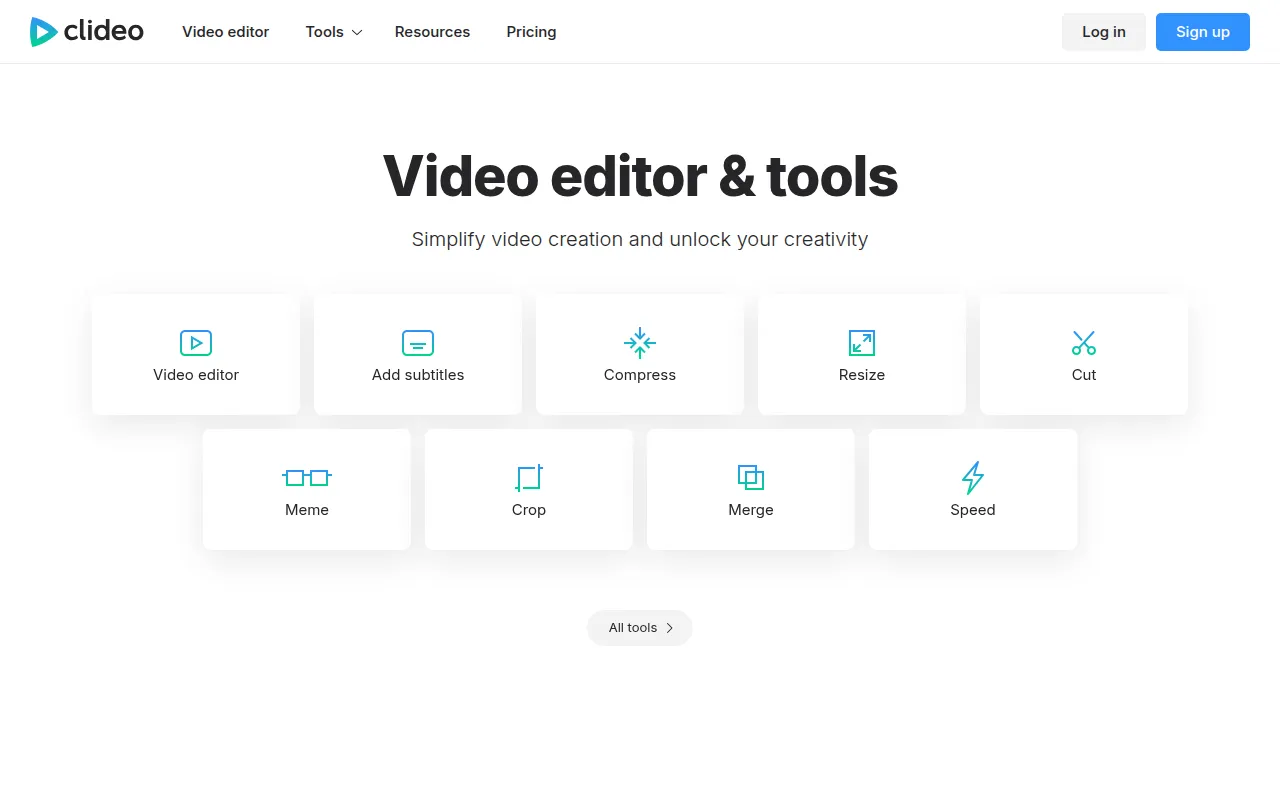
Clideo is a suite of browser-based tools designed for video editing and media management. It supports various tasks including cutting, merging, and compressing videos, as well as creating GIFs and slideshows.
The platform is designed for small businesses and marketing agencies that produce social media content or presentations without installing software.
Capabilities include AI-powered subtitle generation and video translation with AI voiceovers to help businesses reach multilingual audiences. It also includes a screen recorder and file converters for audio and images.
Buyers should confirm that project saving and the removal of watermarks are features of the paid Pro plan; users without an account must complete projects in a single session.
Key Features
Video Editor
A multi-track timeline for combining and managing video, images, text, and music.
AI Subtitle Generator
Automatically generates captions for videos in various languages.
Video Translator
Translates video content and provides AI-generated voiceovers.
Video Compressor
Reduces video file sizes for sharing and uploading.
Screen Recorder
Captures screen activity directly within the browser.
Format Converters
Changes video, audio, and image files into different commonly used formats.
Text to Speech
Creates narration by converting written text into audio.
Use Cases
Social Media Content Creation
Resizing and cropping videos to fit presets for different social media platforms.
Multilingual Video Outreach
Using AI translation and voiceovers to adapt video content for different languages.
Quick Video Adjustments
Merging multiple clips, cutting segments, or muting audio.
Internal Training and Presentations
Recording a presentation or screen activity to share with a team.
Integrations
- Google Drive import/export
- Google Photos import/export
FAQ
Does Clideo require a software download?
- No, Clideo is an online platform that provides browser-based access on Mac, Windows, iPhone, and Android.
What are the pricing options for Clideo?
- Clideo offers a monthly plan for $9 per month and an annual plan for $6 per month, billed at $72 per year.
Can I save my projects for later?
- Premium users can save projects; users without an account must complete their work in one session.
Does Clideo support AI-powered features?
- Yes, Clideo includes AI tools for automatic subtitle generation and video translation with AI voiceovers.
Source category: Marketing
Source subcategory: Video & Animation
More tools in Marketing
Other published listings in the Marketing category.


More tools in the Video and Animation software type
Related listings that share the same software type for comparison and shortlisting.


