AI TOOL PROFILE
ChattyDocs: AI Assistant for Your Documents
- Productivity
- AI Assistant
- Small Businesses
- Mid-Market Companies
- Enterprise Companies
Pricing
Paid plans include Casual ($9/month), Scale ($49/month), and Enterprise ($399/month). A free trial is available with 20 queries and 900KB of upload credit.
At a glance
- Best for
- Small Businesses, Mid-Market Companies, Enterprise Companies
- Key use cases
- Information Retrieval from PDFs, Web Content Analysis, Knowledge Base Sharing, External Chat Access
- Integrations
- Telegram, GraphQL API
- Official website
- Visit ChattyDocs official website
How AI is used
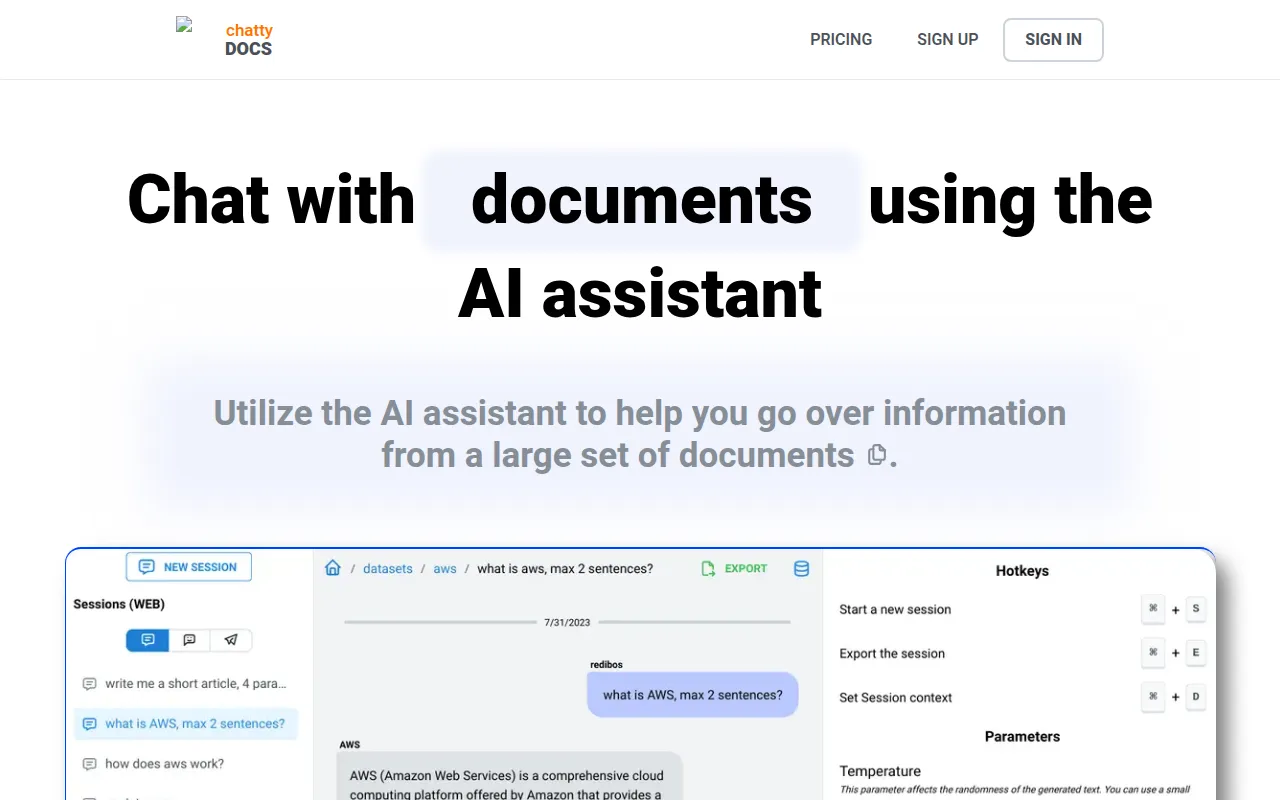
ChattyDocs is a productivity tool designed to help users interact with their own data using artificial intelligence. By uploading PDF and text files or providing website links, users can build datasets that the AI uses to answer questions, which may help in reviewing large volumes of information.
The tool is available for different organization sizes that handle a significant number of documents. It provides browser-based access and offers an integration with Telegram for interacting with datasets.
Buyers should confirm the query and upload limits associated with each pricing tier. Because the AI's responses depend on the provided data, users should verify the sources cited in the chat responses.
Key Features
Dataset Creation
Supports uploading PDFs, text files, and website links to build custom knowledge bases.
Source Attribution
Provides the document name and page number or a website link alongside AI responses.
AI Customization
Includes temperature settings to control output and system prompts to define the AI's behavior.
Background Indexing
Indexes uploaded data in the background so users do not have to wait for processing to complete.
Telegram Integration
Allows users to interact with their document datasets via Telegram bots.
Usage Tracking
Provides visibility into how much of the upload credit and subscription quota is used.
Use Cases
Information Retrieval from PDFs
Uploading PDF reports or manuals to find specific data points via chat.
Web Content Analysis
Using website links as data sources to query information from online documentation.
Knowledge Base Sharing
Creating public datasets that can be shared with other users via a link.
External Chat Access
Setting up a Telegram bot to allow users to query document data.
Integrations
- Telegram
- GraphQL API
FAQ
What can I upload to ChattyDocs?
- You can upload PDF files, various text files, or provide website links to build your datasets.
Does ChattyDocs have a free version?
- It offers a free trial that includes 20 queries and 900 kilobytes of text for uploading.
Can I host ChattyDocs on my own servers?
- Yes, a self-hosting solution using Docker is available for organizations.
How does the AI provide references for its answers?
- Responses include relevant sources, such as the document name and page number for files, or a link for website sources.
Source category: Productivity
Source subcategory: AI Assistant
More tools in Productivity
Other published listings in the Productivity category.


More tools in the AI Assistant software type
Related listings that share the same software type for comparison and shortlisting.


