AI TOOL PROFILE
Google AppSheet | No-Code App Builder

- Productivity
- No-Code App Builder
- Small Businesses
- Mid-Market Companies
- Non-technical operations managers
- Google Workspace users
Pricing
Paid plans start at $5 per user per month for the Starter tier, $10 for Core, and $20 for Enterprise Plus. Users can build and test prototypes with up to 10 users at no cost.
At a glance
- Best for
- Small Businesses, Mid-Market Companies, Non-technical operations managers, Google Workspace users
- Key use cases
- Field Work Data Collection, Project Management, Operational Reporting, HR and Onboarding
- Integrations
- Google Sheets, Google Drive, Microsoft Excel, Salesforce, Dropbox
- Official website
- Visit appsheet official website
How AI is used
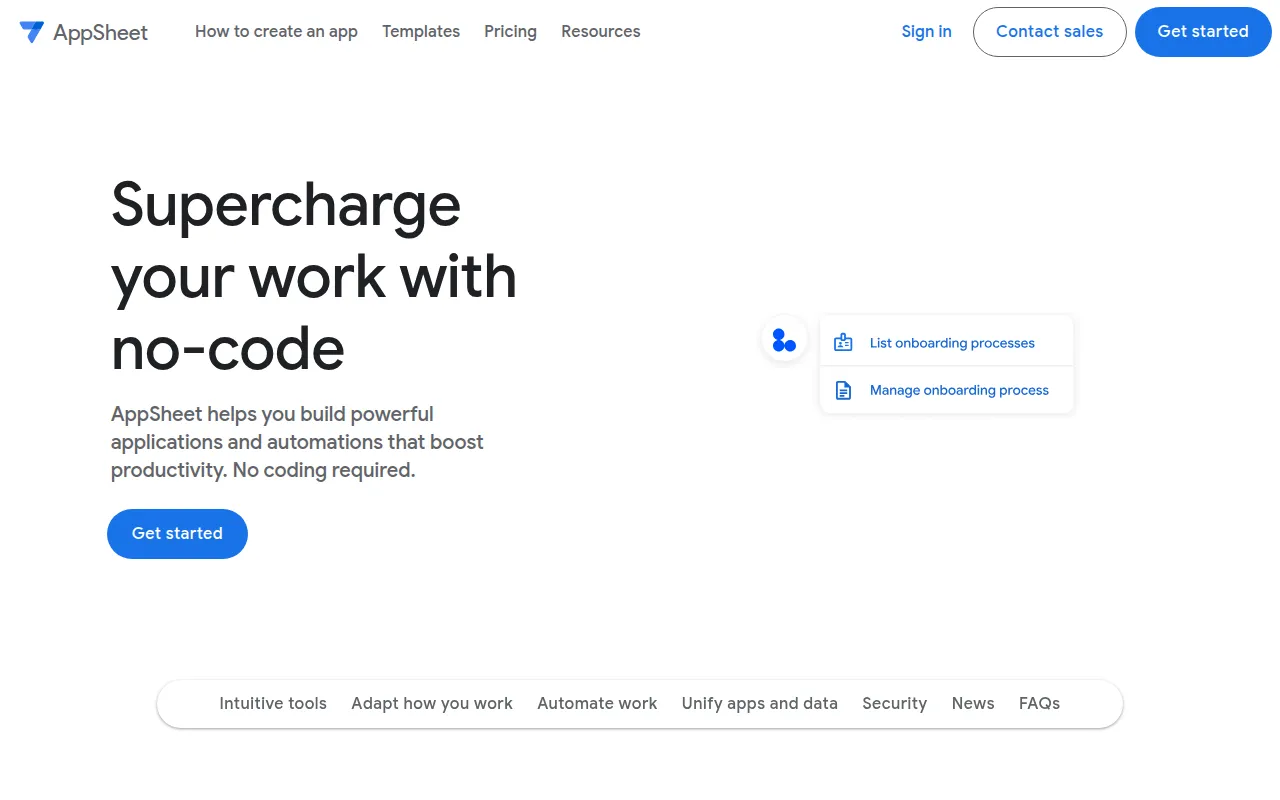
AppSheet is a no-code development platform for users who want to build custom business applications without professional programming knowledge. The platform works by connecting to existing data sources, such as spreadsheets or databases, and generating an app interface around that data.
The tool is designed for business owners and operations managers who need specific workflows—such as inventory tracking or incident reporting. It supports browser-based access and mobile deployment, including offline access with background sync for field workers.
Buyers should consider their existing data ecosystem, as the platform integrates with Google Workspace and other cloud providers. Buyers should confirm the per-user pricing model to ensure it fits the intended scale of the app deployment.
Key Features
No-Code App Building
Supports the creation of applications and automated processes using an editor and spreadsheet-like expressions.
Gemini AI Assistance
Helps generate apps based on natural language descriptions provided by the user.
Multi-Source Data Connection
Connects to data from Google Sheets, Microsoft Excel, Cloud SQL, Salesforce, and other cloud storage providers.
Offline Mobile Access
Supports running apps on mobile devices without an active internet connection using background sync.
Workflow Automation
Supports automated email, SMS, and push notifications based on specific triggers and conditions.
Document Processing
Includes optical character recognition (OCR) and intelligent document processing.
Use Cases
Field Work Data Collection
Creating forms to gather data on-site, including capturing photos, signatures, and locations.
Project Management
Building apps to track project milestones and manage team tasks.
Operational Reporting
Automating reports for service vehicle usage or inventory logistics.
HR and Onboarding
Developing internal applications to manage employee onboarding and training.
Integrations
- Google Sheets
- Google Drive
- Microsoft Excel
- Salesforce
- Dropbox
- Box
- Cloud SQL
- Azure SQL
- AWS
- Smartsheet
- OData
FAQ
Do I need to know how to code to use AppSheet?
- No, AppSheet is a no-code platform. It uses an editor and spreadsheet-like expressions to handle logic, allowing users to build apps without writing traditional code.
Is AppSheet free to try?
- Yes, you can use the platform at no cost to build prototypes and invite up to 10 users to test and share feedback.
What data sources can I connect to AppSheet?
- AppSheet supports several sources including Google Sheets, Microsoft Excel, Cloud SQL, Salesforce, Smartsheet, and others.
How is AppSheet pricing structured?
- Pricing is per user per month, with tiers including Starter ($5), Core ($10), and Enterprise Plus ($20). Some Google Workspace plans may include Core licenses.
Source category: Productivity
Source subcategory: No-Code App Builder
More tools in Productivity
Other published listings in the Productivity category.


More tools in the No-Code App Builder software type
Related listings that share the same software type for comparison and shortlisting.