AI TOOL PROFILE
Alyvix: Synthetic Monitoring for Windows Applications

- Software Development
- Application Performance Monitoring
- Software Companies
- Mid-Market Companies
- Enterprise Companies
- IT Operations Managers
Pricing
On-premises subscriptions range from 2,860 €/year to 16,500 €/year. Cloud subscriptions start at 3,128 €/year, with higher tiers providing parallel execution and longer test durations.
At a glance
- Best for
- Software Companies, Mid-Market Companies, Enterprise Companies, IT Operations Managers
- Key use cases
- ERP and CRM Performance Monitoring, End-User Experience Testing, Automated GUI Verification, Latency Trend Analysis
- Integrations
- Nagios, NATS, InfluxDB
- Official website
- Visit alyvix official website
How AI is used
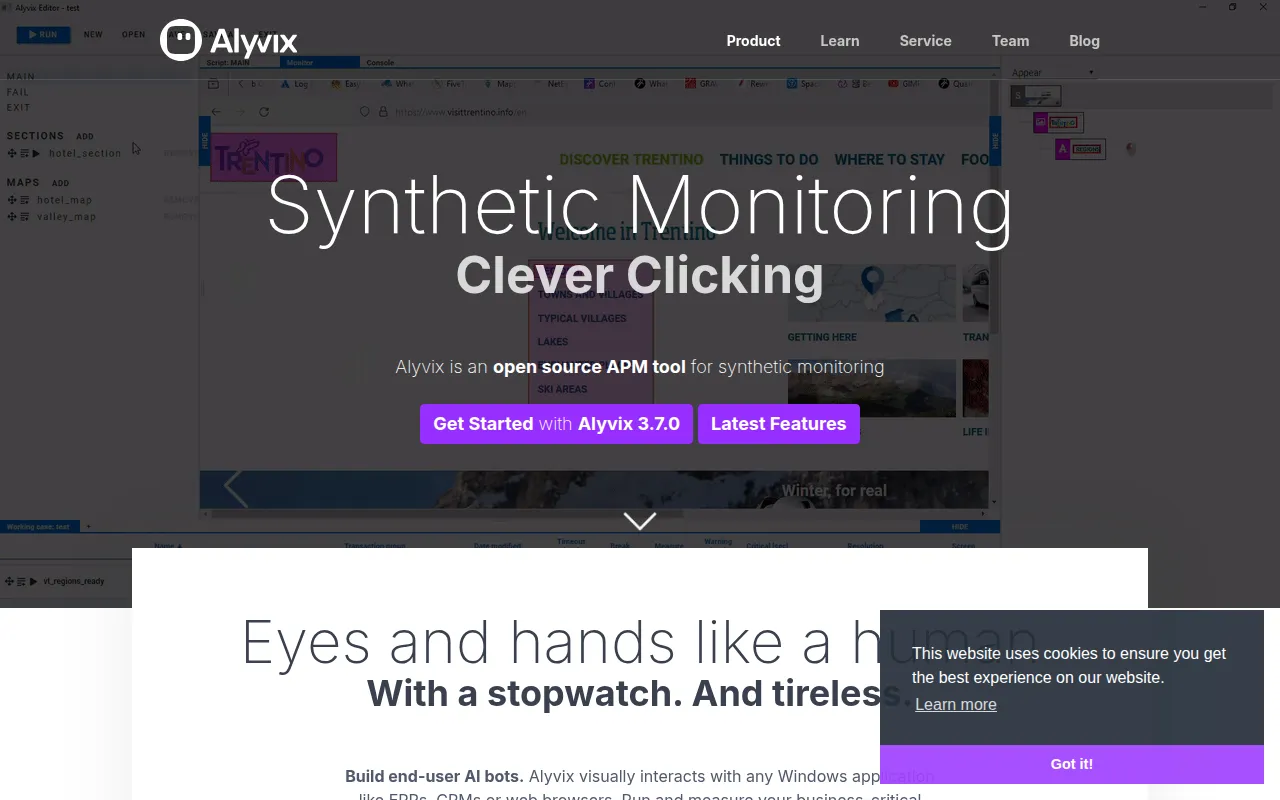
Alyvix is an open-source application performance monitoring (APM) tool designed for synthetic monitoring of Windows-based software. It uses AI computer vision to interact with user interfaces by simulating mouse movements and keyboard inputs to test workflows in ERPs, CRMs, and web browsers.
The tool supports tracking the end-user experience by measuring the time it takes for a screen to respond after a click, which may help teams identify latency and downtime in critical business processes.
Users can build test cases using the Alyvix Editor and execute them via the Alyvix Robot. For organizations needing to scale, the Alyvix Service manages multiple Windows sessions and schedules tests to run in parallel.
Buyers should confirm if their infrastructure supports the required Windows 64-bit environment and determine whether the on-premises or cloud subscription models better fit their security and management preferences.
Key Features
Visual Windows Interaction
Interacts with GUI-based Windows applications by processing screen frames, which allows it to work without special APIs.
AI Computer Vision
Uses computer vision algorithms to recognize and interact with on-screen elements such as images, rectangles, and text.
Click-to-Appearance Measurement
Tracks the time elapsed between a user interaction and the appearance of the expected response.
Alyvix Editor
A visual tool for building synthetic test cases through point-and-click selection and drag-and-drop scripting.
Annotated Screenshots
Provides visual documentation when a workflow transaction times out or fails.
Alyvix Robot
A command-line tool used to execute pre-recorded visual test cases on applications.
Use Cases
ERP and CRM Performance Monitoring
Running and measuring business-critical workflows within Windows-based enterprise resource planning and customer relationship management software.
End-User Experience Testing
Simulating user interactions to record the availability and responsiveness of specific application transactions.
Automated GUI Verification
Using synthetic bots to verify that GUI-based transactions complete successfully.
Latency Trend Analysis
Collecting measurement data over time to identify performance degradation and support technical decisions.
Integrations
- Nagios
- NATS
- InfluxDB
FAQ
What is Alyvix and how does it work?
- Alyvix is an open-source synthetic monitoring tool that uses AI computer vision to interact with Windows applications by processing screen frames, simulating a human user's mouse and keyboard actions.
Does Alyvix require a special API to monitor software?
- No, Alyvix works by visually interacting with the GUI and does not require a special API for the applications it monitors.
What are the pricing options for Alyvix?
- On-premises plans range from 2,860 € to 16,500 € per year, while cloud subscriptions start at 3,128 € per year, depending on the number of sessions and test cases needed.
Who is Alyvix best suited for?
- It is designed for software, mid-market, and enterprise companies that need to monitor business-critical workflows in Windows-based apps like ERPs and CRMs.
Source category: Software Development
Source subcategory: Application Performance Monitoring
More tools in Software Development
Other published listings in the Software Development category.


More tools in the Application Performance Monitoring software type
Related listings that share the same software type for comparison and shortlisting.


Browse all Application Performance Monitoring software type tools