AI TOOL PROFILE
Workast: AI-Driven Task Management

- Productivity
- Workflow Automation
- Small businesses
- Mid-market companies
- Digital agencies
- SaaS startups
- Teams using Slack
Pricing
Workast offers a freemium model with a free Essential plan (Slack-only). Paid tiers include Standard and Professional, with a 14-day trial available for the Professional plan. Enterprise pricing is available for organizations with over 200 users.
At a glance
- Best for
- Small businesses, Mid-market companies, Digital agencies, SaaS startups, Teams using Slack
- Key use cases
- Client Request Routing, Client Onboarding, Meeting Management, Lead Capture
- Integrations
- Slack, Webex, Google Calendar, Gmail, Google Drive
- Official website
- Visit Workast official website
How AI is used
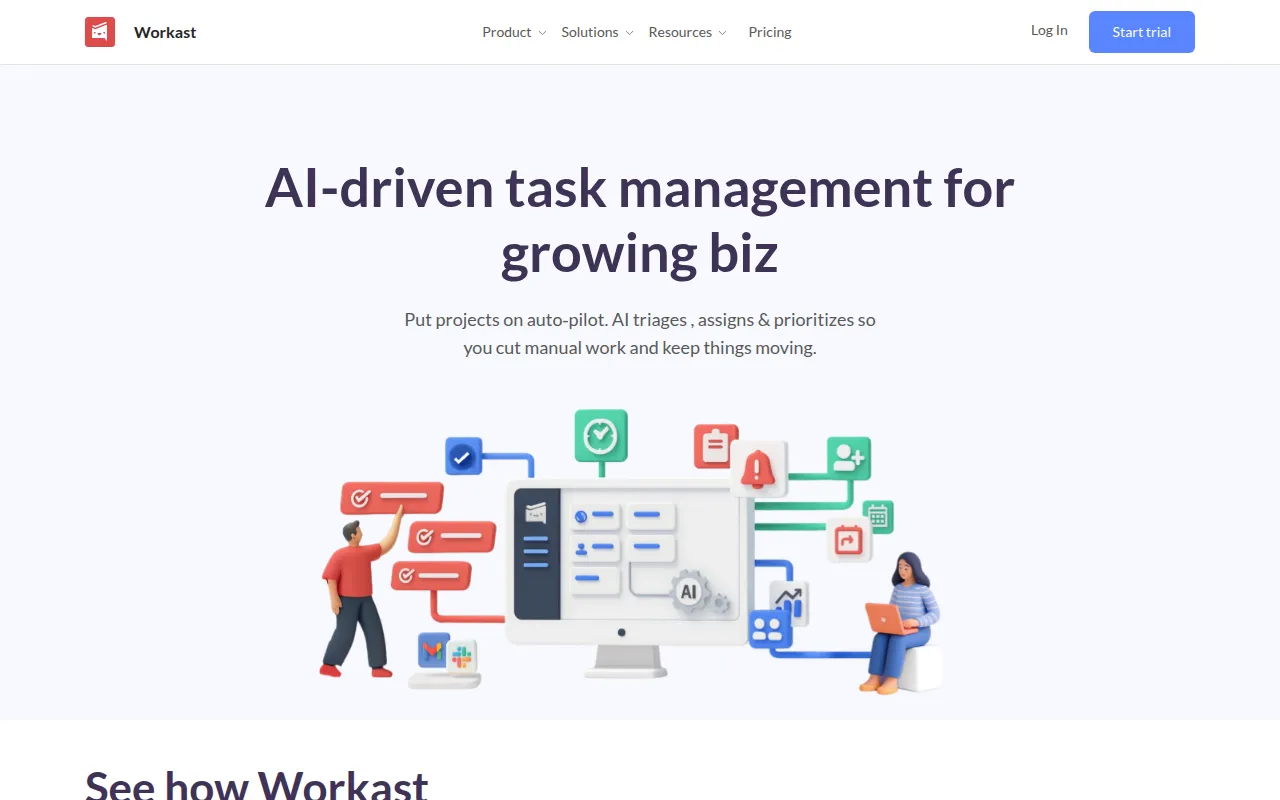
Workast is a productivity platform that integrates task management with team communication. It is designed for growing businesses, such as digital agencies and SaaS startups, to handle incoming tasks with less manual oversight.
The tool supports several ways to organize work, including list, board, calendar, and timeline views. It features an AI agent that can triage tasks by priority or project and assign them to team members based on predefined rules.
For teams using Slack or Webex, the software supports creating and managing tasks directly within those channels. This may help keep project updates within the conversation flow.
Buyers should note that the free Essential plan is limited to Slack-only use. Access to the web application, custom reports, and advanced project views requires a paid tier.
Key Features
AI Task Triage
Organizes incoming tasks by priority, type, or project and routes them to the appropriate teammate.
Automated Subtask Generation
Uses AI to break larger tasks into detailed subtasks to help create project roadmaps.
No-Code Workflow Builder
Supports the creation of rules using keywords, dates, or tags to trigger actions and reminders.
Slack and Webex Integration
Supports task creation, updates, and notifications directly within communication channels.
Custom Public and Private Forms
Captures requests and data via forms that are converted into tasks in real time.
Multi-View Tracking
Provides list, board, calendar, and timeline views to monitor project progress and dependencies.
Use Cases
Client Request Routing
Using AI to triage incoming client requests and assigning them to specific team members based on keywords.
Client Onboarding
Using templates to launch new client spaces with pre-assigned tasks and subtasks.
Meeting Management
Using the platform to distribute meeting agendas and track minutes as actionable tasks.
Lead Capture
Converting web form submissions into tasks for the sales or intake team.
Integrations
- Slack
- Webex
- Google Calendar
- Gmail
- Google Drive
- Zapier
- Trello import
- CSV import
- CSV export
FAQ
What is the difference between the Essential and Standard plans?
- The Essential plan is free and limits task management to within Slack. The Standard plan adds access to the web browser application, including list, board, and calendar views.
Does Workast require coding to set up automations?
- No, Workast includes a no-code workflow builder that allows users to define triggers and actions using rules.
Is there a free trial for the paid versions?
- Yes, a 14-day trial is available for the Professional plan to evaluate the web application.
Source category: Productivity
Source subcategory: Workflow Automation
More tools in Productivity
Other published listings in the Productivity category.


More tools in the Workflow Automation software type
Related listings that share the same software type for comparison and shortlisting.


