AI TOOL PROFILE
typedesk: Text Expander and Keyboard Automation

- Productivity
- Workflow Automation
- Customer support teams
- Law firms and legal professionals
- Sales and marketing agencies
- Recruitment agencies
- Small business owners
- Administrative managers
Pricing
typedesk offers a freemium model with a free plan for up to 10 templates. Paid options include Premium and Premium+AI tiers, with volume discounts available for teams of 15 or more users.
At a glance
- Best for
- Customer support teams, Law firms and legal professionals, Sales and marketing agencies, Recruitment agencies, Small business owners
- Key use cases
- Customer Support Replies, Legal Document Drafting, Sales Outreach, Recruitment Communication, Administrative Filing
- Integrations
- Gmail, Outlook, Zendesk, Slack, Microsoft Teams
- Official website
- Visit typedesk tools official website
How AI is used
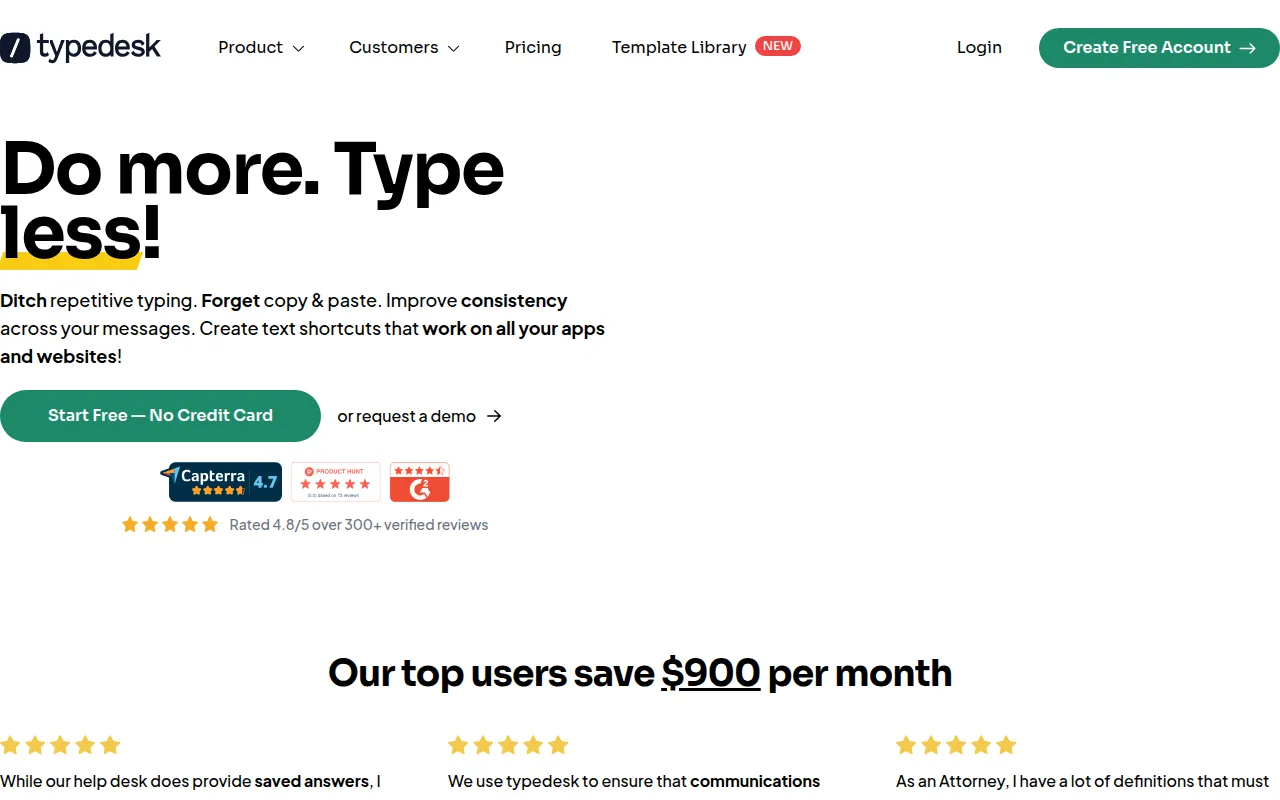
typedesk is a text expansion tool designed to replace repetitive typing and copying with keyboard shortcuts. It operates as a desktop application for Mac and Windows, as well as through browser extensions, which allows it to function across various software and websites without requiring individual native integrations for every tool.
The software is designed for teams that handle high volumes of similar communications, such as customer support agents, legal professionals, and recruiters. By creating a library of templates, users can insert standardized text while using variables to personalize details like names or case numbers.
Additionally, the software includes AI capabilities via ChatGPT integration to help generate or refine responses. It supports team collaboration through shared folders and permission controls, which may help maintain a consistent brand voice across a department.
Buyers should confirm if the available plan tiers meet their template volume needs and verify that the desktop installation aligns with their company's security policies.
Key Features
Dynamic Placeholders
Supports variables and free-text input within templates to help personalize responses.
Shared Team Templates
Supports the creation of shared folders to sync canned responses across a team.
AI Prompt Generator
Includes ChatGPT integration for generating, summarizing, or translating text.
Folder Permissions
Allows administrative control over who can edit or use specific template folders.
Form Automation
Designed to help users fill out repetitive forms using automated actions.
Built-in Calculations
Supports performing basic calculations directly within a template.
Use Cases
Customer Support Replies
Creating consistent canned responses for common support tickets across different help desk tools.
Legal Document Drafting
Inserting standard legal clauses, citations, and formal notices into contracts and memos.
Sales Outreach
Standardizing cold emails and booking links while using placeholders for prospect names.
Recruitment Communication
Managing candidate onboarding emails and screening questions through shared templates.
Administrative Filing
Supporting payroll emails and recurring internal communications.
Integrations
- Gmail
- Outlook
- Zendesk
- Slack
- Microsoft Teams
- Hubspot
- Salesforce
- Intercom
FAQ
Does typedesk work with other software?
- Yes, it operates as a desktop app and browser extension, which allows it to work in programs that accept keyboard input, including CRMs, email clients, and Word documents.
Is there a free version of typedesk?
- Yes, there is a free plan available for personal use that supports up to 10 templates.
How does the AI integration work?
- typedesk includes a built-in ChatGPT integration that allows users to create AI prompts and generate responses within their workflow.
Can teams share templates with each other?
- Yes, the tool supports shared folders with customizable permissions, allowing teams to sync and update canned responses.
Source category: Productivity
Source subcategory: Workflow Automation
More tools in Productivity
Other published listings in the Productivity category.


More tools in the Workflow Automation software type
Related listings that share the same software type for comparison and shortlisting.


